 PluginStats
npm has 7,668,471 recorded installs on VS Code Marketplace.
It ranks #121 of 2,500 tracked VS Code Marketplace listings by installs.
It is rated 3.6 out of 5 from 24 ratings.
PluginStats has 3 daily observations since Oct 16, 2026; the latest is from Oct 18, 2026.
Rating: 3.63 / 5 from 24 ratings
About npm
Node npm
❗IMPORTANT: This extension has been deprecated. Support for running npm scripts is now provided by VS Code. You can run npm scripts as tasks using task auto detection or from the npm scripts explorer.
This extension supports running npm scripts defined in the package.json file.
Commands
Commands for running scripts are available the npm category.
• Run a script (npm run-script) defined in the package.json by picking a script defined in the scripts section of the package.json. • Rerun the last npm script you have executed using this extension. • Run npm install, also available in the context menu of the explorer when the package.json file • Terminate a running script
The scripts can be run either in the integrated terminal or an output window.
Touch bar
Support for Macbook Pro touch bar. You can run the following commands:
• npm install • npm start • npm test • npm build
Settings
• npm.runInTerminal defines whether the command is run in a terminal window or whether the output form the command is shown in the Output window. The default is to show the output in the terminal. • npm.includeDirectories define additional directories that include a package.json. • npm.useRootDirectory define whether the root directory of the workspace should be ignored, the default is false. • npm.runSilent run npm commands with the --silent option, the default is false. • npm.bin custom npm bin name, the default is npm. • npm.enableTouchbar Enable the npm scripts on macOS touchbar. • npm.oldKeybindings.enable Enable the original npm keybindings that start with cmd/ctrl R
Example
Keyboard Shortcuts
This extension originally defined a chording keyboard shortcut for the R key. This has resulted in conflicts with the keybindings provided by VS Code and has caused frustration. To avoid these conflicts the keybindings have been changed to use the existing chording shortcut starting with the K key. The following table shows the default key bindings that can always be changed, see the customization documentation.
| Command | Old | New |
| Rerun last script | CMD+R R | CMD+K L | | Select a script to run | CMD+R SHIFT+R | CMD+K SHIFT+R | | Terminate the running script | CMD+R SHIFT+X | CMD+K SHIFT+X | | Run the test script | CMD+R T | CMD+K T |
If you prefer the old keybindings starting with R you can define the setting npm.oldKeybindings.enable to true.
Description from the VS Code Marketplace listing.
- keybindings
- multi-root ready
- node
Where npm sits in the listing
Each band is one page of 20. Installs on a log scale. Placement is projected from installs, so it can differ from the marketplace's own sort order. Hover a dot to see the listing.


Charts
Images: 30d · 1y · all time · 1600×900 dark
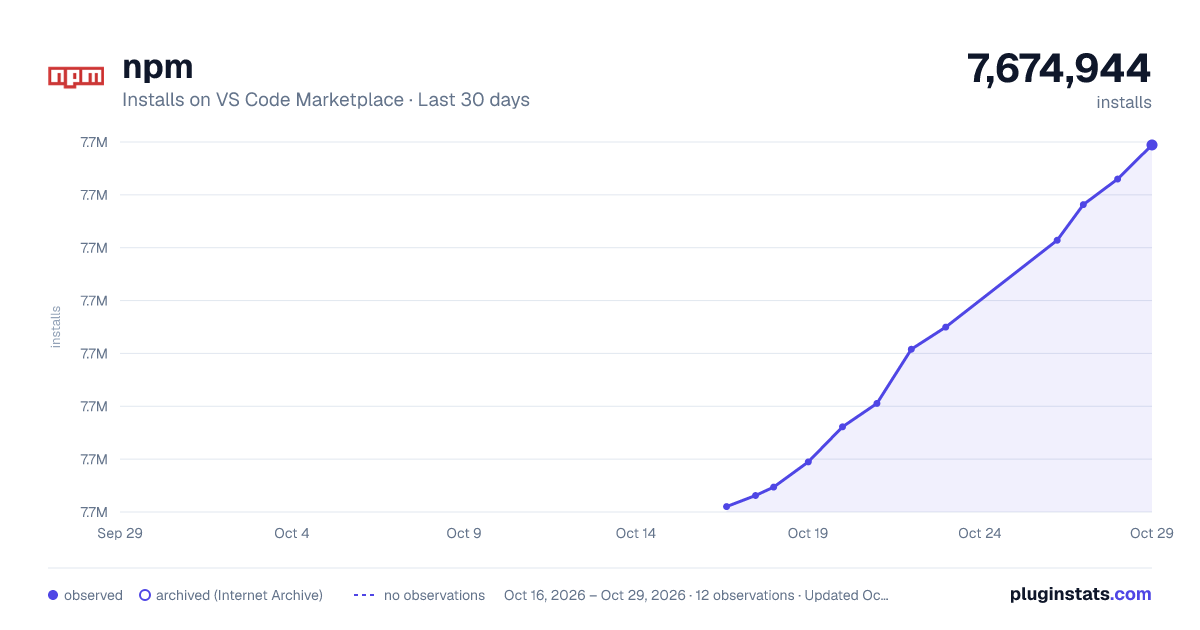
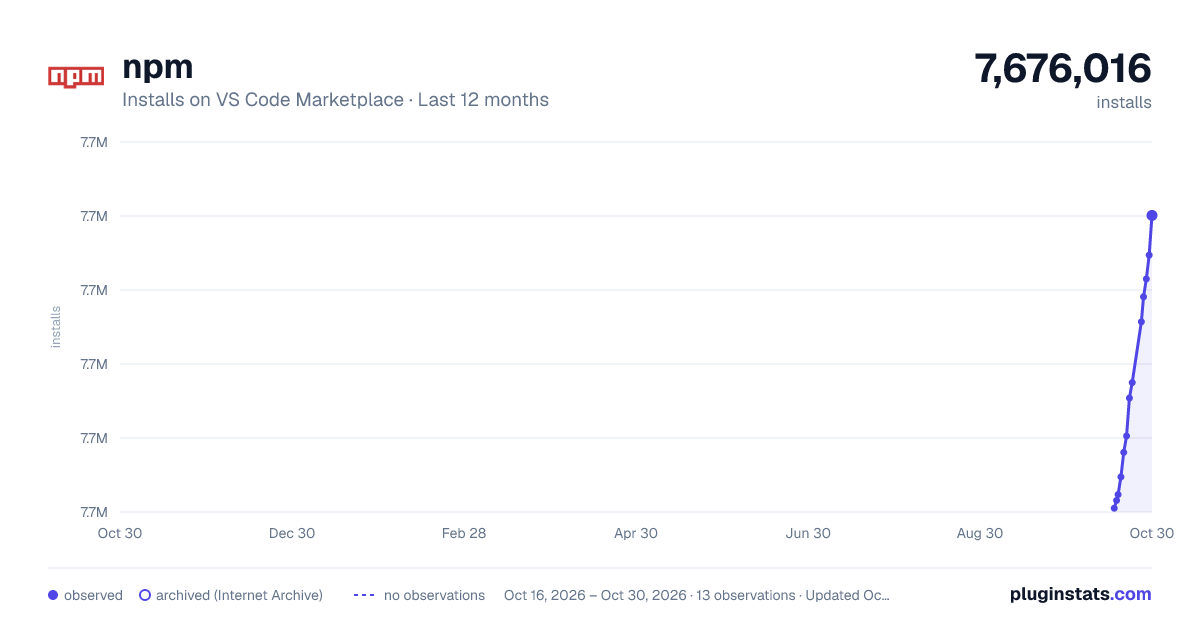
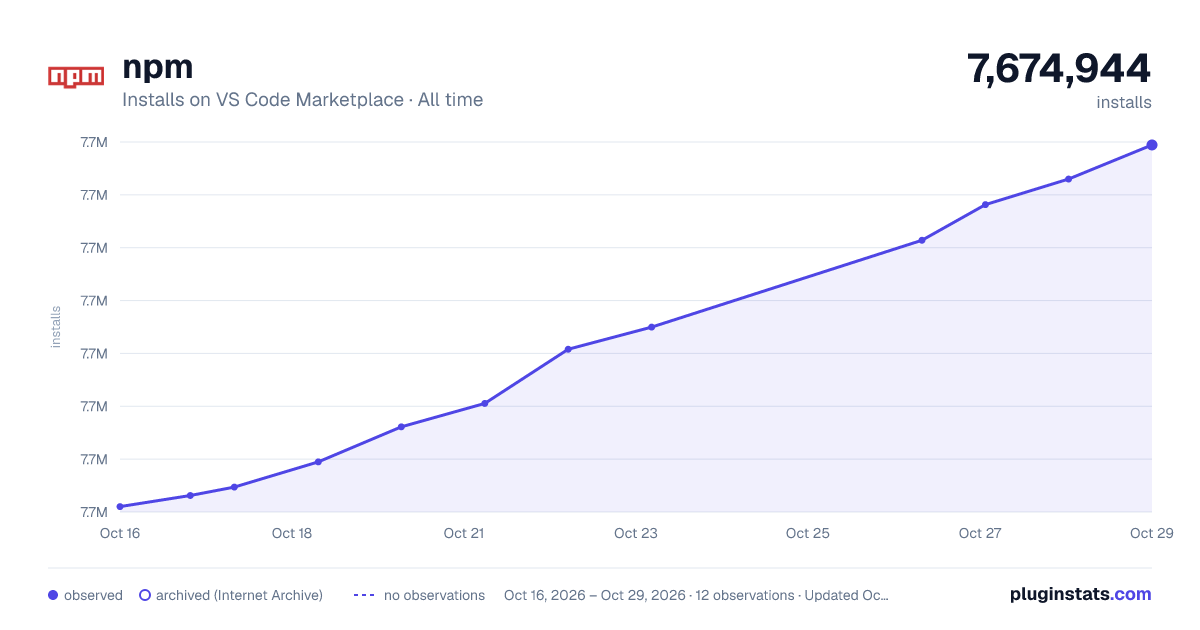

Adoption over time


7/30/90-day growth


Filled points are observed values; hollow points come from Internet Archive snapshots of the listing page. Dashed segments span periods with no observations — values between points are not interpolated.
Recent observations
Full history (3)Similar VS Code Marketplace Other plugins
Data source
Install counts, average rating, and rating counts come from the public Visual Studio Marketplace gallery API. Installs are cumulative and exclude updates.
Listing: https://marketplace.visualstudio.com/items?itemName=eg2.vscode-npm-script. First seen Oct 16, 2026; last successful collection Oct 18, 2026. See the methodology.