 PluginStats
language-mcfunction installs statistics
By Arcensoth · VS Code Marketplace · Programming Languages
Syntax highlighting for mcfunction files.
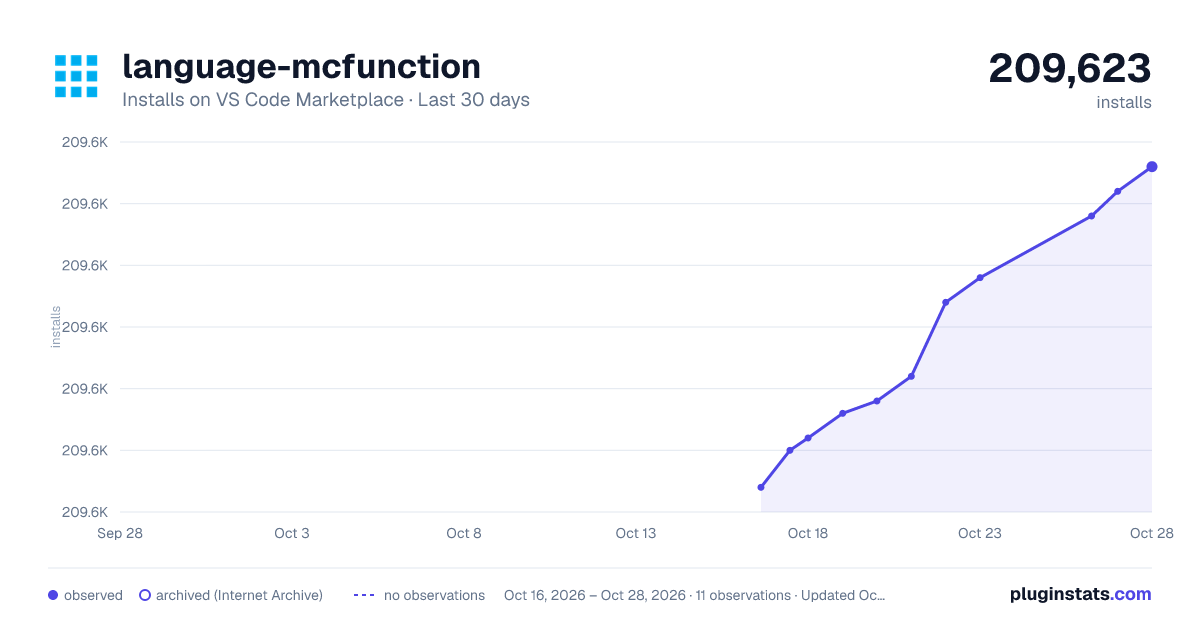
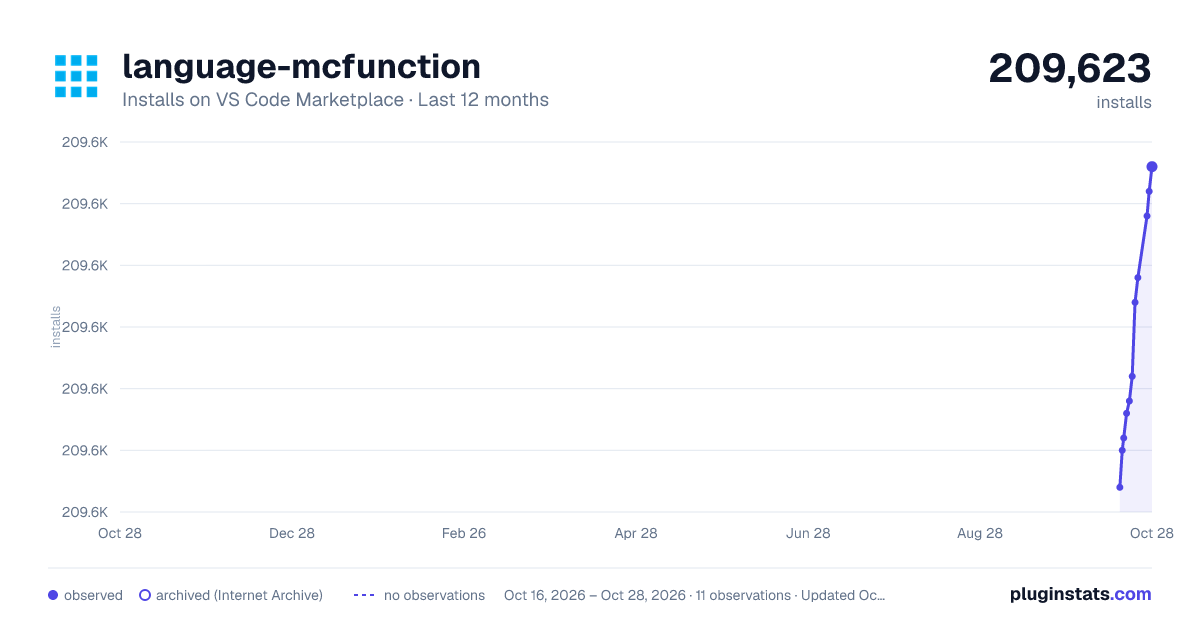
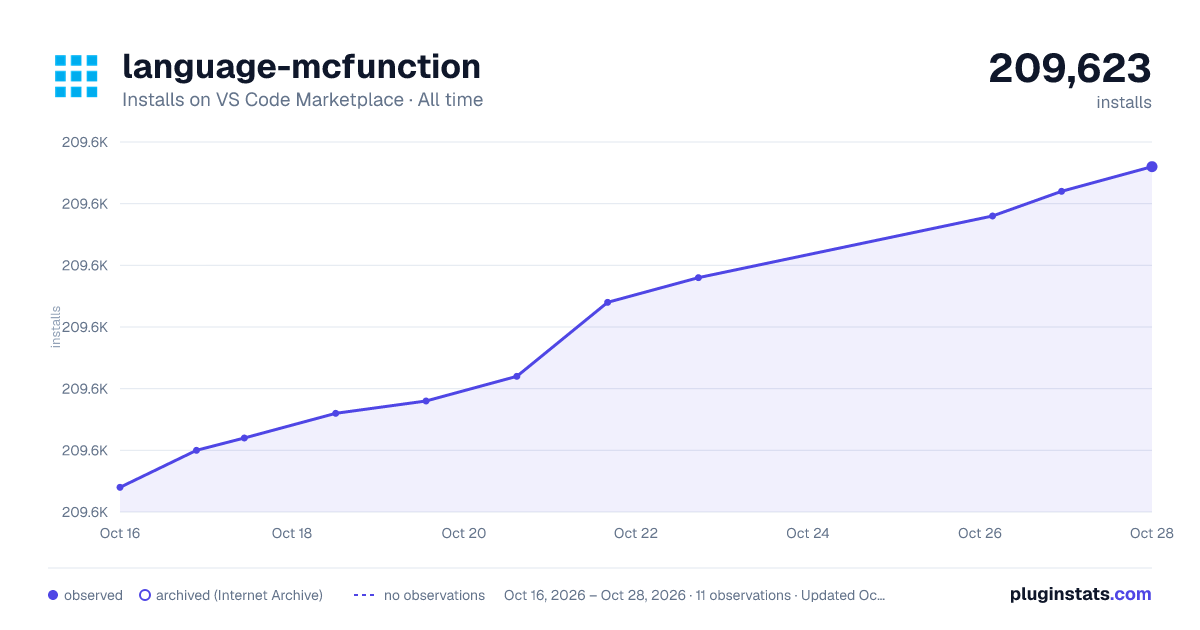
language-mcfunction has 209,603 recorded installs on VS Code Marketplace.
It ranks #1456 of 2,501 tracked VS Code Marketplace listings by installs.
It is rated 4.9 out of 5 from 13 ratings.
PluginStats has 4 daily observations since Oct 16, 2026; the latest is from Oct 19, 2026.
Rating: 4.92 / 5 from 13 ratings
About language-mcfunction
language-mcfunction
Language grammars and syntax highlighting for mcfunction files.
[![github-license-badge]](https://github.com/Arcensoth/language-mcfunction) [![vscode-version-badge]](https://marketplace.visualstudio.com/items?itemName=arcensoth.language-mcfunction) [![discord-chat-badge]](https://discord.gg/ZdxgcAD)
This project provides two types of grammars: the default, version-agnostic grammar (shown below), and WIP version-specific grammars.
• [Install] • [Installing the VSCode extension] • [Installing the SublimeText package] • [Features] • [Syntax highlighting] • [Custom block comments] • [Configure] • [Configuring the version-agnostic grammar] • [Configuring the version-specific grammars] • [Customize] • [Contribute] • [Resources]
Install
Installing the VSCode extension
The extension language-mcfunction is available from the Marketplace: https://marketplace.visualstudio.com/items?itemName=arcensoth.language-mcfunction
Installing the SublimeText package
It is recommended you use Package Control to manage the package:
1. Install Package Control if it is not already present. 2. Run the Package Control: Add Repository command and enter https://github.com/Arcensoth/language-mcfunction to add the repository as a package. 3. Run the Package Control: Install Package and search for language-mcfunction to install it as you would a normal package.
This will keep the package updated with the repository automatically.
Otherwise you can clone the repository into user packages (e.g. %appdata%\Sublime Text 3\Packages) and update it manually.
Features
Syntax highlighting
Here's an album with everything below.
• [x] Comments and indentation: # This is a comment • [x] [Custom block comments]: #> This is a block heading • [x] Booleans: true / false • [x] Numbers: 20 / 3.14 / .001 • [x] Operations: = / /= / %= / etc • [x] Ranges: 1.. / 3.14..20 / ...001 • [x] Relative coordinates: ~ / ~10 / ~-4.5 • [x] Local coordinates: ^ / ^-1 / ^.05 • [x] Resource locations: minecraft:chests/simple_dungeon / #minecraft:wools • [x] Block predicates: minecraft:dispenser[facing=up] • [x] Unquoted strings: mypack.some.tag / mypack.custom_crafting_marker • [x] Quoted strings with escaping: "hello world" / "CustomName With Spaces" • [x] Single-quoted strings: 'hello world' / '{"text": "hello world"}' • [x] NBT compounds/lists: { Fire: 20s , NoGravity: true, Tags: [ "mytag" ] } • [x] NBT paths: SelectedItem.Count / RecordItem.tag.mycustomtag • [x] JSON/text components: {"text": "hello world", "color": "blue"} • [x] UUIDs: f7a39418-72ca-4bf2-bc7e-ba9df67a4707 0-0-0-0-0 • [x] Fakeplayers: #hidden / $fakefoo / %fakebar • [x] Base selectors: @e • [x] Selectors with arguments: @e[tag=foo] / @e[tag=!foo] • [x] Literal arguments: gamemode / sort • [x] Numeric arguments: x / y / z / limit • [x] Range arguments: distance / level • [x] Resource location arguments: type • [x] Unquoted string arguments: tag • [x] Quoted string arguments: name • [x] NBT compound arguments: nbt • [x] Score arguments: scores • [x] Advancement arguments: advancements
Custom block comments
It's common for datapack developers to comment parts of their code with things like headings, parameters, return values, etc. To support these patterns for those who wish to use them, the grammar implements custom block comments. These types of comments are gated behind a vanilla-compatible alternate comment style.
The prefix #> can be used to initiate a block comment:
Click here for a detailed example.
As of writing there is no documentation standard, however the grammar has the capacity to support this via block comments and alternate comment styles.
Configure
Configuring the version-agnostic grammar
This is a generic "version-agnostic" grammar that does not target any particular version of Minecraft. As a result it may not be as accurate as version-specific grammars, however it will continue to work for multiple versions of the game.
The version-agnostic mcfunction language should be active by default. It provides a decent fallback for otherwise unsupported versions of Minecraft. In order to do this, it must not assume any particular version. Because it cannot assume a version, it cannot provide context-sensitive highlighting.
In the future, the [version-specific grammars] will be preferred when available.
Configuring the version-specific grammars
The version-specific grammars are currently under heavy development. These grammars are incomplete and experimental. They do not yet support the same feature set as the [version-agnostic grammar]. Please only use these grammars if you intend to contribute in some form, such as pull requests, bug reports, or general feedback. To use the version-specific grammars, you will need to build them and configure the extension yourself.
The version-specific grammars are partially generated based on Minecraft's generated data, which is available for Minecraft versions 1.13 and higher. They have context-sensitive highlighting and command validation comparable to the in-game command bar.
In VSCode, you can easily choose which version of mcfunction to use by changing the .mcfunction extension association in your workspace settings:
This option can also be set on the user-level in settings.json or folder-level in .vscode/settings.json.
Customize
Currently available for the [version-specific grammars].
Scopes have been assigned with user customization in mind. If your editor allows scope overrides, this will make it easy to customize your own colours for a variety of scopes.
• [Customizing errors] • [Customizing comments] • [Customizing commands] • [Customizing selectors] • [Customizing NBT] • [Customizing text components] • [Customizing resource locations] • [Customizing strings] • [Customizing numbers] • [Customizing tags, teams, and objectives] • [Other customizable scopes]
Customizing errors
| Short name | Full scope name | Examples |…
Description from the VS Code Marketplace listing.
- datapack
- mcfunction
- minecraft
Charts
Images: 30d · 1y · all time · 1600×900 dark

Adoption over time


7/30/90-day growth


Ranking history


Ratings over time


Listing placement


Filled points are observed values; hollow points come from Internet Archive snapshots of the listing page. Dashed segments span periods with no observations — values between points are not interpolated.
Each band is one page of 20. Installs on a log scale. Placement is projected from installs, so it can differ from the marketplace's own sort order. Hover a dot to see the listing.
Recent observations
Full history (4)Similar VS Code Marketplace Programming Languages plugins
All 20 language-mcfunction alternativesData source
Install counts, average rating, and rating counts come from the public Visual Studio Marketplace gallery API. Installs are cumulative and exclude updates.
Listing: https://marketplace.visualstudio.com/items?itemName=arcensoth.language-mcfunction. First seen Oct 16, 2026; last successful collection Oct 19, 2026. See the methodology.