 PluginStats
glsl-canvas installs statistics
By circledev · VS Code Marketplace · Snippets
Live WebGL preview of GLSL shaders
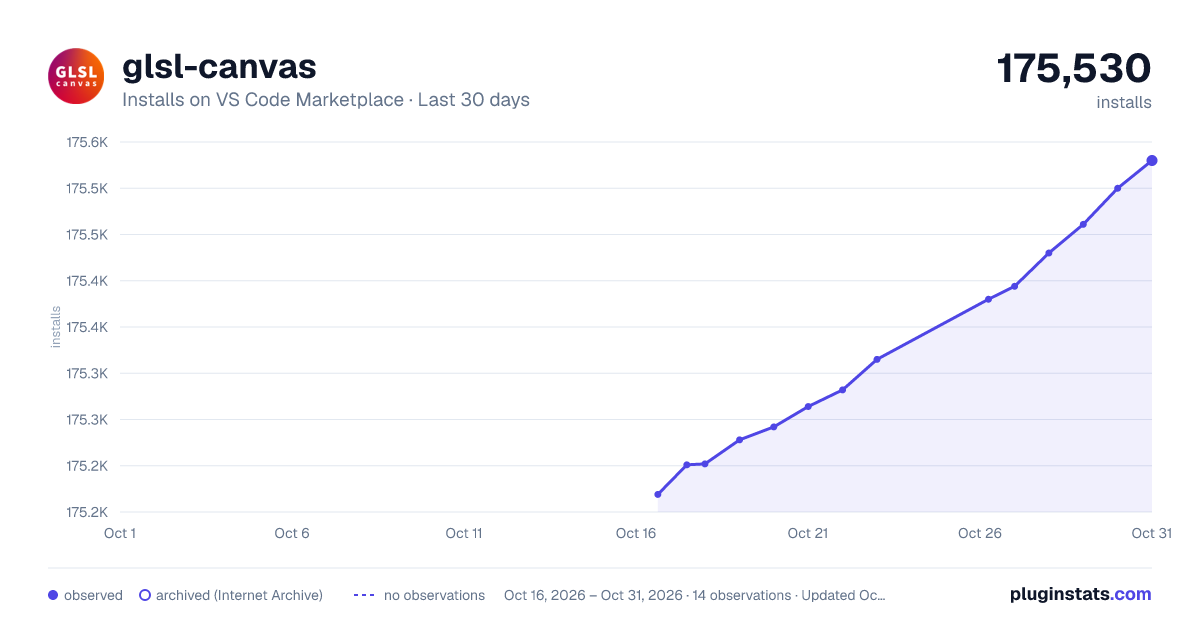
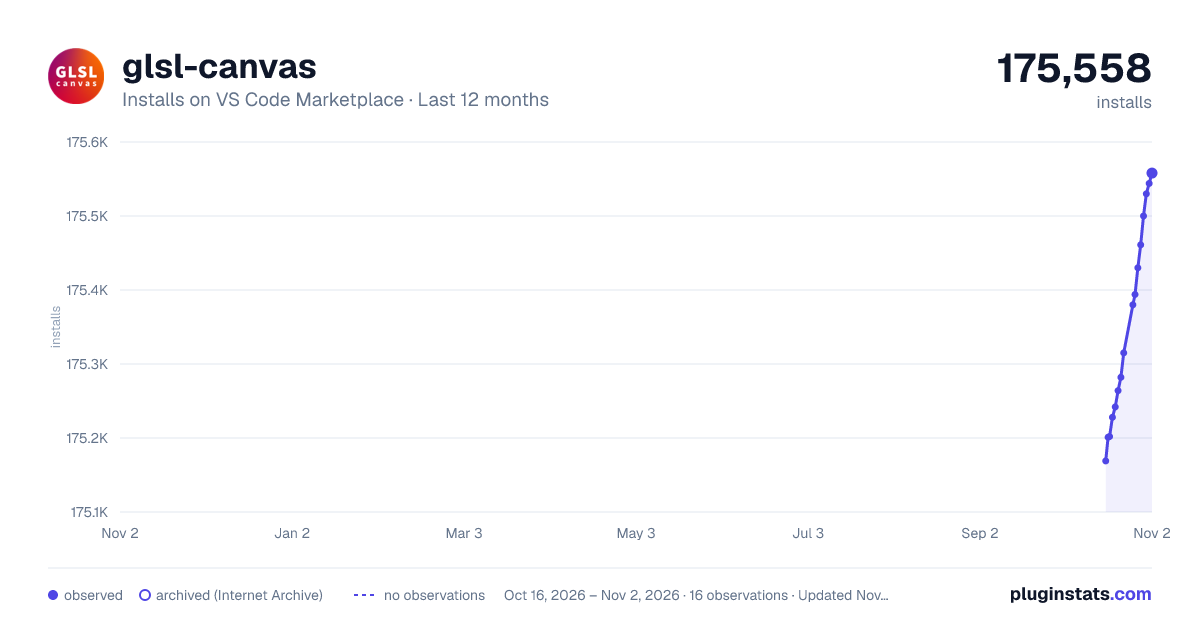
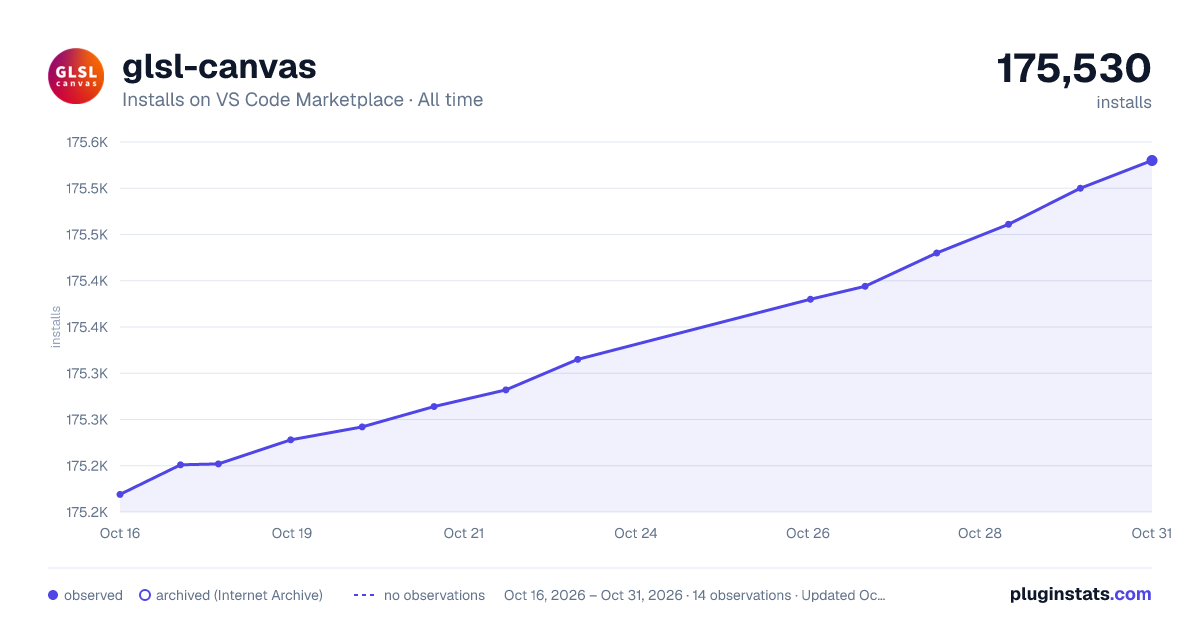
glsl-canvas has 175,282 recorded installs on VS Code Marketplace, ranking #1676 of 2,502 tracked listings.
Rating: 4.43 / 5 from 7 ratings
About glsl-canvas
💎 vscode-glsl-canvas


The extension opens a live WebGL preview of GLSL shaders within VSCode by providing a Show glslCanvas command.
It use glsl-canvas a modified and improved version of glslCanvas javascript library from Book of Shaders and glslEditor made by Patricio Gonzalez Vivo.
Now supporting WebGL2. just add #version 300 es at the very start of the file.
Now supporting nested includes with relative paths.
Optimized video recording options, with record size and duration. Choose between MediaRecorderApi or CCapture for high quality compression.
Run ⌘ ⇧ P on mac os, ctrl ⇧ P on windows.
Then type Show glslCanvas command to display a fullscreen preview of your fragment shader.
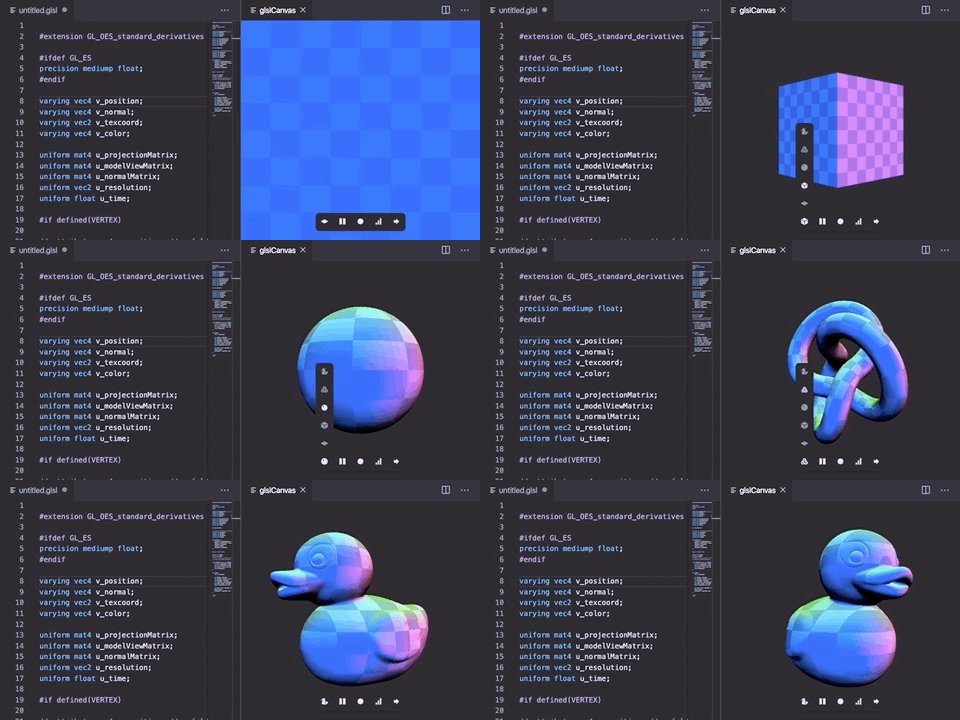
Features
- Both supports WebGL and WebGL2. Automatically create WebGL2 context by adding
#version 300 esas the first line of file. - Integrated support of error handling with lines hilight.
- Drawing modes:
flat,box,sphere,torusandmeshwith default mesh. - Mesh loader and parser for
.objformat. - Vertex in fragment with
VERTEXmacro. - Multiple buffers with
BUFFERmacro. - Play / pause functionality.
- Recording and exporting to
.webmvideo with resolution and duration settings, usingMediaRecorderorCCapturefor high quality video. - Activable stats.js performance monitor.
- Custom uniforms.
- Activable gui for changing custom uniforms at runtime.
- Export to html page with live reload.
- Glsl code formatter standard and compact mode.
- Glsl Snippets.
Attributes
The attributes provided are a_position, a_normal, a_texcoord, a_color.
| Type | Property |
|---|---|
vec4 | a_position |
vec4 | a_normal |
vec2 | a_texcoord |
vec4 | a_color |
Uniforms
The uniforms provided are u_resolution, u_time, u_mouse, u_camera and u_trails[10].
| Type | Property |
|---|---|
vec2 | u_resolution |
float | u_time |
vec2 | u_mouse |
vec3 | u_camera |
vec2[10] | u_trails[10] |
WebGL Extensions
You can include any supported WebGL extension through the glsl-canvas.extensions array option modifying the workspace's settings.json file.
{
    "glsl-canvas.extensions": [
		"EXT_shader_texture_lod"
	]
}
You can then enable the extension in the shader
#extension GL_EXT_shader_texture_lod : enable

vec3 color = texture2DLodEXT(u_texture, st, 0.0).rgb;
WebGL2
For WebGL2 context creation just add #version 300 es at the very start of the file.
no other characters allowed before macro!
#version 300 es

precision mediump float;
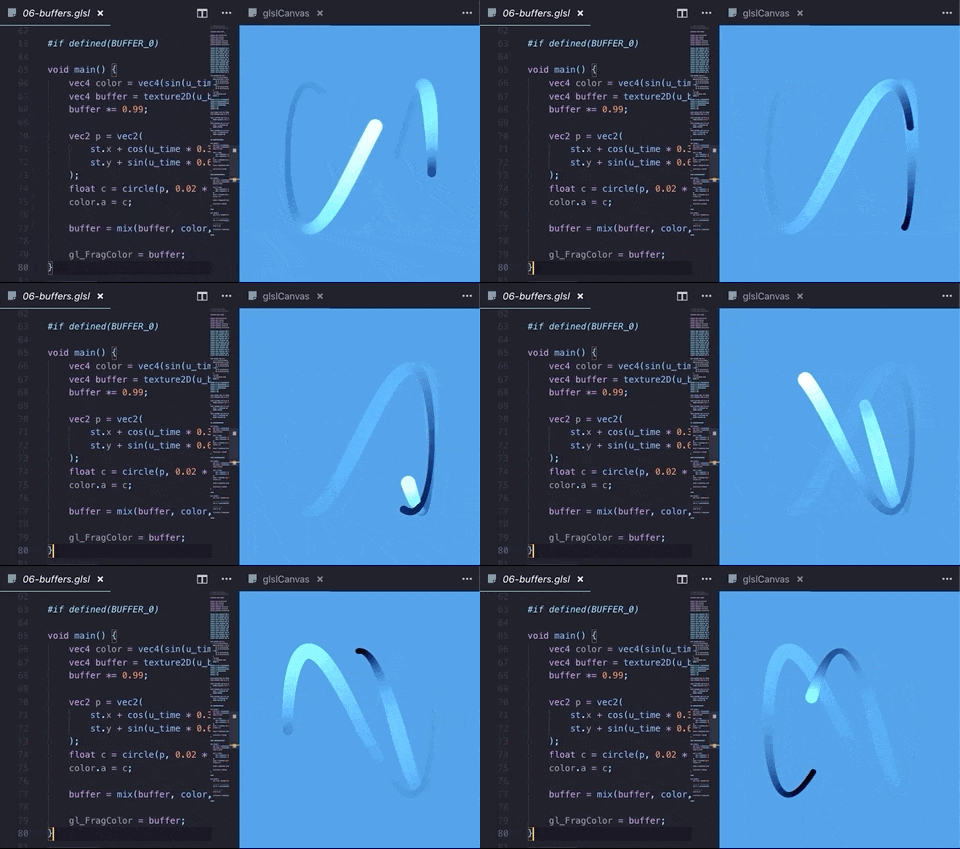
IO Buffers
You can use shader buffers by requiring definition with #ifdef or defined directly in .glsl code.
Just ask for BUFFER_N definition and a u_bufferN uniform will be created for you:
uniform sampler2D u_buffer0;

#ifdef BUFFER_0

void main() {
    vec4 color = texture2D(u_buffer0, uv, 0.0);
    ...
    gl_FragColor = color;
}

#else

void main() {
    vec4 color = texture2D(u_buffer0, uv, 0.0);
    ...
    gl_FragColor = color;
}

#endif
Textures
You can define the texture channels (u_texture_0, u_texture_1, ...) by modifying the workspace's settings.json file.
{
    "glsl-canvas.textures": {
        "0": "./texture.png",
        "1": "https://rawgit.com/actarian/plausible-brdf-shader/master/textures/noise/cloud-1.png",
        "2": "https://rawgit.com/actarian/plausible-brdf-shader/master/textures/noise/cloud-2.jpg",
    }
}
As of today VSCode do not support video element or audio element. You can use video texture with the Export to html feature.
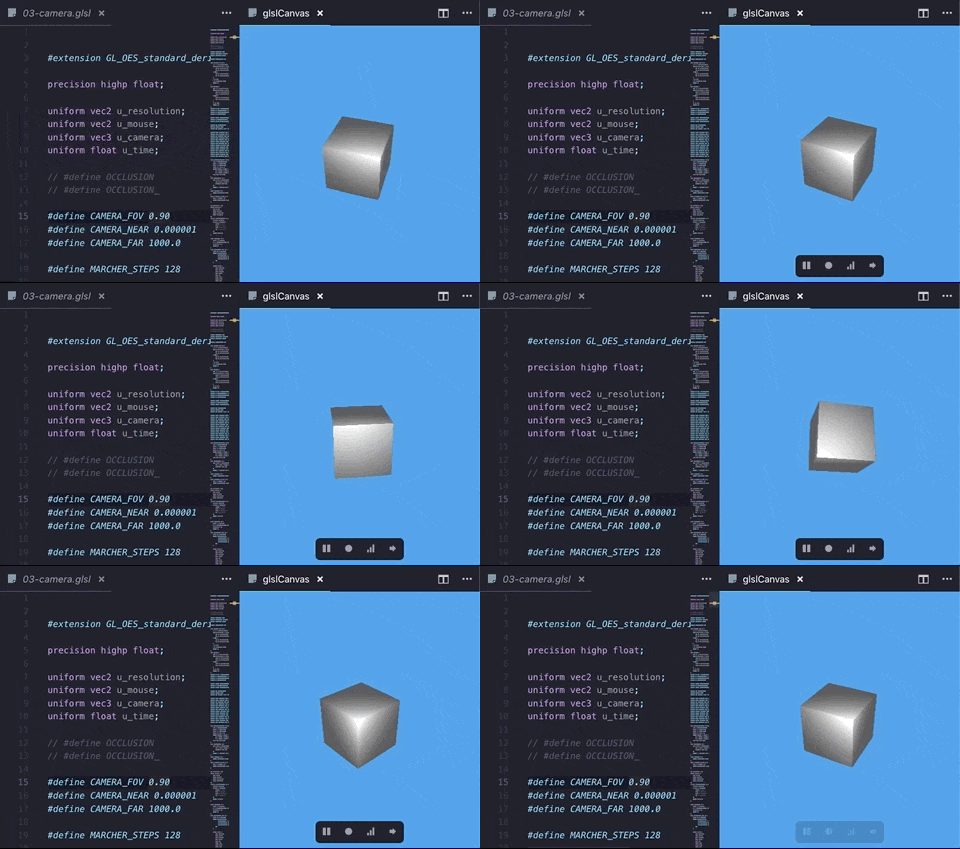
u_camera
u_camera is a vec3 array with coordinates for an orbital camera positioned at world zero, useful for raymarching.
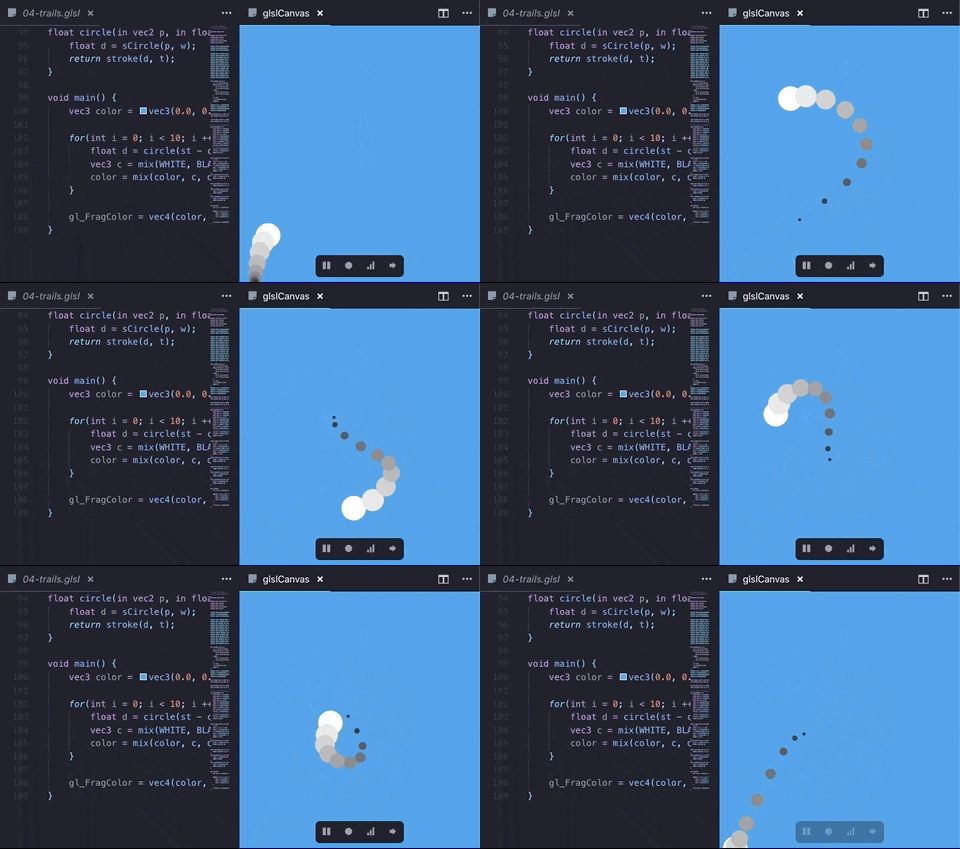
u_trails[10]
u_trails[10] is a vec2 array with stored inertia mouse positions for mouse trailing effects.
Custom Uniforms
You can also define custom uniforms by modifying the workspace's settings.json file.
{
    "glsl-canvas.uniforms": {
        "u_strength": 1.0
    }
}
```…
Description from the VS Code Marketplace listing.
- glsl
- OpenGL Shading Language
- shader
- snippet
README badge
Show your rank in a README or on your website. The badge updates automatically.
Charts
Images: 30d · 1y · all time · 1600×900 dark

Adoption over time
7/30/90-day growth
Ranking history
Ratings over time
Listing placement
Listing placement
Filled points are observed values; hollow points come from Internet Archive snapshots of the listing page. Dashed segments span periods with no observations — values between points are not interpolated.
Each band is one page of 20. Installs on a linear scale. Placement is projected from installs, so it can differ from the marketplace's own sort order. Hover a dot to see the listing.
Recent observations
Full history (7)Similar VS Code Marketplace Snippets plugins
All 20 glsl-canvas alternativesData source
Install counts, average rating, and rating counts come from the public Visual Studio Marketplace gallery API. Installs are cumulative and exclude updates.
Listing: https://marketplace.visualstudio.com/items?itemName=circledev.glsl-canvas. First seen Oct 16, 2026; last successful collection Oct 22, 2026. See the methodology.