 PluginStats
Swift (Deprecated) installs statistics
By Swift Server Work Group · VS Code Marketplace · Other
Swift Language Support for Visual Studio Code (Deprecated, use swiftlang.swift-vscode)
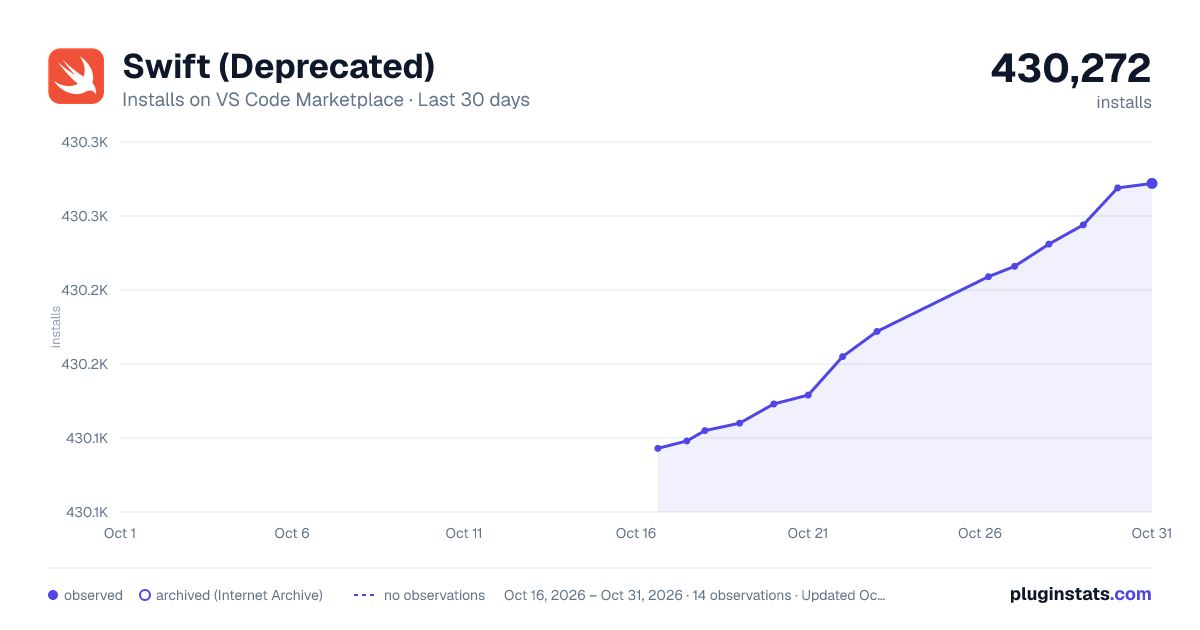
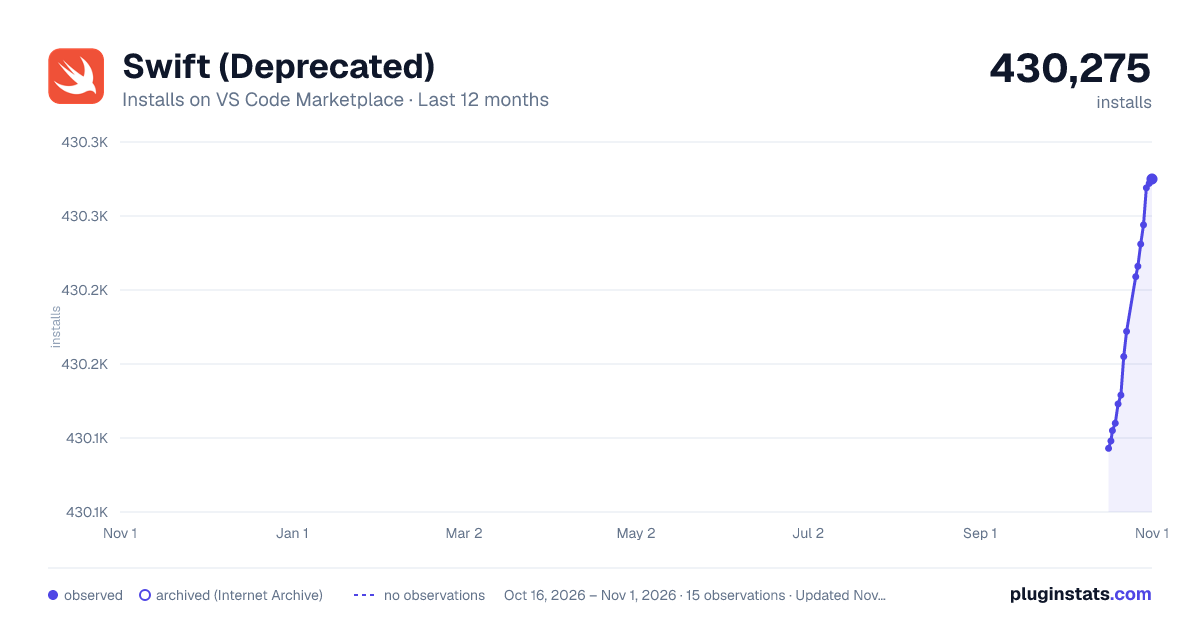
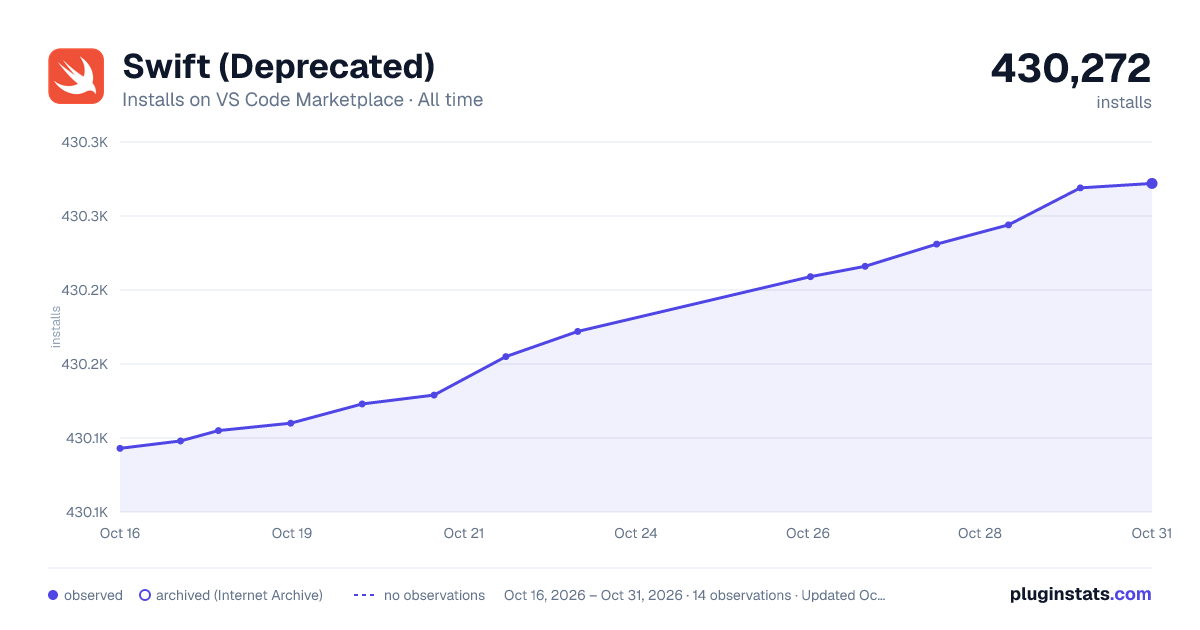
Swift (Deprecated) has 430,105 recorded installs on VS Code Marketplace.
It ranks #924 of 2,500 tracked VS Code Marketplace listings by installs.
It is rated 4.9 out of 5 from 27 ratings.
PluginStats has 3 daily observations since Oct 16, 2026; the latest is from Oct 18, 2026.
Rating: 4.89 / 5 from 27 ratings
About Swift (Deprecated)
Swift for Visual Studio Code (Deprecated)
[!WARNING] This extension has been moved to swiftlang.swift-vscode in the VS Code Marketplace. This extension (sswg.swift-lang) is a deprecated, and exists to help migrate existing extension users to the new extension location. Do not install this extension, instead please download swiftlang.swift-vscode. If you have both extensions installed, please uninstall the sswg.swift-lang version, which is marked as _deprecated_.
This extension adds language support for Swift to Visual Studio Code. It supports:
• Code completion • Jump to definition, peek definition, find all references, symbol search • Error annotations and apply suggestions from errors • Automatic generation of launch configurations for debugging with CodeLLDB • Automatic task creation • Package dependency view • Test Explorer view
Swift support uses SourceKit LSP for the language server to power code completion and LLDB to enable debugging.
The extension is developed by members of the Swift Community and maintained by the SSWG. The aim is to provide a first-class, feature complete extension to make developing Swift applications on all platforms a seamless experience.
If you experience any issues or want to propose new features please create an issue or post on the swift.org forums in the VS Code Swift Extension category.
Contributing
The Swift for Visual Studio Code extension is a community driven project, developed by the amazing Swift community. Any kind of contribution is appreciated, including code, tests and documentation. For more details see CONTRIBUTING.md.
Installation
For the extension to work, you must have Swift installed on your system. Please see the Getting Started Guide on Swift.org for details on how to install Swift on your system. Install the extension from VS Code Marketplace and open a Swift package! You'll be prompted to install and configure the CodeLLDB extension, which you should do so.
Features
Language features
The extension provides language features such as code completion and jump to definition via the Apple project SourceKit-LSP. For these to work fully it is required that the project has been built at least once. Every time you add a new dependency to your project you should build it so SourceKit-LSP can extract the symbol data for that dependency.
Automatic task creation
For workspaces that contain a Package.swift file, this extension will create the following tasks:
• Build All: Build all targets in the Package • Build Debug : Each executable in a Package.swift get a task for building a debug build • Build Release : Each executable in a Package.swift get a task for building a release build
These tasks are available via Terminal ▸ Run Task... and Terminal ▸ Run Build Task....
Commands
The extension adds the following commands, available via the command palette.
Configuration
• Create New Project...: Create a new Swift project using a template. This opens a dialog to guide you through creating a new project structure. • Create New Swift File...: Create a new .swift file in the current workspace. • Select Toolchain: Select which locally installed Swift toolchain (including Xcode toolchains on macOS) you want to use Swift tools from.
The following command is only available on macOS
• Select Target Platform: This is an experimental command used to get code completion for iOS, tvOS projects
Building and Debugging
• Run Build: Run swift build for the package associated with the open file. • Debug Build: Run swift build with debugging enabled for the package associated with the open file, launching the binary and attaching the debugger. • Attach to Process...: Attach the debugger to an already running process for debugging. • Clean Build Folder: Clean the build folder for the package associated with the open file, removing all previously built products.
Dependency Management
• Resolve Package Dependencies: Run swift package resolve on package associated with open file. • Update Package Dependencies: Run swift package update on package associated with open file. • Reset Package Dependencies: Run swift package reset on package associated with open file. • Add to Workspace: Add the current package to the active workspace in VS Code. • Clean Build: Run swift package clean on package associated with open file. • Open Package.swift: Open Package.swift for package associated with open file. • Use Local Version: Switch the package dependency to use a local version of the package instead of the remote repository version. • Edit Locally: Make the package dependency editable locally, allowing changes to the dependency to be reflected immediately. • Revert To Original Version: Revert the package dependency to its original, unedited state after local changes have been made. • View Repository: Open the external repository of the selected Swift package in a browser.
Testing
• Test: Run All Tests: Run all the tests across all test targes in the open project. • Test: Rerun Last Run: Perform the last test run again. • Test: Open Coverage: Open the last generated coverage report, if one exists. • Test: Run All Tests in Parallel: Run all tests in parallel. This action only affects XCTests. Swift-testing tests are parallel by default, and their parallelism is controlled in code.
Snippets and Scripts
• Insert Function Comment: Insert a standard comment block for documenting a Swift function in the current file. • Run Swift Script: Run the currently open file, as a Swift script. The file must not be part of a build target. If the file has not been saved it will save it to a temporary file so it can be run. • Run Swift Snippet: If the currently open file is a Swift snippet then run it. • Debug Swift Snippet: If the currently open file is a Swift snippet then debug it.
Diagnostics…
Description from the VS Code Marketplace listing.
- swift
Where Swift (Deprecated) sits in the listing
Each band is one page of 20. Installs on a log scale. Placement is projected from installs, so it can differ from the marketplace's own sort order. Hover a dot to see the listing.


Charts
Images: 30d · 1y · all time · 1600×900 dark

Adoption over time


7/30/90-day growth


Ranking history


Filled points are observed values; hollow points come from Internet Archive snapshots of the listing page. Dashed segments span periods with no observations — values between points are not interpolated.
Recent observations
Full history (3)Similar VS Code Marketplace Other plugins
Data source
Install counts, average rating, and rating counts come from the public Visual Studio Marketplace gallery API. Installs are cumulative and exclude updates.
Listing: https://marketplace.visualstudio.com/items?itemName=sswg.swift-lang. First seen Oct 16, 2026; last successful collection Oct 18, 2026. See the methodology.