 PluginStats
Live Server (Five Server) installs statistics
By Yannick · VS Code Marketplace · Other
A better Live Server with instant updates, highlights and some PHP support.
Live Server (Five Server) has 3,158,183 recorded installs on VS Code Marketplace.
It ranks #244 of 2,500 tracked VS Code Marketplace listings by installs.
It is rated 4.6 out of 5 from 58 ratings.
PluginStats has 3 daily observations since Oct 16, 2026; the latest is from Oct 18, 2026.
Rating: 4.59 / 5 from 58 ratings
About Live Server (Five Server)
Five Server
A better live server
• ⚡️ Updates your files instantly while typing on your keyboard • ⬢ Remote displays the logs of your browser/phone in your terminal • 💡 Highlights the code you are working on in your browser • 🚀 Navigates your browser automatically to the current editing file • 🐘 Includes PHP Support for serving and live reload all your .php files • 🗄️ Supports all Server Side Rendered Apps like express.js
Get Started
4 ways to start your live server.
1. Click Go Live in the Status Bar (bottom of VSCode) 2. Right-Click a Open File > Open with Five Server 3. Right-Click a File in the Explorer > Open with Five Server 4. Right-Click a Folder in the Explorer > Open with Five Server (root) _(will set the current folder as root until you stop the server)_
Videos
• Instant Update • Instant Update (with PHP) • New Highlight Styles
Quick Test
Something is not working? Try the simple setup below:
• make sure you have uninstalled the old Live Server • check if you have the latest version • make a new folder www on the desktop • add the index.html (see below) • open the folder www with VSCode • click on Go Live
The setup above works but your project not?
• Maybe because your project is on another drive? • Or maybe on a USB Stick or remote folder like OneDrive or DropBox? • Make sure you open a folder in VSCode and NOT just a single file. • All these things can sometimes cause issues.
About PHP
Although Five Server can render, display and live reload PHP, it does not provide a full PHP server. If you want to develop a big PHP app, you manually have to link the client-side Five Server script with your PHP files. See five-server-with-php.
Features
💡 Most advanced features are disabled by default. Turn them on in the settings or by configuring a fiveserver.config.js file in the root of your workspace.
Note:
• Instant Update & Highlight works with .html and .php files. • All remote logs will be visible in a new Terminal called "Five Server". • The features highlight, injectBody and remoteLogs are disable by default. • To use the highlight feature, injectBody has to be activated. • injectBody performs some simple HTML Validation. When using injectBody, a message will be displayed if your HTML Page is invalid. • To temporarily disable highlight for a single HTML Tag, add a H. Example: Don't highlight me
Config File Example:
More Docs
• Read Five Server - Documentation. • Read Five Server - Config File. • Check all available options for the Config File in /src/types.ts. • Check all available colors for the remoteLogs in /src/colors.ts.
Known Issues
• Sometimes injectBody does not work well when using inline JavaScript inside . As a workaround, execute your inline scripts after Five Server is connected:
Debug Mode
Need to debug something? Set debugVSCode to true.
Release Notes
_No release notes while < v1.0.0_
Support Five Server
Description from the VS Code Marketplace listing.
- browser
- cli
- development
- highlight
- html
- http
- instant
- keybindings
- live
- live server
- live-server
- php
- preview
- refresh
- reload
- remote
- server
- tool
- update
Where Live Server (Five Server) sits in the listing
Each band is one page of 20. Installs on a log scale. Placement is projected from installs, so it can differ from the marketplace's own sort order. Hover a dot to see the listing.


Charts
Images: 30d · 1y · all time · 1600×900 dark
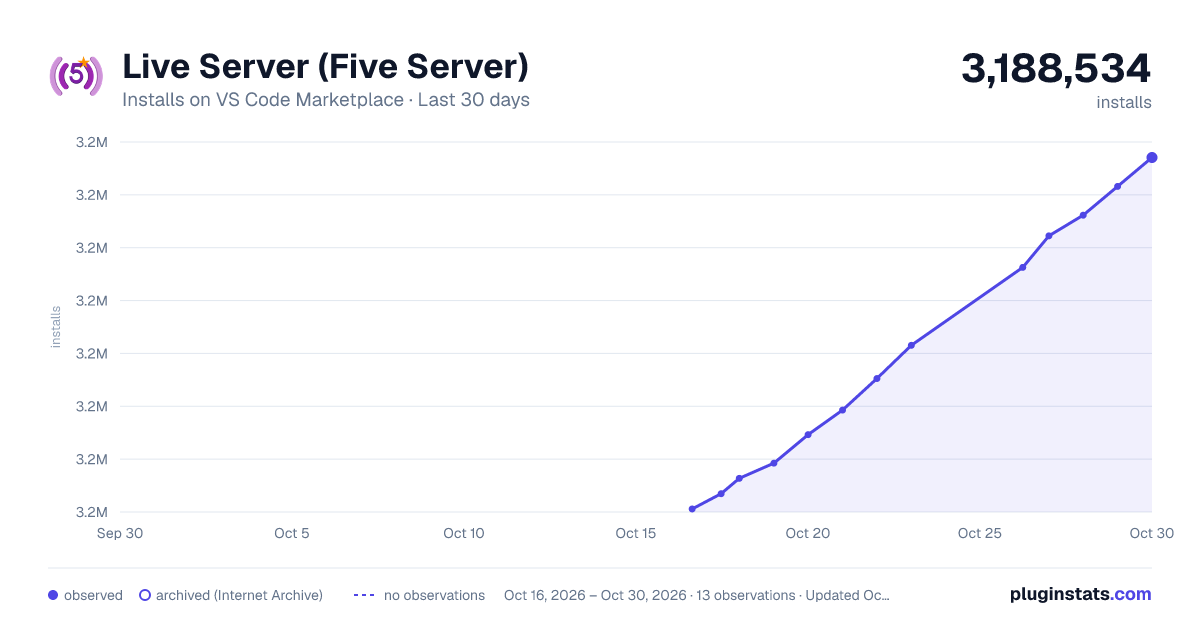
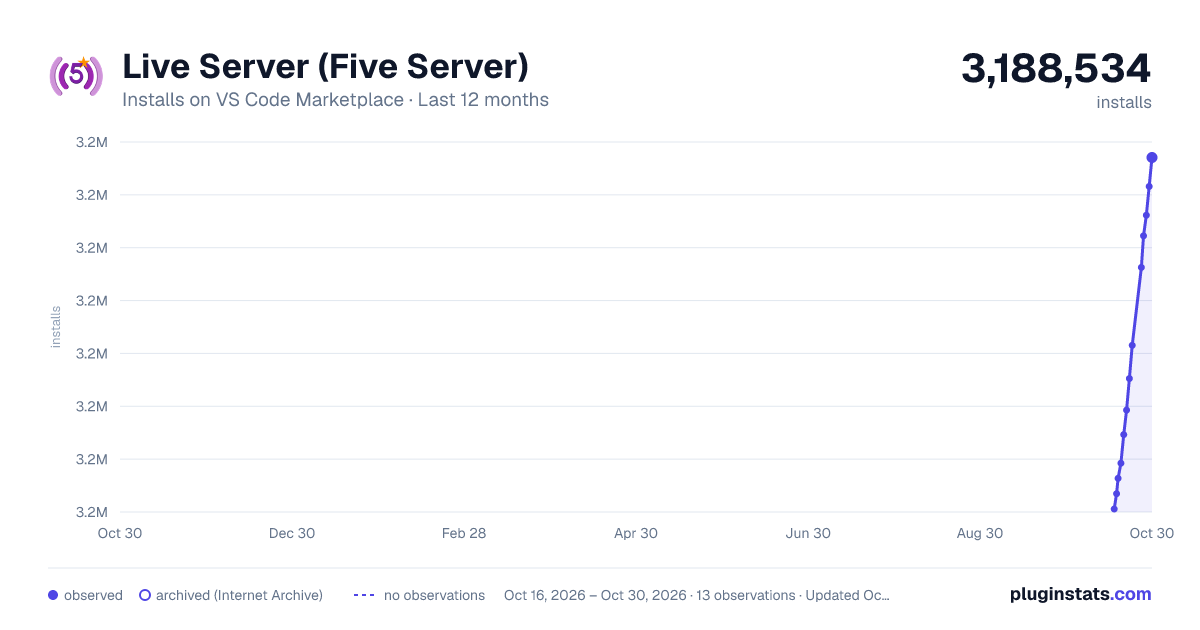
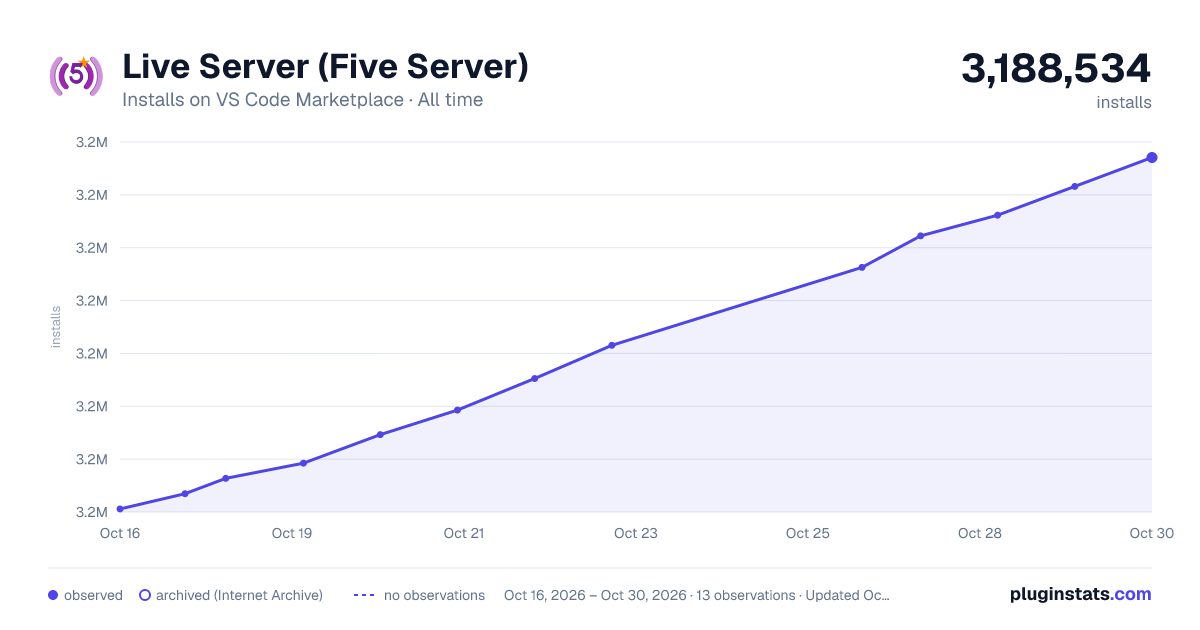

Adoption over time


7/30/90-day growth


Ranking history


Filled points are observed values; hollow points come from Internet Archive snapshots of the listing page. Dashed segments span periods with no observations — values between points are not interpolated.
Recent observations
Full history (3)Similar VS Code Marketplace Other plugins
Data source
Install counts, average rating, and rating counts come from the public Visual Studio Marketplace gallery API. Installs are cumulative and exclude updates.
Listing: https://marketplace.visualstudio.com/items?itemName=yandeu.five-server. First seen Oct 16, 2026; last successful collection Oct 18, 2026. See the methodology.