 PluginStats
Search by Sourcegraph installs statistics
By Sourcegraph (4 listings) · VS Code Marketplace · Other
Search all of your repositories across all branches and all code hosts
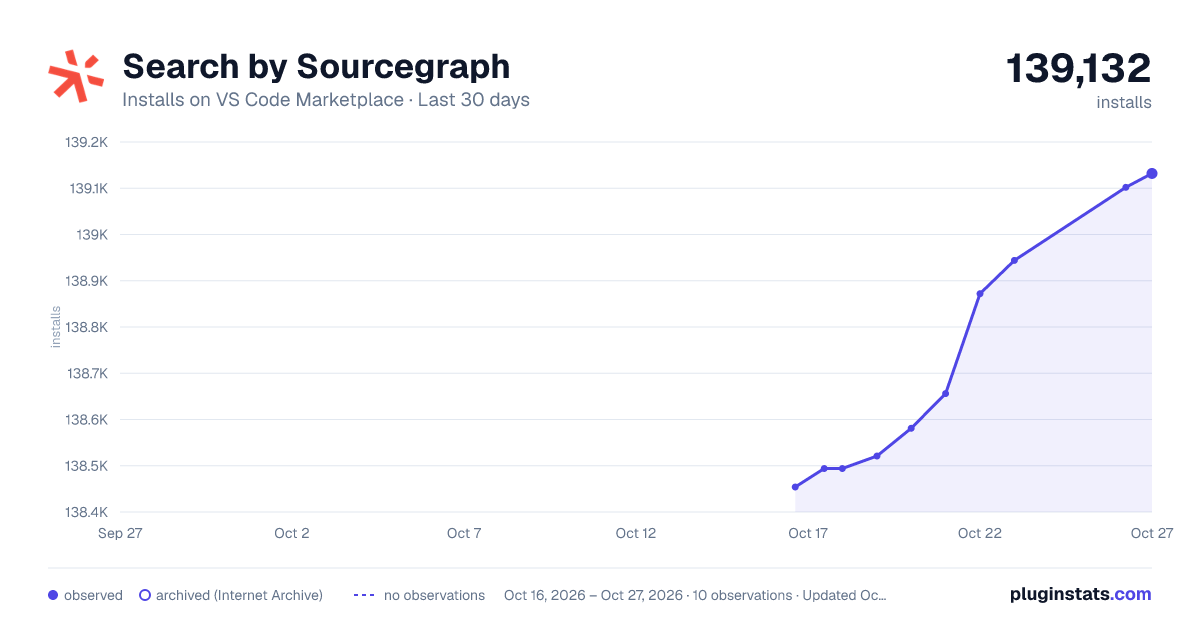
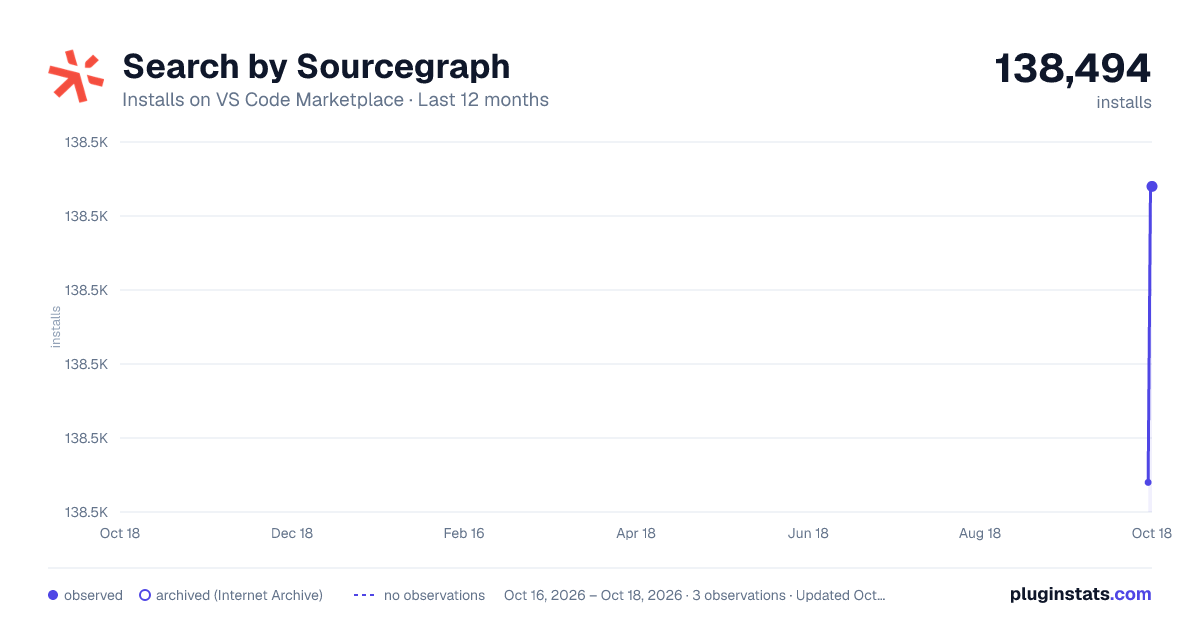
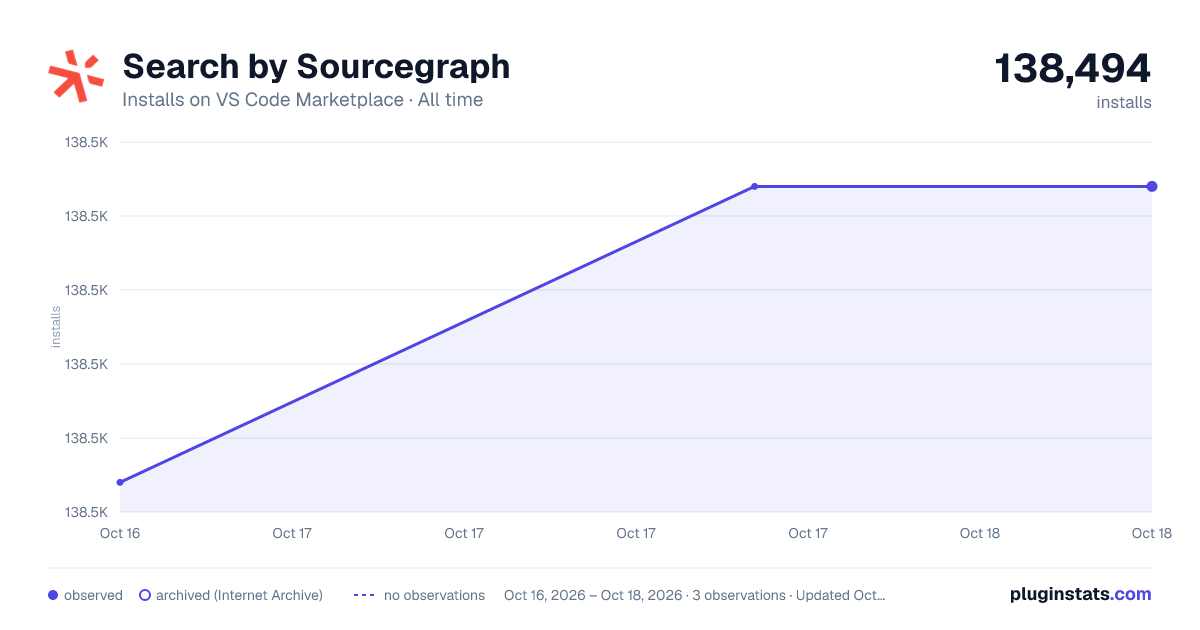
Search by Sourcegraph has 138,494 recorded installs on VS Code Marketplace.
It ranks #1946 of 2,500 tracked VS Code Marketplace listings by installs.
It is rated 5.0 out of 5 from 3 ratings.
PluginStats has 3 daily observations since Oct 16, 2026; the latest is from Oct 18, 2026.
Rating: 5.00 / 5 from 3 ratings
About Search by Sourcegraph
Sourcegraph for Visual Studio Code
Sourcegraph’s Code Search allows you to find & fix things fast across all your code.
Sourcegraph Search for VS Code allows you to search millions of open source repositories right from your VS Code IDE — for free. You can learn from helpful code examples, search best practices, and re-use code from millions of repositories across the open source universe.
Sourcegraph’s Code Intelligence feature provides fast, cross-repository navigation with “Go to definition” and “Find references” features, allowing you to understand new code quickly and find answers in your code across codebases of any size.
You can read more about Sourcegraph on our website.
Not the extension you're looking for? Download the Sourcegraph Cody extension for code AI assistance.
Installation
From the Visual Studio Marketplace:
1. Install Search by Sourcegraph from the Visual Studio Marketplace. 2. Launch VS Code, and click on the Sourcegraph (Wildcard) icon in the VS Code Activity Bar to open the Sourcegraph extension. Alternatively, you can launch the extension by pressing Cmd+Shift+P or Ctrl+Shift+P and searching for “Sourcegraph: Focus on Sourcegraph Search View.”
From within VS Code:
1. Open the extensions tab on the left side of VS Code (Cmd+Shift+X or Ctrl+Shift+X). 2. Search for Sourcegraph -> Install and Reload.
From Gitpod VS Code Workspaces:
1. Open the Extensions view by clicking on the Extensions icon in the Activity Bar on the side of your Gitpod VS Code workspace 2. Search for Sourcegraph -> Install and Reload.
Using the Sourcegraph Search extension
To get started, click the Sourcegraph (Wildcard) icon in the VS Code Activity Bar.
You can search many open source repositories indexed on https://sourcegraph.com immediately!
Sourcegraph Search functions like any search engine: type in your search query, and Sourcegraph will populate search results.
Learn more about Sourcegraph Code Search usage in our docs.
For example, you can search for "auth provider" in a Go repository with a search like this one:
Adding and searching your own code
If you are part of an organization that has installed a Sourcegraph instance, you can authenticate to it using a Personal Access Token, and then your searches will use that instance.
If you need help creating a Personal Access Token, the documentation has a helpful video.
Once you have generated a token, copy it and paste it into the Sourcegraph Search extension along with the URL to your Sourcegraph instance.
Click Authenticate account to login and start searching your own code!
If specific headers are required to connect to your Sourcegraph instance, you can configure them in the VSCode settings using the sourcegraph.requestHeaders setting.
There are other settings such as proxy details that you can set also. Search for "sourcegraph" in Settings to find them.
Adding it to your workspace's recommended extensions
1. Create a .vscode folder (if not already present) in the root of your repository 2. Inside that folder, create a new file named extensions.json (if it doesn't already exist) with the following structure.
3. If the file does exist, append "sourcegraph.sourcegraph" to the "recommendations" array. 4. Push the changes to your repository for your other colleagues to share.
Alternatively you can use the Extensions: Configure Recommended Extensions (Workspace Folder) command from within VS Code.
Keyboard Shortcuts:
| Description | Mac | Linux / Windows |
| Open Sourcegraph Search Tab/Search Selection | Cmd+Shift+8 | Ctrl+Shift+8 | | Open File in Sourcegraph | Option+A | Alt+A | | Search Selected Text in Sourcegraph | Option+S | Alt+S |
Extension Settings
This extension contributes the following settings:
| Setting | Description | Example |
| sourcegraph.remoteUrlReplacements | Object, where each key is replaced by value in the remote url. | {"github": "gitlab", "master": "main"} | | sourcegraph.defaultBranch | String to set the name of the default branch. Always open files in the default branch. | "master" | | sourcegraph.requestHeaders | Takes object, where each value pair will be added to the request headers made to your instance. | {"Cache-Control": "no-cache", "Proxy-Authenticate": "Basic"} | | sourcegraph.basePath | The file path on the machine to the folder that is expected to contain all repositories. We will try to open search results using the basePath. | "/Users/USERNAME/Documents/" | | sourcegraph.proxyProtocol | The protocol to use when proxying requests to the Sourcegraph instance. | "http", "https" | | sourcegraph.proxyHost | The host to use when proxying requests to the Sourcegraph instance. It shouldn't include a protocol (like "http://") or a port (like ":7080"). When this is set, port must be set as well. | "localhost" | | sourcegraph.proxyPort | The port to use when proxying requests to the Sourcegraph instance. When this is set, host must be set as well. | 80, 443, 7080, 9090 | | sourcegraph.proxyPath | The full path to a file when proxying requests to the Sourcegraph instance via a UNIX socket. | "/home/user/path/unix.socket" |
Uninstallation
1. Open the extensions tab on the left side of VS Code (Cmd+Shift+X or Ctrl+Shift+X). 2. Search for Sourcegraph -> Gear icon -> Uninstall and Reload.
Changelog
Click here to check the full changelog.
VS Code will auto-update extensions to the highest version available. Even if you have opted into a pre-release version, you will be updated to the released version when a higher version is released.
The Sourcegraph Search extension uses major.EVEN_NUMBER.patch (eg. 2.0.1) for release versions and major.ODD_NUMBER.patch (eg. 2.1.1) for pre-release versions.```
Development
Please see the CONTRIBUTING document if you are interested in contributing directly to our code base.
Description from the VS Code Marketplace listing.
- keybindings
Where Search by Sourcegraph sits in the listing
Each band is one page of 20. Installs on a log scale. Placement is projected from installs, so it can differ from the marketplace's own sort order. Hover a dot to see the listing.


Charts
Images: 30d · 1y · all time · 1600×900 dark

Adoption over time


7/30/90-day growth


Ranking history


Filled points are observed values; hollow points come from Internet Archive snapshots of the listing page. Dashed segments span periods with no observations — values between points are not interpolated.
Recent observations
Full history (3)Similar VS Code Marketplace Other plugins
Data source
Install counts, average rating, and rating counts come from the public Visual Studio Marketplace gallery API. Installs are cumulative and exclude updates.
Listing: https://marketplace.visualstudio.com/items?itemName=sourcegraph.sourcegraph. First seen Oct 16, 2026; last successful collection Oct 18, 2026. See the methodology.