 PluginStats
cornflakes-linter installs statistics
By kevinglasson · VS Code Marketplace · Linters
Wrapper for Python flake8 linter and associated plugins. It rectifies current issues with displaying ALL flake8 problems in the problems tab.
cornflakes-linter has 114,282 recorded installs on VS Code Marketplace, ranking #2190 of 2,502 tracked listings.
Rating: 5.00 / 5 from 3 ratings
About cornflakes-linter
Readme
"cornflakes-linter" is a wrapper for flake8.
** added onType linting (0.5) **
vscode currently already has flake8 integration HOWEVER it doesn't play nicely with flake8 plugins in that the regex can't parse the output correctly. This means that the errors/warnings/information do not show up in the problems tab. This extension rectifies that.
Quick Start.
- Make sure you have installed flake8 somewhere..
- Set the path to the flake8 in
Settings.json(or search in the vscode settings tab).
{
	"cornflakes.linter.executablePath": "path/to/venvs/myvenv/bin/flake8"
}
- Open a
.pyfile and then save it and the extension will run showing all of the lint issues in the problems tab.
Configuration
For the extension
You need to include the full path to the flake8 executable that you wish to use.
To find the path to the appropriate flake8 you can (on *nix) do. I'm sure you can do something similar on Windows too.
which flake8
The set it in Settings.json
{
	"cornflakes.linter.executablePath": "path/to/venvs/myvenv/bin/flake8"
}
Change when the linter is run
There are a couple of options here so that you can decide when to re-lint the current file. You can choose either on save or on type! Again all settings are available through the settings page, or the json.
{
	"cornflakes.linter.run": "onType"
}
Flake8 configuration
The way to configure flake8 extensions / settings / ignores and all other configuration for flake8 is by using the standard flake8 configuration rules. The extension will be run from the root directory of the workspace.
Personally I like a tox.ini in the workspace root.
[flake8]
ignore = E226,E302,E41
max-line-length = 88
exclude = tests/*
max-complexity = 10
Acknowledgements
And is virtually a direct copy of ruby-linter.
The extension architecture is based off of the PHPValidationProvider from the built-in php extension.
Attributions
<div>Icons made by <a href="https://www.flaticon.com/authors/smashicons" title="Smashicons">Smashicons</a> from <a href="https://www.flaticon.com/" title="Flaticon">www.flaticon.com</a> is licensed by <a href="http://creativecommons.org/licenses/by/3.0/" title="Creative Commons BY 3.0" target="_blank">CC 3.0 BY</a>Description from the VS Code Marketplace listing.
- flake8
- lint
- linter
- plugin
- python
README badge
Show your rank in a README or on your website. The badge updates automatically.
Charts
Images: 30d · 1y · all time · 1600×900 dark
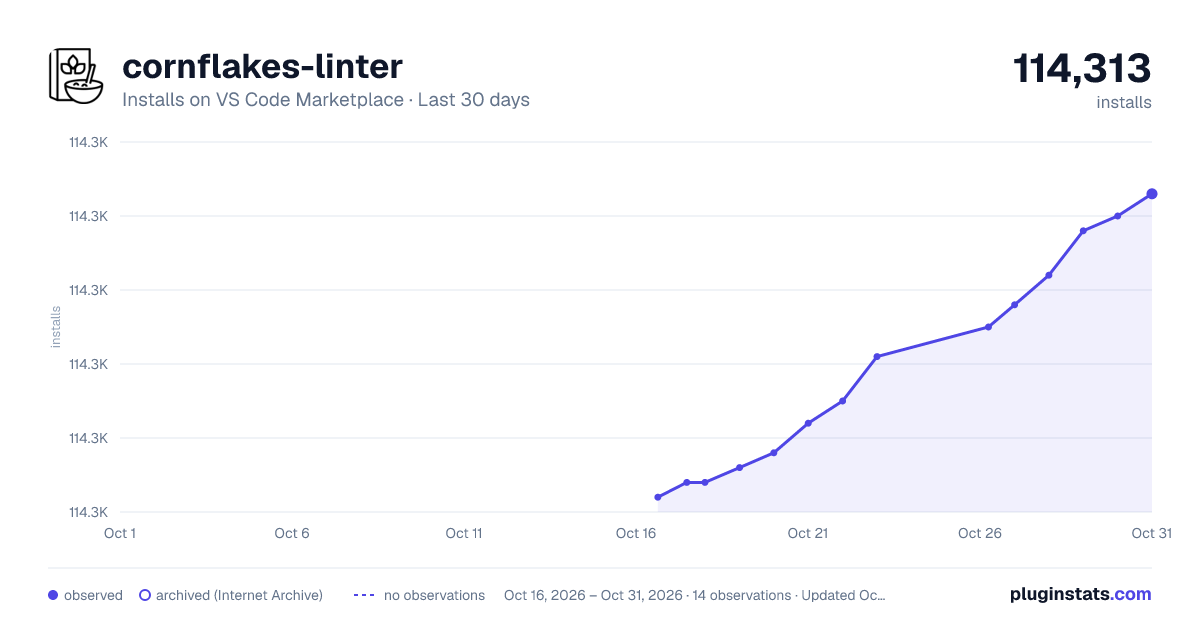
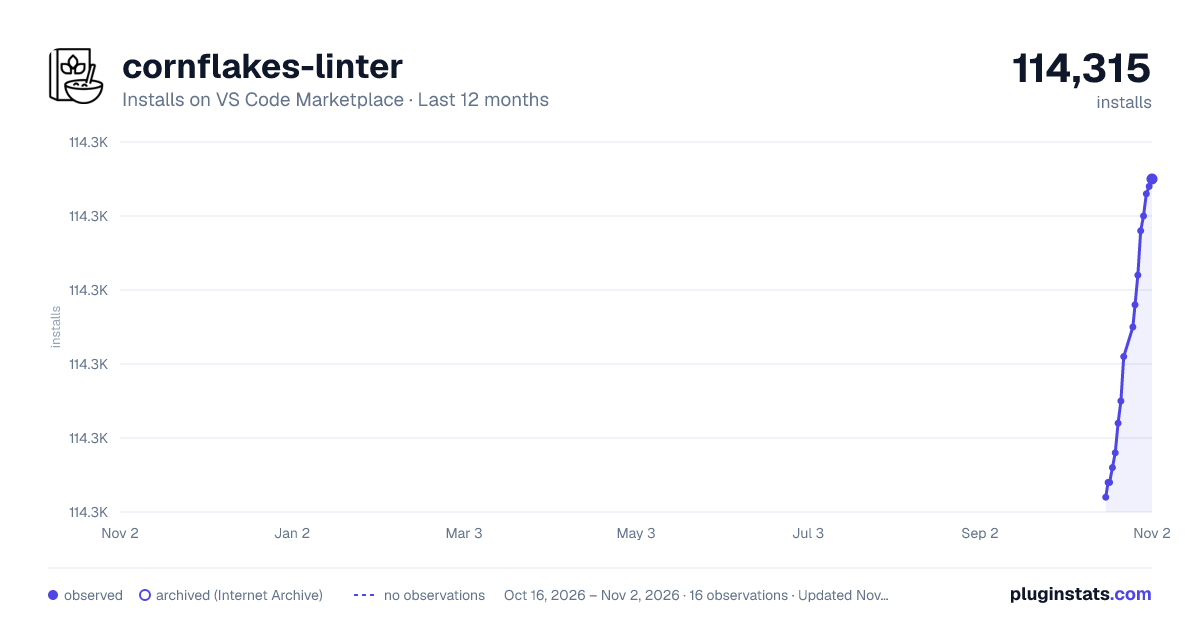
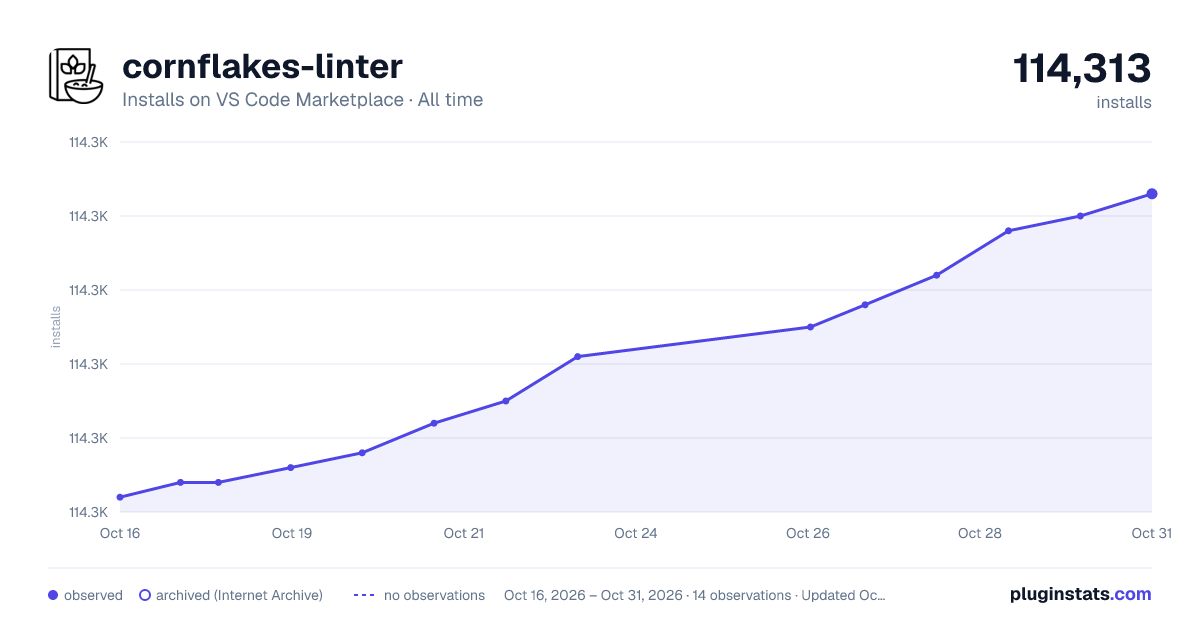

Adoption over time
7/30/90-day growth
Ranking history
Ratings over time
Listing placement
Listing placement
Filled points are observed values; hollow points come from Internet Archive snapshots of the listing page. Dashed segments span periods with no observations — values between points are not interpolated.
Each band is one page of 20. Installs on a linear scale. Placement is projected from installs, so it can differ from the marketplace's own sort order. Hover a dot to see the listing.
Recent observations
Full history (6)Similar VS Code Marketplace Linters plugins
All 20 cornflakes-linter alternativesData source
Install counts, average rating, and rating counts come from the public Visual Studio Marketplace gallery API. Installs are cumulative and exclude updates.
Listing: https://marketplace.visualstudio.com/items?itemName=kevinglasson.cornflakes-linter. First seen Oct 16, 2026; last successful collection Oct 21, 2026. See the methodology.