 PluginStats
elm installs statistics
By Elm · VS Code Marketplace · Programming Languages
Elm Language Support for Visual Studio Code
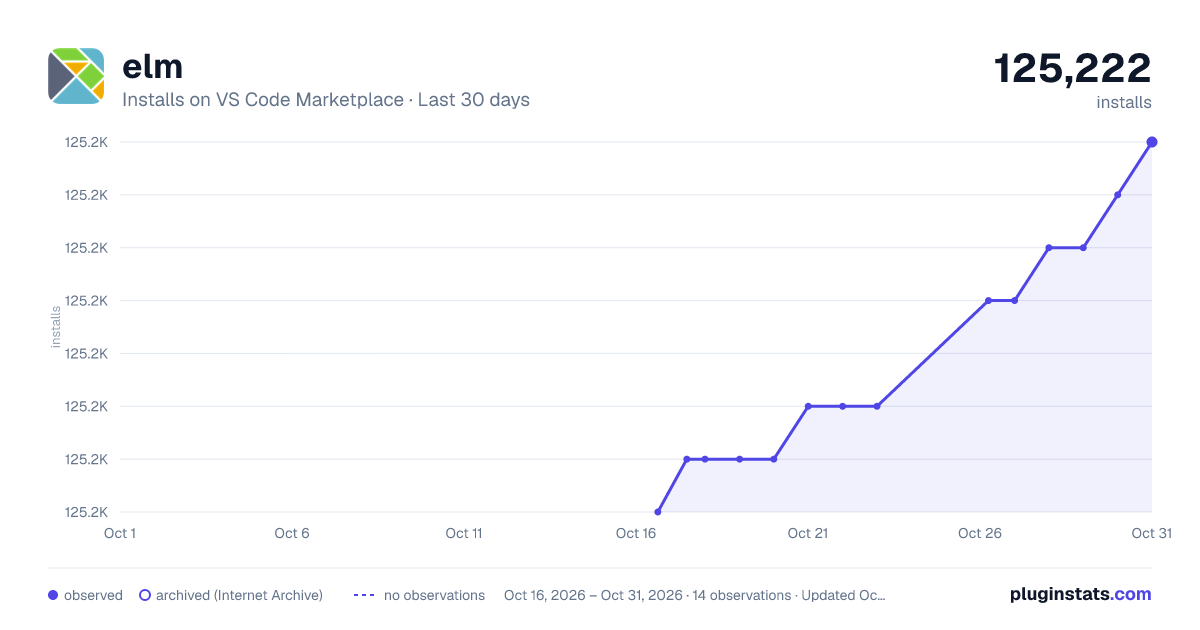
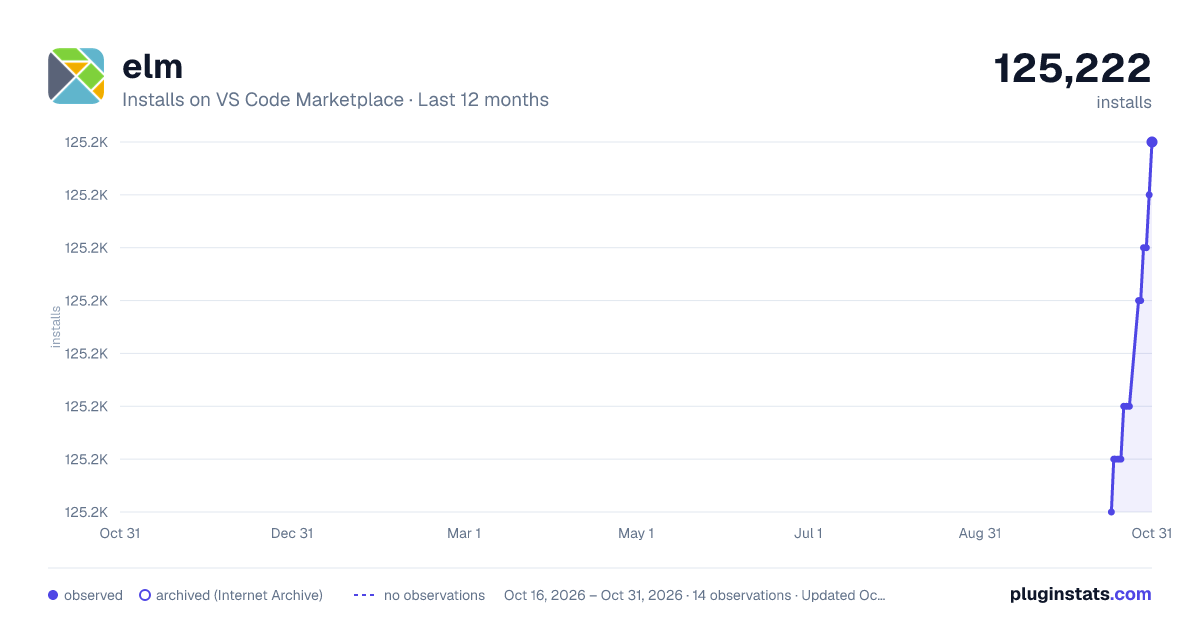
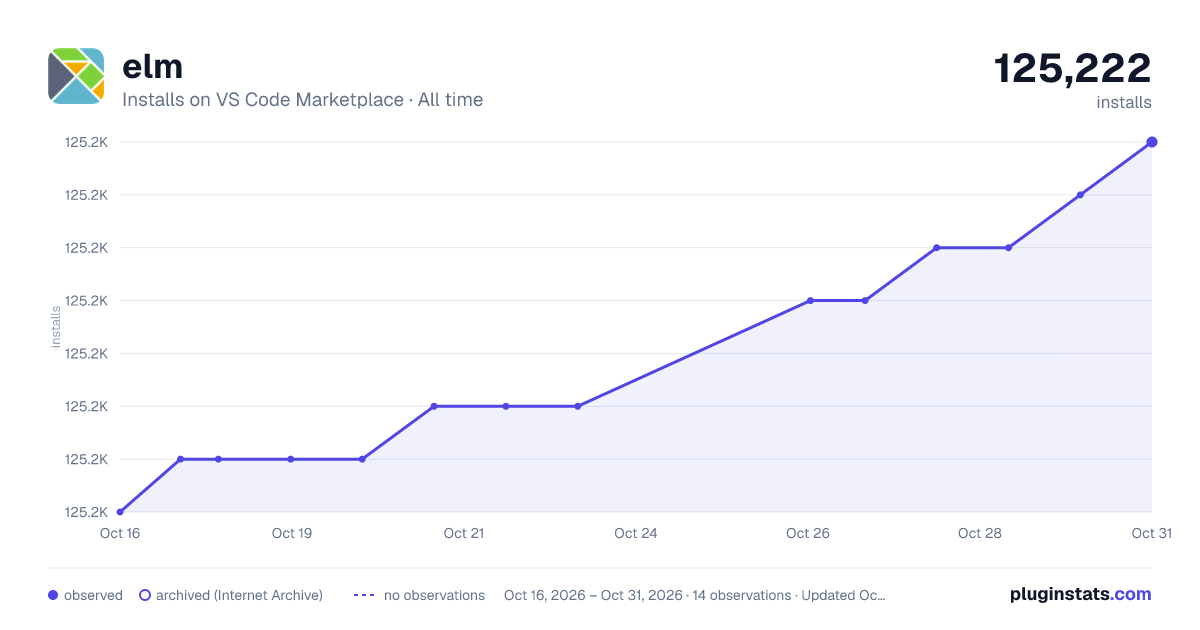
elm has 125,216 recorded installs on VS Code Marketplace, ranking #2080 of 2,501 tracked listings.
Rating: 4.91 / 5 from 11 ratings
About elm
This project is deprecated. For modern Elm support in VSCode use https://marketplace.visualstudio.com/items?itemName=Elmtooling.elm-ls-vscode (GitHub: https://github.com/elm-tooling/elm-language-client-vscode)
Elm support for Visual Studio Code

Feature overview
- Syntax highlighting
- Autocomplete (for external packages and experimental for local project)
- Error highlighting
- Hover info
- Document Symbol provider (Go to definition, list and search symbols)
- Code Actions (Lightbulb on errors and warnings with fixes)
- Integration with Elm Package (Browse and install packages)
- REPL integration
- Integration with Elm Reactor
- Integration with Elm Make
- Custom Elm Snippets
- Code formatting with Elm-format
- Elm-analyse integration (experimental) with warnings and code actions
Elm Installation
Global Installation
Follow this guide.
Project (Local) Installation
Run npm install --save-dev elm
Then, in .vscode/settings.json, add the following:
"elm.compiler": "./node_modules/.bin/elm",
"elm.makeCommand": "./node_modules/.bin/elm-make"
For Windows
"elm.compiler": ".\\node_modules\\.bin\\elm",
"elm.makeCommand": ".\\node_modules\\.bin\\elm-make"
Feature details
Syntax highlighting
Syntax highlighting is essential. The full language is supported. Fenced code blocks in markdown files are highlighted too. Can we improve the highlighting further? Please create an issue!
Error highlighting
We support error highlighting on save. If you check Auto save under File, you should get feedback immediately.
This is marked experimental because we still have to improve the project detection.
Hover info - Function information

You can hover over a function and get the signature and comment.
Document and Workspace symbols
Use context menu "Go to definition" or F12. Alt+F12 to Peek

Ctrl+Shift+O for document symbols and Ctrl+T for workspace symbols

Code Actions (Lightbulb on errors and warnings with fixes)
Tip - use Ctrl+. to invoke code action when the lightbulb is visible

Integration with Elm Package (Browse and install packages)
Ctrl+Shift+P - Elm browse packages

Ctrl+Shift+P - Elm install package

Local Project Intellisense (experimental)
vscode-elm will scan your projects to build intellisense results. Assumption your files match the layout of elm-format
Example behaviors are:
- suggesting function names available in the current file or imported from your own modules
- suggesting module names you have imported in the current file
- suggesting union type or type alias names in function signatures
- suggesting possible values of a union type
- suggesting properties of a record. This requires that record is a parameter in the current function and the function has a type signature.
important note regarding performance
With elm.userProjectImportStrategy set to "dynamicLookup" (default), every hover or autocomplete action will trigger a scan of the first few lines of every file in your src directory (not the elm-stuff directory). This is done to establish an accurate list of module names but could be slow for exceptionally large projects.
In testing with the Elm SPA example project no slowdown was noticed, but if your project slows down try one of these alternate settings:
"semiDynamicLookup"- the above directory scan still takes place but only once, then the results are stored in memory. Subsequent hover or autocomplete results will be instantaneous but the list of available modules will only update if the window is reloaded."dotIsFolder"- this assumes that any module name with a.in it is contained in a folder. For example Page.Home would attempt to look for Home.elm inside of the \Page\ folder."dotIsFilenameCharacter"- this setting does not attempt to create a directory structure for Page.Home and instead looks for a file named \Page.Home.elm"ignore"- do not attempt to look in imported modules for intellisense
REPL integration

Not sure about the output of a function? Test it from inside the editor.
Open the actions menu and use one of the following commands:
- Elm: REPL - Start
- Elm: REPL - Stop
- Elm: REPL - Send Line
- Elm: REPL - Send Selection
- Elm: REPL - Send File
Reactor integration

Reactor is the webserver which comes with Elm.
- Reactor allows recompiling on-the-fly.
- Reactor contains the Time-traveling debugger.
We support starting / stopping from within the editor.
Integration with Elm Make
- Elm: Make
- Elm: Make --warn
- Make user setting to choose a fixed file to make
Snippets…
Description from the VS Code Marketplace listing.
- elm
README badge
Show your rank in a README or on your website. The badge updates automatically.
Charts
Images: 30d · 1y · all time · 1600×900 dark

Adoption over time
7/30/90-day growth
Ranking history
Ratings over time
Listing placement
Listing placement
Listing placement
Listing placement
Filled points are observed values; hollow points come from Internet Archive snapshots of the listing page. Dashed segments span periods with no observations — values between points are not interpolated.
Each band is one page of 20. Installs on a linear scale. Placement is projected from installs, so it can differ from the marketplace's own sort order. Hover a dot to see the listing.
Recent observations
Full history (5)Similar VS Code Marketplace Programming Languages plugins
All 20 elm alternativesData source
Install counts, average rating, and rating counts come from the public Visual Studio Marketplace gallery API. Installs are cumulative and exclude updates.
Listing: https://marketplace.visualstudio.com/items?itemName=sbrink.elm. First seen Oct 16, 2026; last successful collection Oct 20, 2026. See the methodology.