 PluginStats
New Relic CodeStream installs statistics
By New Relic (3 listings) · VS Code Marketplace · Other
Bring production telemetry into your IDE to quickly identify and resolve performance issues.
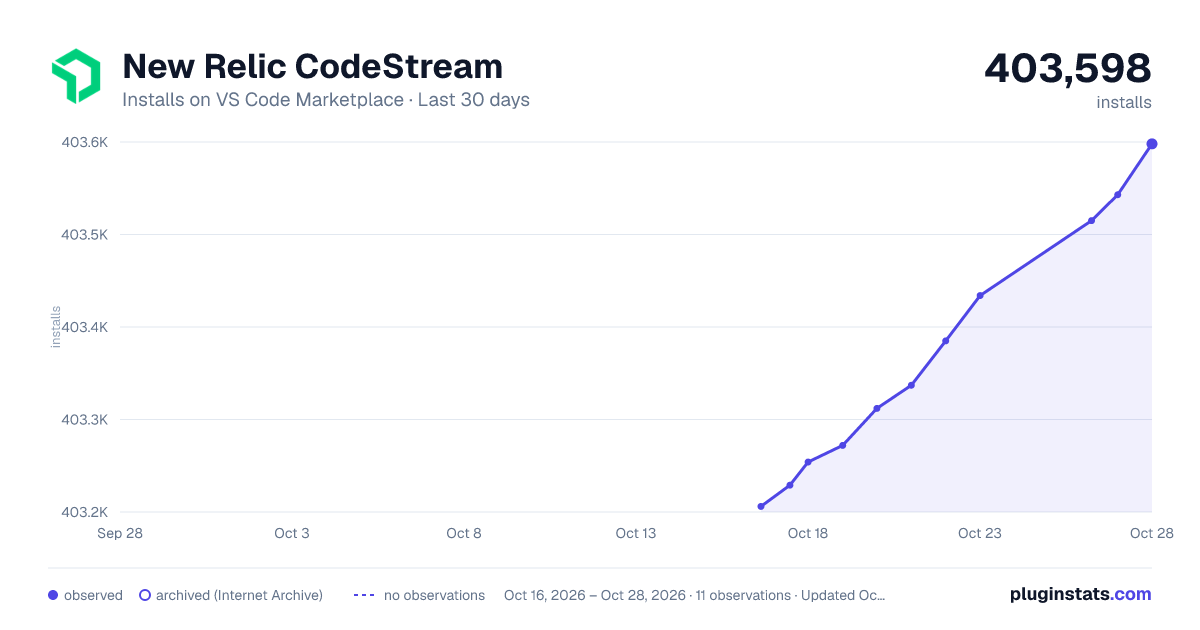
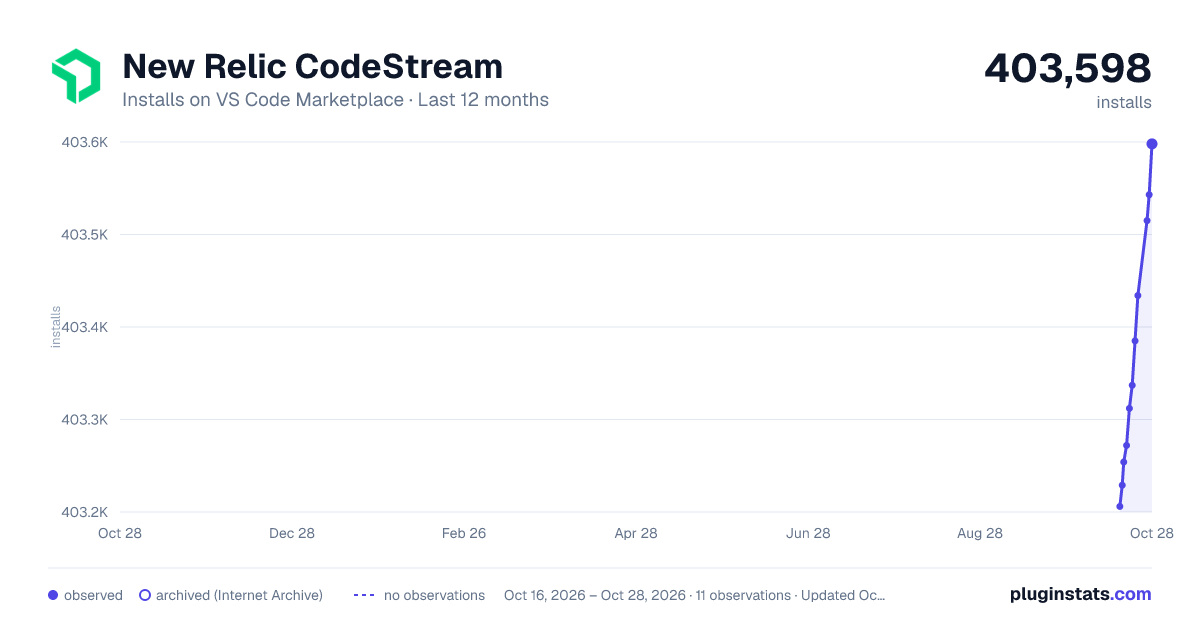
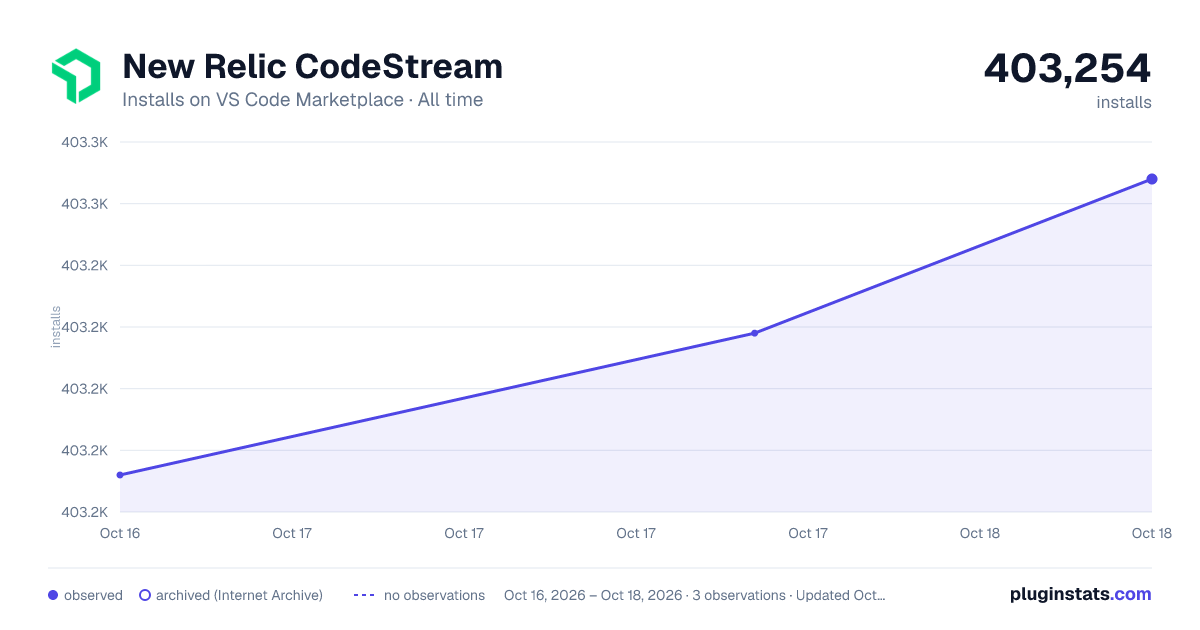
New Relic CodeStream has 403,254 recorded installs on VS Code Marketplace.
It ranks #960 of 2,500 tracked VS Code Marketplace listings by installs.
It is rated 4.0 out of 5 from 88 ratings.
PluginStats has 3 daily observations since Oct 16, 2026; the latest is from Oct 18, 2026.
Rating: 4.02 / 5 from 88 ratings
About New Relic CodeStream
New Relic CodeStream
Shift left by making code performance part of the earliest stages of the development process.
• See how the services built from your code are performing, with information about golden metrics, errors, transaction anomalies, SLOs, and more. • View any of your New Relic dashboards in the IDE, with easy access to your favorites. • Investigate errors more quickly by stepping through the stack trace and collaborating with teammates. • Search logs from your IDE to investigate issues without context switching. • Run NRQL queries, and save and share queries with your teammates via .nrql files.
Requirements
• Requires a New Relic account. Don't have one? Create a free account and get 100 GB/month of free data ingestion. • Requires a current version of Visual Studio Code, and is also available for JetBrains or Visual Studio. • Your repository must be managed by Git, or a Git hosting service like GitHub or GitLab.
Dashboards
Dashboards are at the very core of your New Relic experience, and any dashboard can be viewed right from your IDE.
Log Search
No need to slow down your investigation by context switching between your IDE and your browser to search logs. CodeStream brings the New Relic log-search experience right into your IDE! You can even search for output from specific log lines in your code.
Error Investigation
Discover errors happening in the code you’re responsible for. Quickly step through the stack trace, with CodeStream automatically taking you to the correct file and line number, then bring relevant teammates into the discussion so that you can resolve the issue as quickly as possible.
Anomaly Detection
CodeStream allows you to catch problems before they escalate by identifying transactions with performance issues. An error rate heading in the wrong direction since your last release? View the performance over time, and jump straight into to relevant errors to get to the root of the problem.
Discover anomalies in the Transaction Performance section of the CodeStream pane, or right inline in your editor!
Performance Monitoring
Get an in-IDE view of how the services built from your code are performing, in any environment. Golden metrics, service-level objectives and related services give you the big picture at a glance.
Help & Feedback
Check out the user guide for more information on getting started with New Relic CodeStream. Please follow @newrelic for product updates and to share feedback and questions. You can also contact support.
Description from the VS Code Marketplace listing.
- insights
- keybindings
- nrql
- observability
- snippet
Where New Relic CodeStream sits in the listing
Each band is one page of 20. Installs on a log scale. Placement is projected from installs, so it can differ from the marketplace's own sort order. Hover a dot to see the listing.


Charts
Images: 30d · 1y · all time · 1600×900 dark

Adoption over time


7/30/90-day growth


Ranking history


Filled points are observed values; hollow points come from Internet Archive snapshots of the listing page. Dashed segments span periods with no observations — values between points are not interpolated.
Recent observations
Full history (3)Similar VS Code Marketplace Other plugins
Data source
Install counts, average rating, and rating counts come from the public Visual Studio Marketplace gallery API. Installs are cumulative and exclude updates.
Listing: https://marketplace.visualstudio.com/items?itemName=CodeStream.codestream. First seen Oct 16, 2026; last successful collection Oct 18, 2026. See the methodology.