 PluginStats
SQL Database Projects installs statistics
By Microsoft (223 listings) · VS Code Marketplace · Other
Enables users to develop and publish database schemas for MSSQL Databases
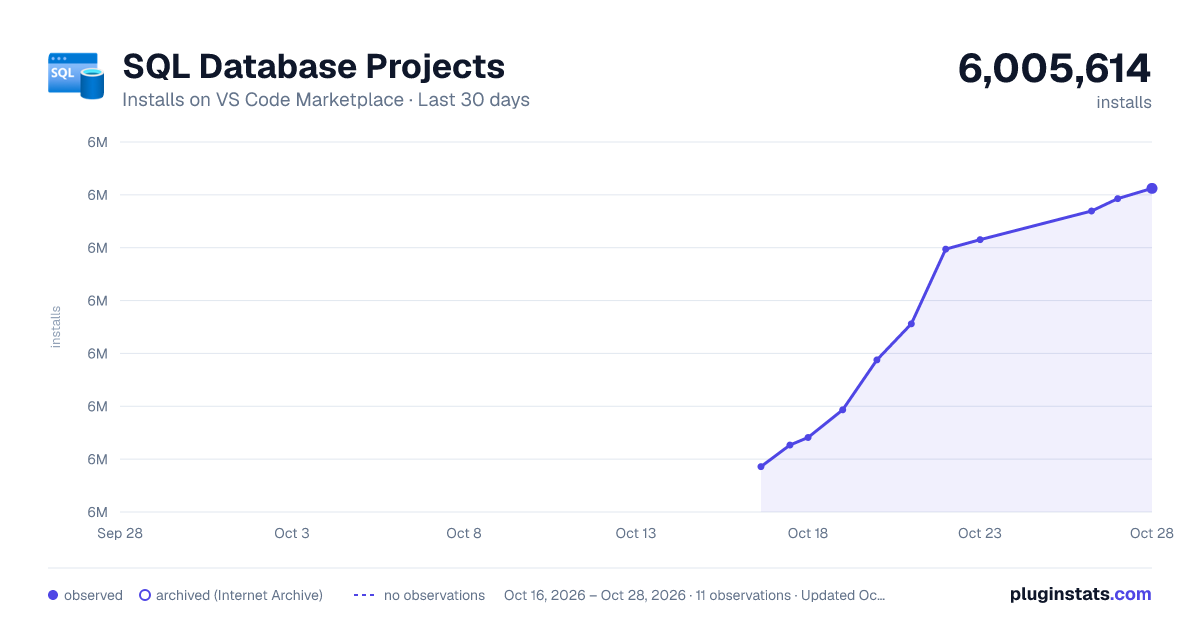
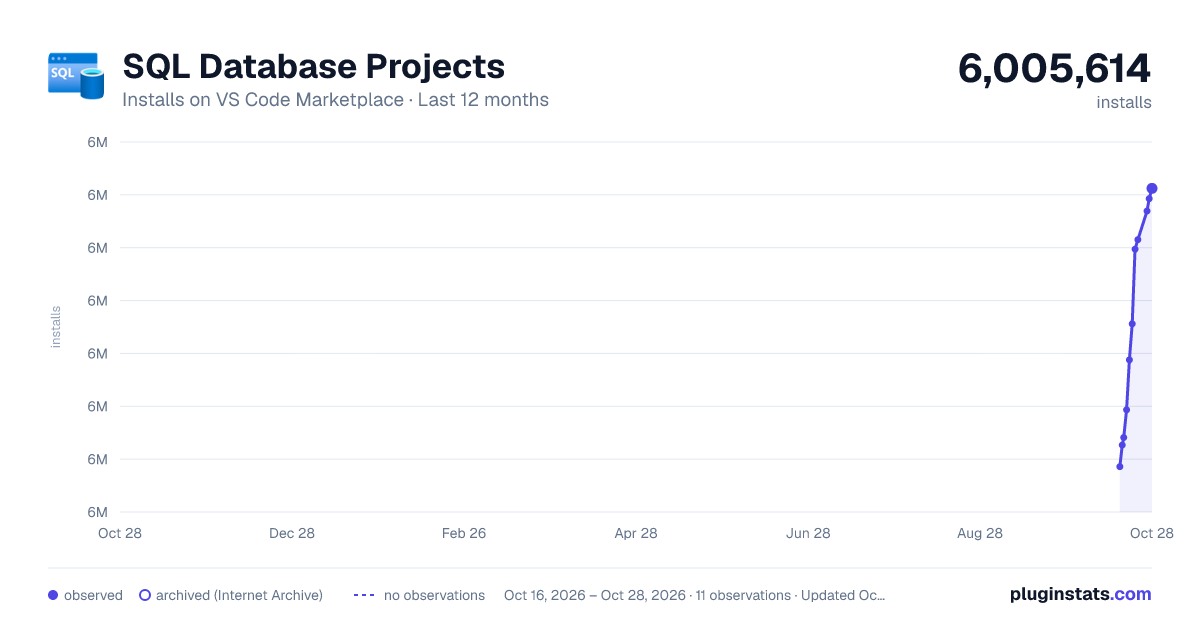
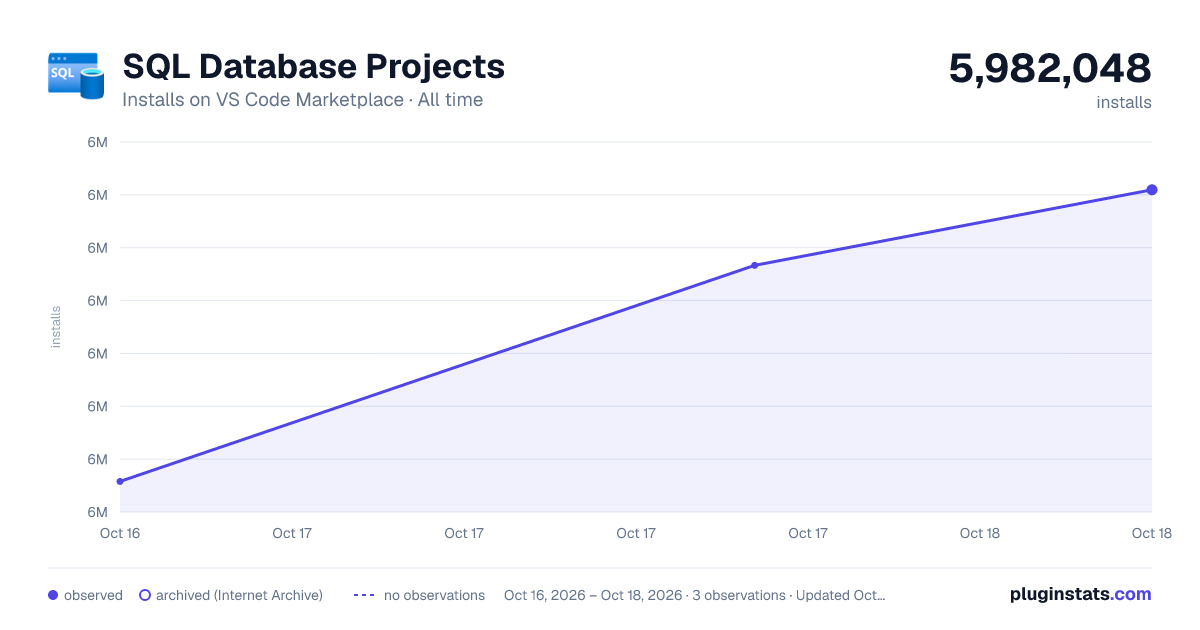
SQL Database Projects has 5,982,048 recorded installs on VS Code Marketplace.
It ranks #158 of 2,500 tracked VS Code Marketplace listings by installs.
It is rated 4.3 out of 5 from 6 ratings.
PluginStats has 3 daily observations since Oct 16, 2026; the latest is from Oct 18, 2026.
Rating: 4.33 / 5 from 6 ratings
About SQL Database Projects
SQL Database Projects extension
Database source control where objects are stored as code, integrating with build-time validation and dynamically calculated deployments for database DevOps. Cross-platform and compatible with Visual Studio SQL Server Data Tools (SSDT) for SQL Server, Azure SQL, and Fabric SQL.
Overview
SQL Database Projects for Visual Studio Code provides a way to design, edit, and publish objects to SQL databases from a source controlled project. For a complete development workflow, build and deploy your database projects in CI/CD pipelines, such as GitHub Actions or Azure DevOps.
📕 Learn more about SQL Database Projects in the documentation: https://aka.ms/sqlprojects
Requirements
The extension will prompt to install the .NET SDK if it is not found, as it is required to build SQL projects. You can also install the .NET SDK manually from here for Windows, macOS, and Linux.
Quick start
1. Create a new database project by going to the Database Projects view or by searching for Database Projects: New in the command palette. 2. Add .sql files to the project to define database objects. For example, creating a file Product.sql in the SQL project folder to add a table named Product:
3. Build the SQL project to validate the SQL syntax and object references. In the Database Projects view, right-click the database project's root node and select Build. 4. Building the project created a .dacpac file in the output folder. This file contains the schema of the database project and can be deployed to a SQL Server or Azure SQL instance.
📕 Dive in further with this complete tutorial for creating and deploying a SQL project.
Features
• Microsoft.Build.Sql SDK-style projects • Develop and validate database objects using T-SQL • Start from an existing database to get it in source control • Publish the database objects to a SQL Server or Azure SQL instance • Publish the database objects to a local development container • Automate generation of deployment scripts and reports • Update the database project from a database and visualize differences • Code analysis for best practices • Include custom scripts before and after deployment • Declare deploy-time variables
Settings
General Settings
• sqlDatabaseProjects.dotnetSDK Location: The path to the folder containing the dotnet folder for the .NET SDK. If not set, the extension will attempt to find the .NET SDK on the system. • sqlDatabaseProjects.microsoftBuildSqlVersion: Version of Microsoft.Build.Sql to use for SQL projects. Controls the SDK version referenced in newly created SDK-style project templates and the binaries used when building non-SDK-style SQL projects. If not set, the extension will use Microsoft.Build.Sql 2.2.0. • sqlDatabaseProjects.netCoreDoNotAsk: When true, no longer prompts to install .NET SDK when a supported installation is not found. • sqlDatabaseProjects.collapseProjectNodes: Option to set the default state of the project nodes in the database projects view to collapsed. If not set, the extension will default to expanded.
Code of Conduct
This project has adopted the Microsoft Open Source Code of Conduct. For more information see the Code of Conduct FAQ or contact opencode@microsoft.com with any additional questions or comments.
Telemetry
This extension collects telemetry data, which is used to help understand how to improve the product. For example, this usage data helps to debug issues, such as slow start-up times, and to prioritize new features. While we appreciate the insights this data provides, we also know that not everyone wants to send usage data. You can disable telemetry as described in the Visual Studio Code telemetry documentation.
Privacy Statement
To learn more about our Privacy Statement visit this link.
Feedback
Please report issues and feature requests here.
License
Copyright (c) Microsoft Corporation. All rights reserved.
Licensed under the MIT License.
Description from the VS Code Marketplace listing.
Where SQL Database Projects sits in the listing
Each band is one page of 20. Installs on a log scale. Placement is projected from installs, so it can differ from the marketplace's own sort order. Hover a dot to see the listing.


Charts
Images: 30d · 1y · all time · 1600×900 dark

Adoption over time


7/30/90-day growth


Ranking history


Filled points are observed values; hollow points come from Internet Archive snapshots of the listing page. Dashed segments span periods with no observations — values between points are not interpolated.
Recent observations
Full history (3)Similar VS Code Marketplace Other plugins
Data source
Install counts, average rating, and rating counts come from the public Visual Studio Marketplace gallery API. Installs are cumulative and exclude updates.
Listing: https://marketplace.visualstudio.com/items?itemName=ms-mssql.sql-database-projects-vscode. First seen Oct 16, 2026; last successful collection Oct 18, 2026. See the methodology.