 PluginStats
Toggle Column Selection installs statistics
By Erik P. Hansen · VS Code Marketplace · Other
Turn a selection into a column selection à la TextMate
Toggle Column Selection has 190,940 recorded installs on VS Code Marketplace.
It ranks #1572 of 2,501 tracked VS Code Marketplace listings by installs.
It is rated 5.0 out of 5 from 5 ratings.
PluginStats has 4 daily observations since Oct 16, 2026; the latest is from Oct 19, 2026.
Rating: 5.00 / 5 from 5 ratings
About Toggle Column Selection
Toggle Column Selection for Visual Studio Code
Adds a TextMate 2-style Toggle Column Selection command to VSCode
Features
• Converts a single contiguous selection into a column selection composed of multiple selections/cursors. • Also works in the opposite direction, converting multiple selections/cursors into a single contiguous selection.
Usage
1. Make a multi-line selection, idealy using your keyboard by holding the SHIFT key while using the arrow keys to move the cursor. 2. Invoke the Toggle Column Selection command from the Command Palette or use the default keybinding (OPTION/ALT-SHIFT-I).
Note that this extension's default keybinding overrides the default keybinding for the built-in Add Cursors to Line Ends command. But chances are you don't like how that command works or you wouldn't be using the Toggle Column Selection extension.
Crank It To Eleven (aka Tap OPTION to Invoke)
This section only applies to macOS & Windows. If you know tools for Linux that let you trigger actions by simply tapping a modifier key, please let me know or submit a PR.
macOS
To truly mimic TextMate's implementation you'll want to trigger this command with a single tap of the OPTION key. Sadly VSCode won't allow you to do this. This is where Karabiner Elements or BetterTouchTool come in.
Option A: Karabiner Elements
Add the following entry to the rules array in your karabiner.json file (located at ~/.config/karabiner/karabiner.json):
Or use this handy URL to install the rule directly into Karabiner: karabiner://karabiner/assets/complex_modifications/import?url=https://raw.githubusercontent.com/erikphansen/vscode-toggle-column-selection/master/karabiner/option-toggle-column-selection-vscode.json. (It seems that GitHub will not allow that to be a clickable link.)
Option B: BetterTouchTool
If you don't want to use Karabiner, you can use BTT to set up a new Key Sequence that maps a single tap of the OPTION key to OPTION-SHIFT-I.
BetterTouchTool TIPS:
1. Make sure you check the REQUIRED and ORDER RELEVANT boxes for the KEY UP state. 2. BetterTouchTool treats the left and right OPTION keys as different keys so you'll likely want to create an entry for each key.
Windows
AutoHotkey
If you don't have AutoHotkey installed yet, grab it at https://www.autohotkey.com. Then, in your autohotkey.ahk script:
Description from the VS Code Marketplace listing.
- keybindings
Where Toggle Column Selection sits in the listing
Each band is one page of 20. Installs on a log scale. Placement is projected from installs, so it can differ from the marketplace's own sort order. Hover a dot to see the listing.


Charts
Images: 30d · 1y · all time · 1600×900 dark
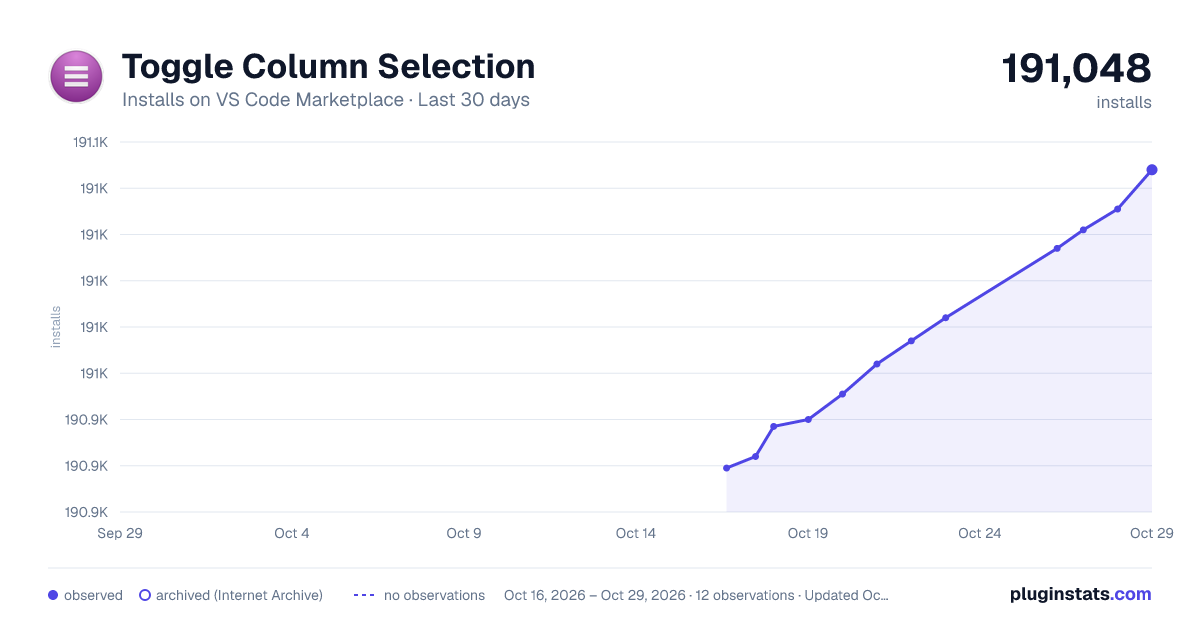
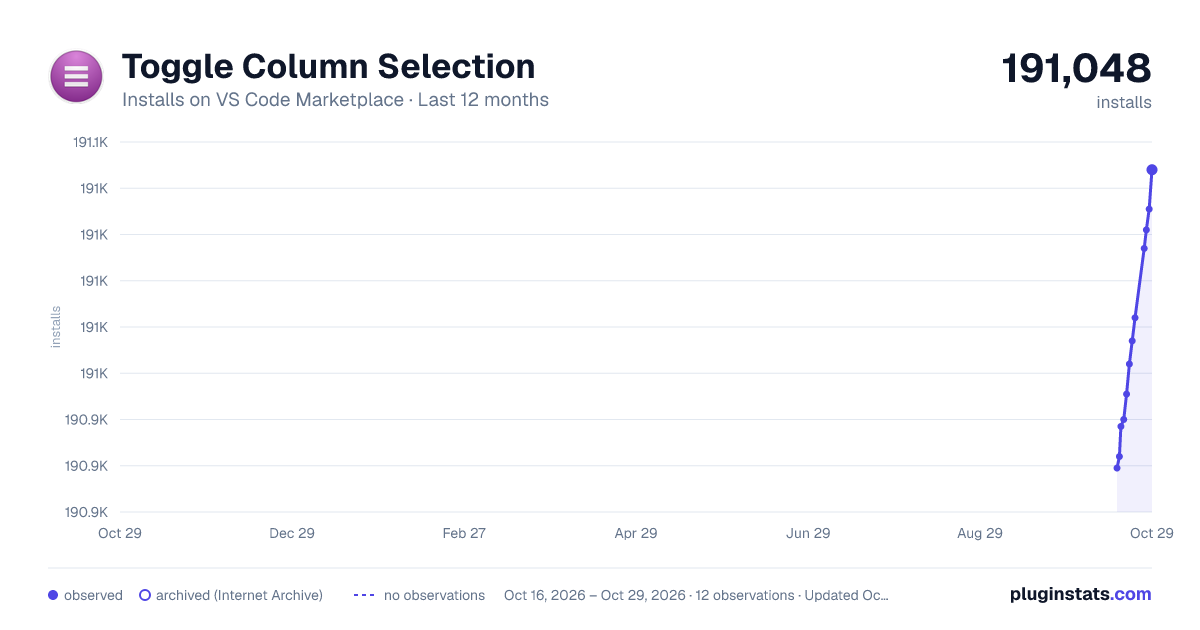
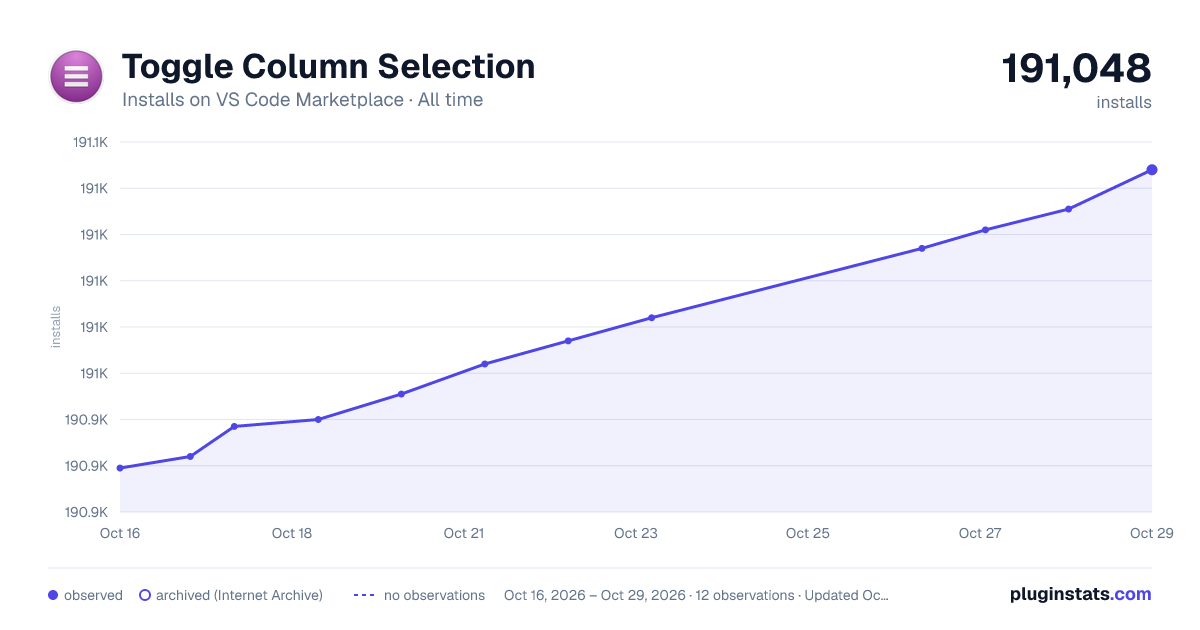

Adoption over time


7/30/90-day growth


Ranking history


Filled points are observed values; hollow points come from Internet Archive snapshots of the listing page. Dashed segments span periods with no observations — values between points are not interpolated.
Recent observations
Full history (4)Similar VS Code Marketplace Other plugins
Data source
Install counts, average rating, and rating counts come from the public Visual Studio Marketplace gallery API. Installs are cumulative and exclude updates.
Listing: https://marketplace.visualstudio.com/items?itemName=erikphansen.vscode-toggle-column-selection. First seen Oct 16, 2026; last successful collection Oct 19, 2026. See the methodology.