 PluginStats
Rufo - Ruby formatter installs statistics
By jnbt · VS Code Marketplace · Formatters
VS Code plugin for ruby-formatter/rufo
Rufo - Ruby formatter has 203,201 recorded installs on VS Code Marketplace.
It ranks #1492 of 2,501 tracked VS Code Marketplace listings by installs.
It is rated 2.8 out of 5 from 5 ratings.
PluginStats has 4 daily observations since Oct 16, 2026; the latest is from Oct 19, 2026.
Rating: 2.80 / 5 from 5 ratings
About Rufo - Ruby formatter
vscode-rufo
This Visual Studio Code extension provides formatting via Rufo. It will be used with files that have the “Ruby” syntax. Supports setups via RVM or rbenv.
Installation
Press F1, type ext install then search for jnbt.vscode-rufo.
rufo installation
Before using this plugin, you must ensure that rufo, version 0.10.0 or higher, is installed on your system. To install rufo, do the following:
1. Install Ruby.
2. Install Rufo by typing the following in a terminal:
If you're are using RVM or rbenv, seek for more information below.
If you are using Windows, please use the settings below.
Settings
You can configure vscode-rufo in your workspace or user settings. You can either
a) Open VS Code settings menu, select "Extensions" and scroll down to "Rufo"
b) Manually adjust your settings via your settings.json file:
*Attention:* Restart Visual Studio Code after you have made changes to the settings.
*On Windows:*
• "rufo.exe": "cmd" • "rufo.args": ["/c", "rufo.bat"]
Using RVM
If your setup instruments RVM to install Ruby version you might receive errors indicating Rufo can't be found. Because rufo might not be in your current PATH, you need to change the executable to the RVM-wrapped one:
Using rbenv
If your setup instruments rbenv, you should point the executable to the Rufo shim generated by rbenv. This way the extension will continue to work after you upgrade your Ruby:
Develop
• Use Visual Studio Code to develop this extension • Press F5 to open a new window with the extension loaded • Open a Ruby file or paste some Ruby code into the window • Open the command palette by pressing (Ctrl+Shift+P or Cmd+Shift+P on Mac) • Choose either "Format Document" for "Format Selection". • Find output from the extension in the debug console.
Testing
• Open the debug viewlet (Ctrl+Shift+D or Cmd+Shift+D on Mac) and from the launch configuration dropdown pick Launch Tests • Press F5 to run the tests in a new window with your extension loaded • See the output of the test result in the debug console
Contributing
1. Fork it 2. Create your feature branch (git checkout -b my-new-feature) 3. Commit your changes (git commit -am 'Add some feature') 4. Push to the branch (git push origin my-new-feature) 5. Create a new Pull Request
Description from the VS Code Marketplace listing.
- formatting
- ruby
- rufo
Where Rufo - Ruby formatter sits in the listing
Each band is one page of 20. Installs on a log scale. Placement is projected from installs, so it can differ from the marketplace's own sort order. Hover a dot to see the listing.


Charts
Images: 30d · 1y · all time · 1600×900 dark
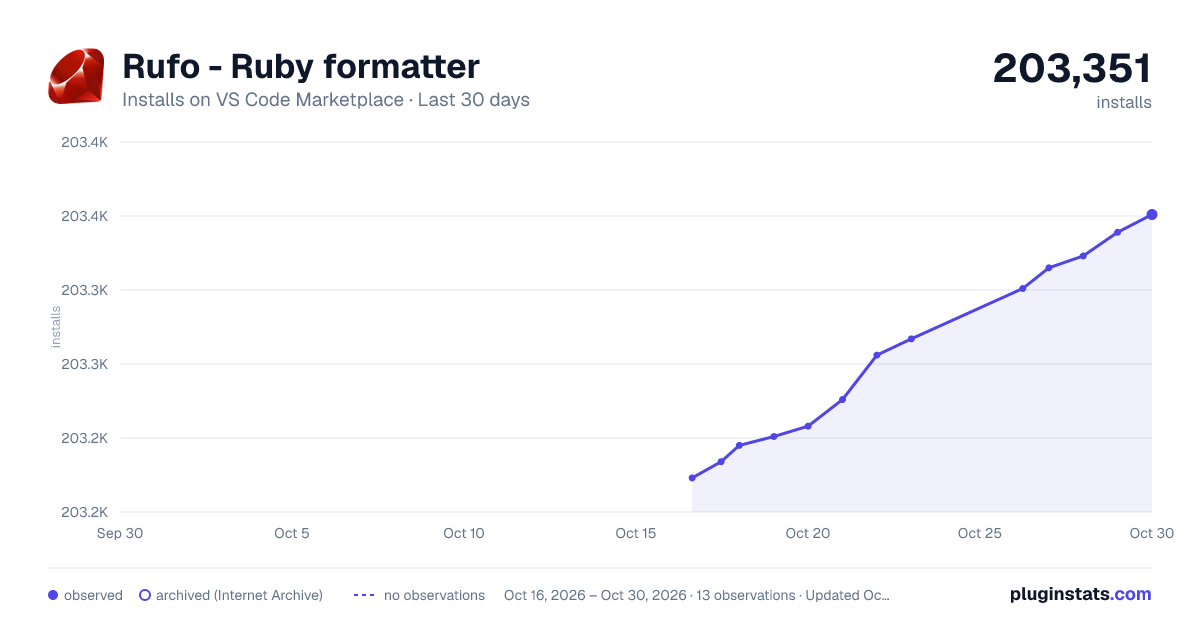
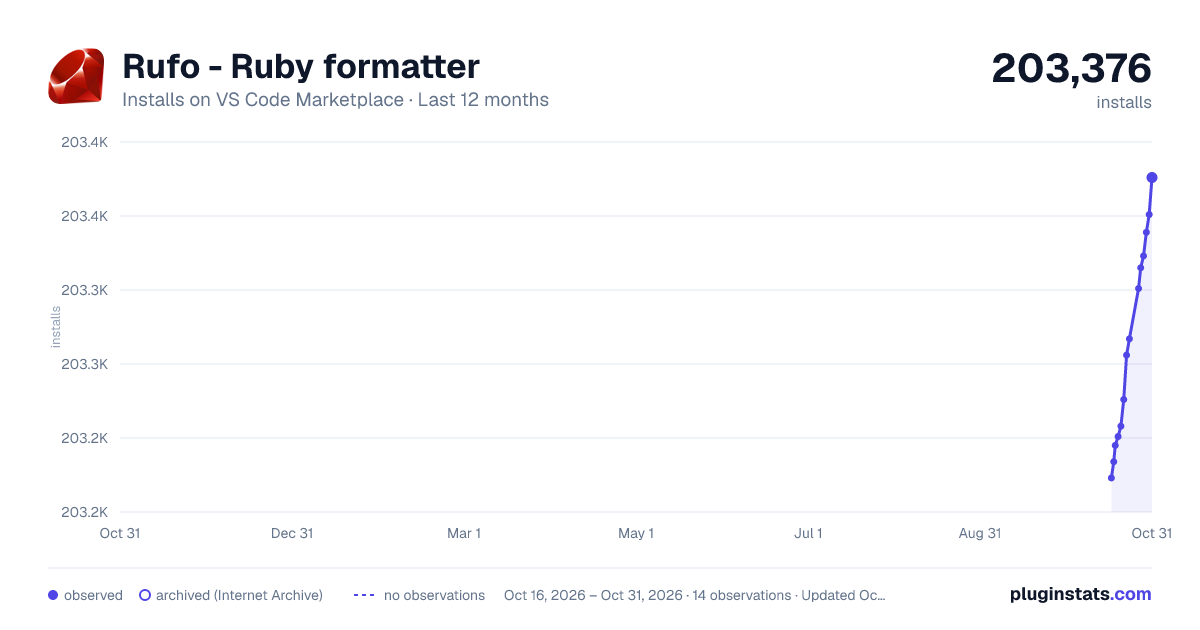
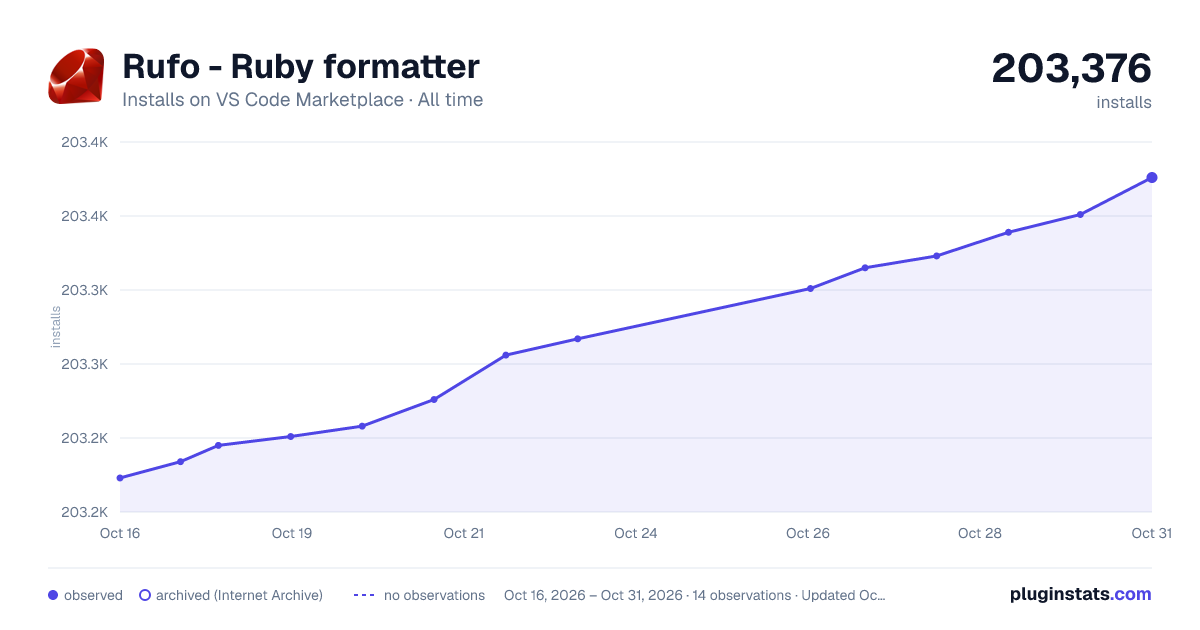

Adoption over time


7/30/90-day growth


Ranking history


Filled points are observed values; hollow points come from Internet Archive snapshots of the listing page. Dashed segments span periods with no observations — values between points are not interpolated.
Recent observations
Full history (4)Similar VS Code Marketplace Formatters plugins
Data source
Install counts, average rating, and rating counts come from the public Visual Studio Marketplace gallery API. Installs are cumulative and exclude updates.
Listing: https://marketplace.visualstudio.com/items?itemName=jnbt.vscode-rufo. First seen Oct 16, 2026; last successful collection Oct 19, 2026. See the methodology.