 PluginStats
CSharpier - Code formatter installs statistics
By csharpier · VS Code Marketplace · Formatters
Code formatter using csharpier
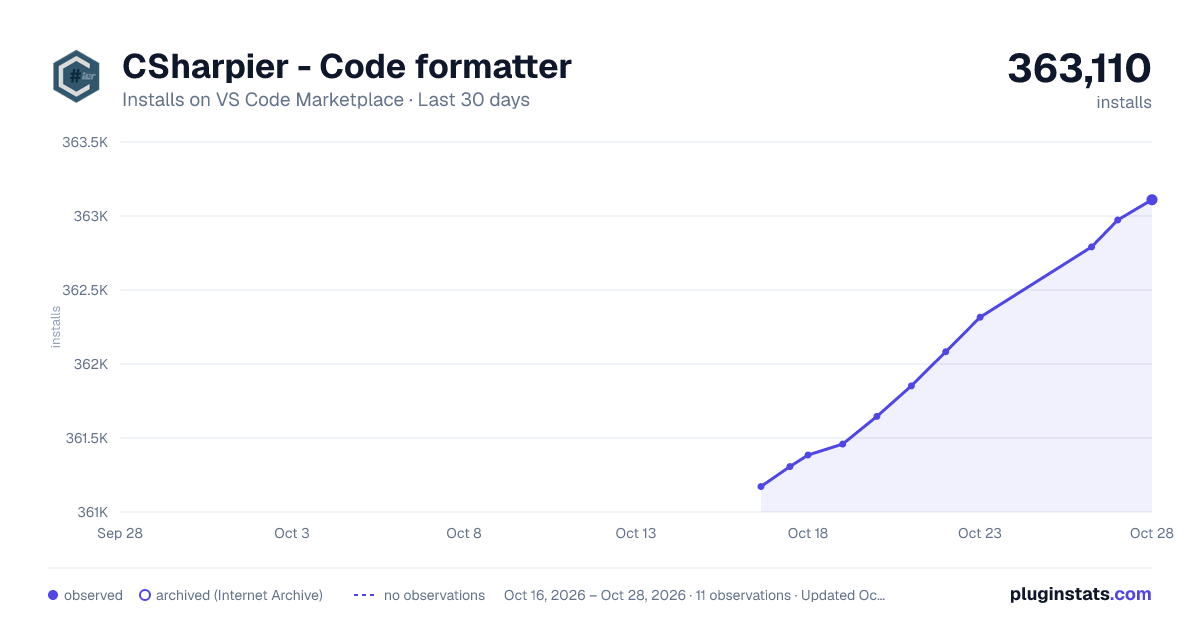
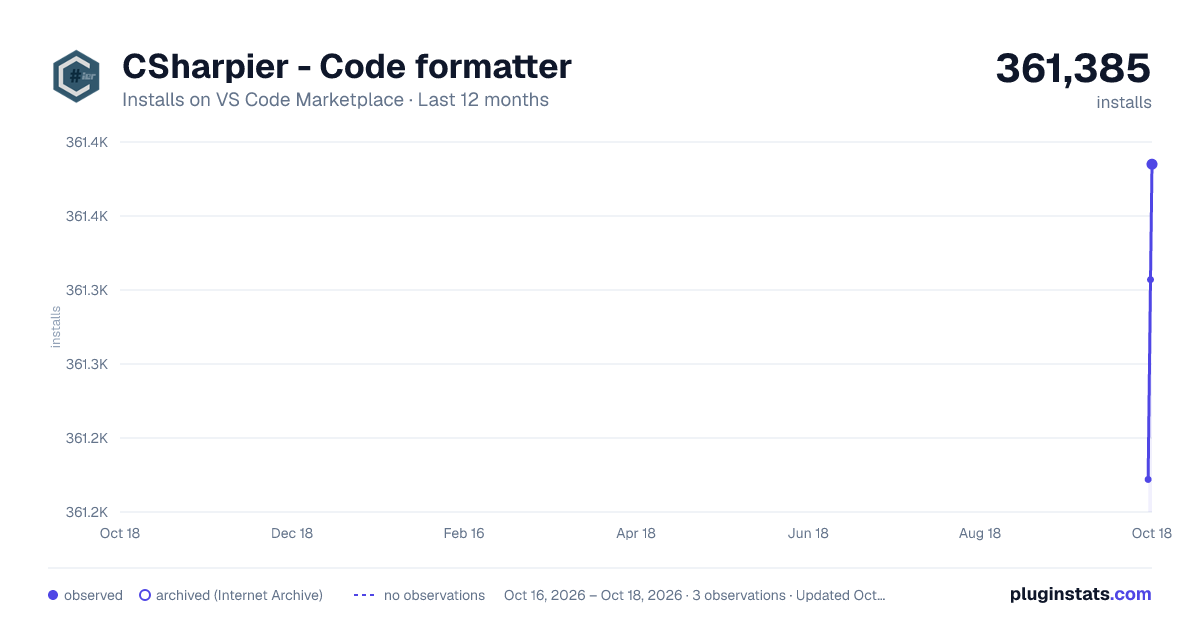
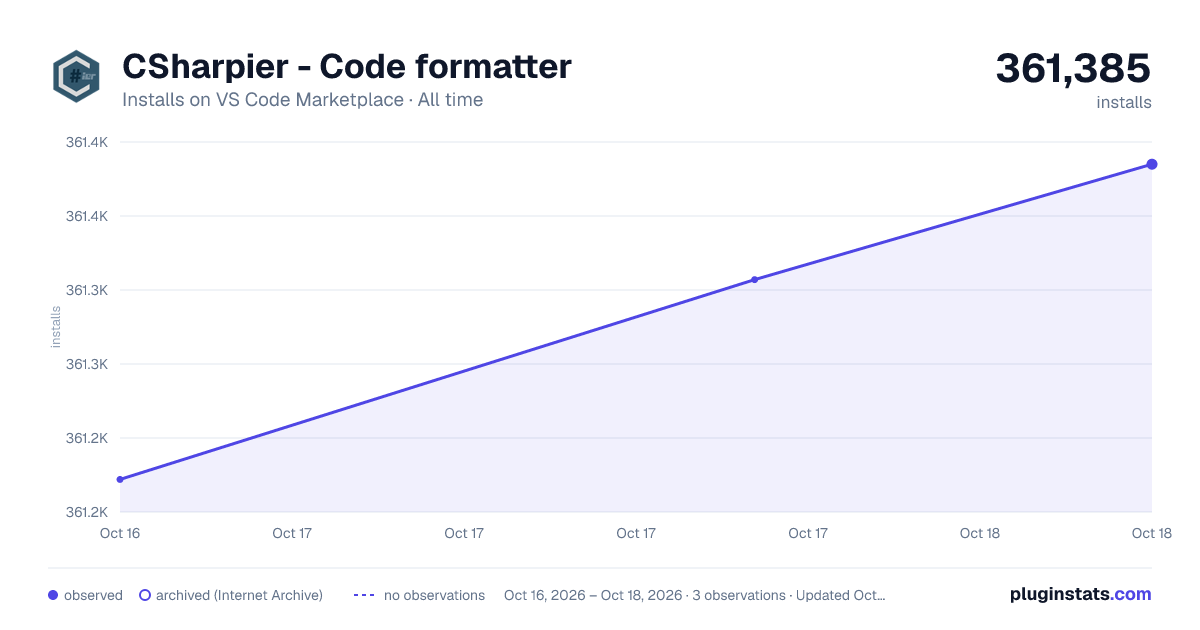
CSharpier - Code formatter has 361,385 recorded installs on VS Code Marketplace.
It ranks #1026 of 2,500 tracked VS Code Marketplace listings by installs.
It is rated 4.0 out of 5 from 29 ratings.
PluginStats has 3 daily observations since Oct 16, 2026; the latest is from Oct 18, 2026.
Rating: 4.03 / 5 from 29 ratings
About CSharpier - Code formatter
CSharpier Formatter for Visual Studio Code
This extension makes use of the dotnet tool CSharpier to format your code. This extension is versioned independently from CSharpier itself.
CSharpier is an opinionated code formatter for c# and xml. \ It provides very few options and a deterministic way to enforce formatting of your code. \ The printing process was ported from prettier but has evolved over time.
Installation
Install through VS Code extensions. Search for CSharpier
Can also be installed in VS Code: Launch VS Code Quick Open (Ctrl+P), paste the following command, and press enter.
CSharpier Version
The extension determines which version of csharpier is needed to format a given file by looking for a dotnet manifest file. If one is not found it looks for a globally installed version of CSharpier.
XML Formatting
Formatting XML is only available using CSharpier >= 1.0.0
Dotnet Commands
The extension makes use of dotnet commands and uses the following logic to locate dotnet. • If dotnet.dotnetPath is set try using that to find dotnet • If omnisharp.dotNetCliPaths is set try using that to find dotnet • Try running dotnet --info to see if dotnet is on the PATH • For non-windows - Try running sh -c "dotnet --info" to see if dotnet is on the PATH
Default Formatter
To ensure that CSharpier is used to format files, be sure to set it as the default formatter.
You can modify your settings.json file.
Troubleshooting
See this page
Usage
Keyboard Shortcuts
Visual Studio Code provides default keyboard shortcuts for code formatting. You can learn about these for each platform in the VS Code documentation.
If you don't like the defaults, you can rebind editor.action.formatDocument and editor.action.formatSelection in the keyboard shortcuts menu of vscode.
Format On Save
Respects editor.formatOnSave setting.
Found in the settings at Text Editor | Formatting | Format on Save
You can turn on format-on-save on a per-language basis by scoping the setting:
Devcontainers
CSharpier supports DevContainers if it is installed as a local dotnet tool.
Limitations
Format Selection is not supported.
Only "editor.formatOnSaveMode" : "file" is supported. If using other modes, you can set file by scoping the setting:
Description from the VS Code Marketplace listing.
- c#
- csharp
- csharpier
- formatter
- msbuild
- prettier
- xml
Where CSharpier - Code formatter sits in the listing
Each band is one page of 20. Installs on a log scale. Placement is projected from installs, so it can differ from the marketplace's own sort order. Hover a dot to see the listing.


Charts
Images: 30d · 1y · all time · 1600×900 dark

Adoption over time


7/30/90-day growth


Ranking history


Filled points are observed values; hollow points come from Internet Archive snapshots of the listing page. Dashed segments span periods with no observations — values between points are not interpolated.
Recent observations
Full history (3)Similar VS Code Marketplace Formatters plugins
Data source
Install counts, average rating, and rating counts come from the public Visual Studio Marketplace gallery API. Installs are cumulative and exclude updates.
Listing: https://marketplace.visualstudio.com/items?itemName=csharpier.csharpier-vscode. First seen Oct 16, 2026; last successful collection Oct 18, 2026. See the methodology.