 PluginStats
REST Client installs statistics
By Huachao Mao · VS Code Marketplace · Programming Languages
REST Client for Visual Studio Code
REST Client has 7,673,691 recorded installs on VS Code Marketplace.
It ranks #120 of 2,501 tracked VS Code Marketplace listings by installs.
It is rated 4.9 out of 5 from 388 ratings.
PluginStats has 4 daily observations since Oct 16, 2026; the latest is from Oct 19, 2026.
Rating: 4.91 / 5 from 388 ratings
About REST Client
REST Client
REST Client allows you to send HTTP request and view the response in Visual Studio Code directly.
Main Features
• Send/Cancel/Rerun HTTP request in editor and view response in a separate pane with syntax highlight • Send GraphQL query and author GraphQL variables in editor • Send cURL command in editor and copy HTTP request as cURL command • Auto save and view/clear request history • Compose _MULTIPLE_ requests in a single file (separated by ### delimiter) • View image response directly in pane • Save raw response and response body only to local disk • Fold and unfold response body • Customize font(size/family/weight) in response preview • Preview response with expected parts(_headers only_, _body only_, _full response_ and _both request and response_) • Authentication support for: • Basic Auth • Digest Auth • SSL Client Certificates • Azure Active Directory • Microsoft Identity Platform • AWS Signature v4 • Environments and custom/system variables support • Use variables in any place of request(_URL_, _Headers_, _Body_) • Support environment, file, request and prompt custom variables • Interactively assign prompt custom variables per request • Auto completion and hover support for both environment, file and request custom variables • Diagnostic support for request, file and prompt custom variables • Go to definition support for request and file custom variables • Find all references support _ONLY_ for file custom variables • Provide system dynamic variables • {{$guid}} • {{$randomInt min max}} • {{$timestamp [offset option]}} • {{$datetime rfc1123|iso8601 [offset option]}} • {{$localDatetime rfc1123|iso8601 [offset option]}} • {{$processEnv [%]envVarName}} • {{$dotenv [%]variableName}} • {{$aadToken [new] [public|cn|de|us|ppe] [] [aud:]}} • Easily create/update/delete environments and environment variables in setting file • File variables can reference both custom and system variables • Support environment switch • Support shared environment to provide variables that available in all environments • Generate code snippets for HTTP request in languages like Python, JavaScript and more! • Remember Cookies for subsequent requests • Proxy support • Send SOAP requests, as well as snippet support to build SOAP envelope easily • HTTP language support • .http and .rest file extensions support • Syntax highlight (Request and Response) • Auto completion for method, url, header, custom/system variables, mime types and so on • Comments (line starts with # or //) support • Support json and xml body indentation, comment shortcut and auto closing brackets • Code snippets for operations like GET and POST • Support navigate to symbol definitions(request and file level custom variable) in open http file • CodeLens support to add an actionable link to send request • Fold/Unfold for request block • Support for Markdown fenced code blocks with either http or rest
Usage
In editor, type an HTTP request as simple as below:
Or, you can follow the standard RFC 2616 that including request method, headers, and body.
Once you prepared a request, click the Send Request link above the request (this will appear if the file's language mode is HTTP, by default .http files are like this), or use shortcut Ctrl+Alt+R(Cmd+Alt+R for macOS), or right-click in the editor and then select Send Request in the menu, or press F1 and then select/type Rest Client: Send Request, the response will be previewed in a separate webview panel of Visual Studio Code. If you'd like to use the full power of searching, selecting or manipulating in Visual Studio Code, you can also preview response in an untitled document by setting rest-client.previewResponseInUntitledDocument to true. Once a request is issued, the waiting spin icon will be displayed in the status bar until the response is received. You can click the spin icon to cancel the request. After that, the icon will be replaced with the total duration and response size.
You can view the breakdown of the response time when hovering over the total duration in status bar, you could view the duration details of _Socket_, _DNS_, _TCP_, _First Byte_ and _Download_.
When hovering over the response size in status bar, you could view the breakdown response size details of _headers_ and _body_.
All the shortcuts in REST Client Extension are ONLY available for file language mode http and plaintext.
Send Request link above each request will only be visible when the request file is in http mode, more details can be found in http language section.
Select Request Text
You may even want to save numerous requests in the same file and execute any of them as you wish easily. REST Client extension could recognize requests separated by lines begin with three or more consecutive # as a delimiter. Place the cursor anywhere between the delimiters, issuing the request as above, and the underlying request will be sent out.
REST Client extension also provides the flexibility that you can send the request with your selected text in editor.
Install
Press F1, type ext install then search for rest-client.
Making Request
Request Line
The first non-empty line of the selection (or document if nothing is selected) is the _Request Line_. Below are some examples of _Request Line_:
If request method is omitted, request will be treated as GET, so above requests are the same after parsing.
Query Strings
You can always write query strings in the request line, like:
Sometimes there may be several query parameters in a single request, putting all the query parameters in _Request Line_ is difficult to read and modify. So we allow you to spread query parameters into multiple lines(one line one query parameter), we will parse the lines in immediately after the _Request Line_ which starts with ? and &, like
Request Headers…
Description from the VS Code Marketplace listing.
- GraphQL
- Http
- keybindings
- markdown
- multi-root ready
- REST
- snippet
Where REST Client sits in the listing
Each band is one page of 20. Installs on a log scale. Placement is projected from installs, so it can differ from the marketplace's own sort order. Hover a dot to see the listing.


Charts
Images: 30d · 1y · all time · 1600×900 dark
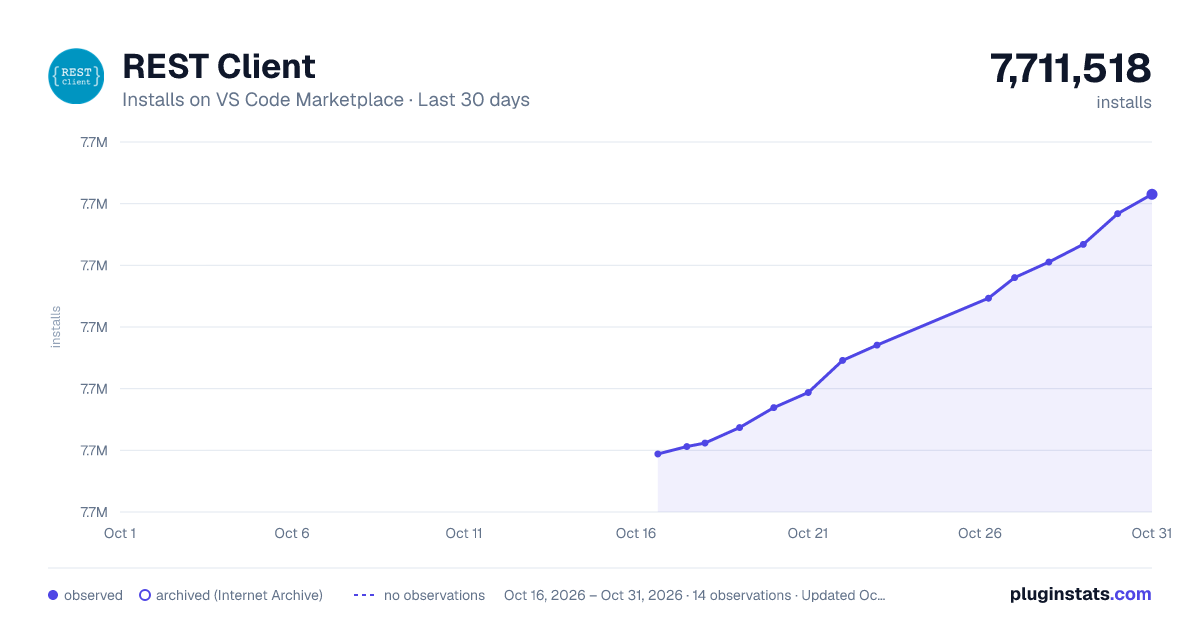
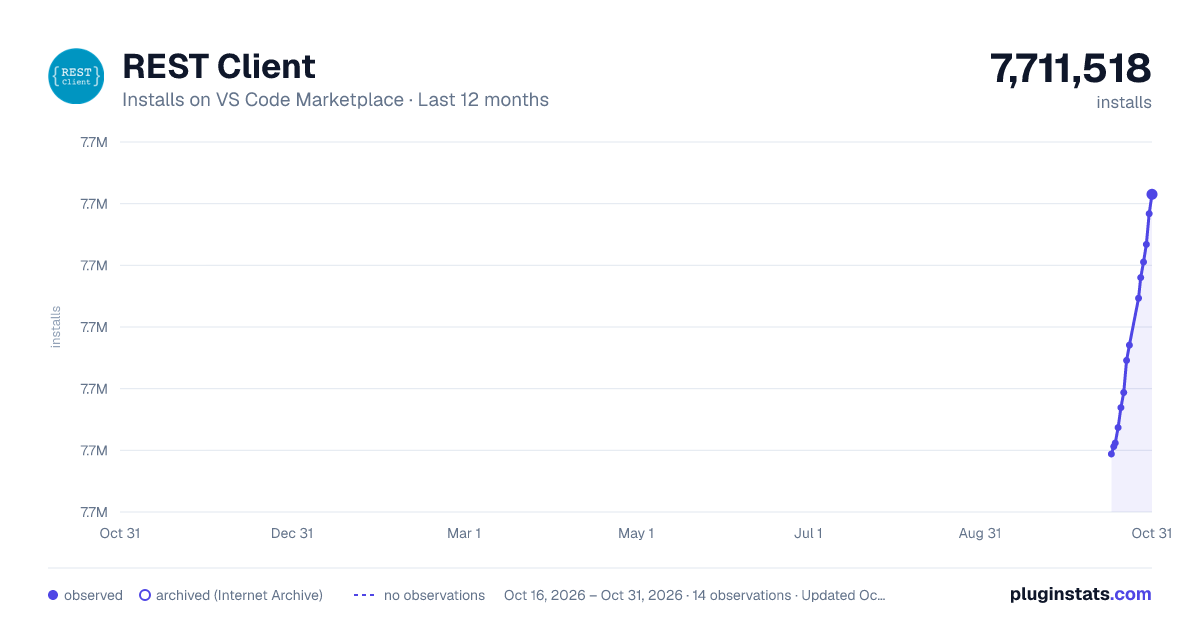
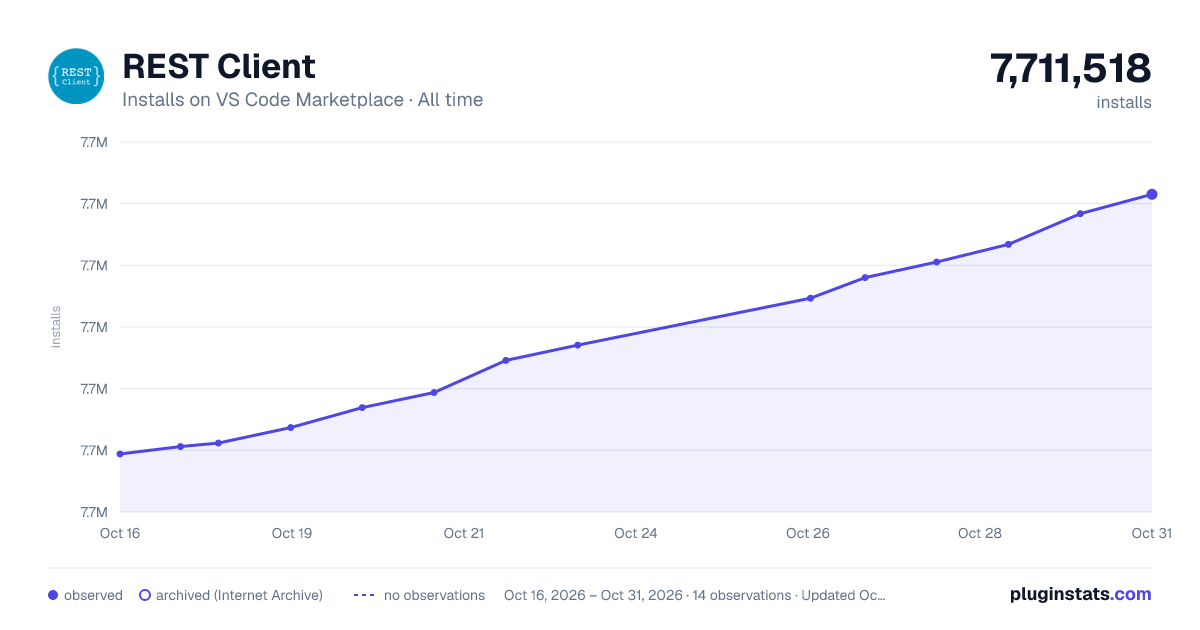

Adoption over time


7/30/90-day growth


Ranking history


Filled points are observed values; hollow points come from Internet Archive snapshots of the listing page. Dashed segments span periods with no observations — values between points are not interpolated.
Recent observations
Full history (4)Similar VS Code Marketplace Programming Languages plugins
Data source
Install counts, average rating, and rating counts come from the public Visual Studio Marketplace gallery API. Installs are cumulative and exclude updates.
Listing: https://marketplace.visualstudio.com/items?itemName=humao.rest-client. First seen Oct 16, 2026; last successful collection Oct 19, 2026. See the methodology.