 PluginStats
Red Hat Dependency Analytics installs statistics
By Red Hat (18 listings) · VS Code Marketplace · Other
Provides insights on security vulnerabilities and license compatibility in your application dependencies.
Red Hat Dependency Analytics has 3,173,120 recorded installs on VS Code Marketplace.
It ranks #242 of 2,500 tracked VS Code Marketplace listings by installs.
It is rated 2.6 out of 5 from 32 ratings.
PluginStats has 3 daily observations since Oct 16, 2026; the latest is from Oct 18, 2026.
Rating: 2.56 / 5 from 32 ratings
About Red Hat Dependency Analytics
Red Hat Dependency Analytics
Red Hat's Dependency Analytics (RHDA) extension gives you awareness to security concerns within your software supply chain while you code your application. The Red Hat Dependency Analytics extension uses vulnerability data sources for the most up-to-date vulnerability information available.
Dependency Analytics supports the following project ecosystems: • Maven • NPM • PNPM • Yarn (Classic / Berry) • Golang • Python • Gradle (Kotlin / Groovy DSL) • Rust (Cargo)
NOTE: The Red Hat Dependency Analytics extension is an online service hosted and maintained by Red Hat. Red Hat Dependency Analytics only accesses your manifest files to analyze your application dependencies before displaying the vulnerability report.
Table of Contents
• Red Hat Dependency Analytics • Table of Contents • Quick start • Configuration • Configurable parameters • Features • Using Red Hat Dependency Analytics for CI builds • Known issues • Error when using options the Use Pip Dep Tree and Use Python Virtual Environment simultaneously • Red Hat Dependency Analytics limitations for Maven and Gradle • Learn more about the Red Hat Dependency Analytics platform • Data and telemetry • Support, feedback \& questions • License
Quick start
Prerequisites
The extension requires the following package managers to be available in your system. You can provide the binary location in two ways: 1. Through the system's PATH environment variable 2. By configuring a specific path in the extension settings (e.g., redHatDependencyAnalytics.mvn.executable.path)
When a specific path is configured in the settings, it takes precedence over the PATH environment variable.
| Project Type | Binary | Manifest File |
| Maven | mvn | pom.xml | | NPM | npm | package.json | | PNPM | pnpm | package.json | | Yarn | yarn | package.json | | Golang | go | go.mod | | Pip | python3/pip3 or python/pip | requirements.txt | | Poetry | poetry | pyproject.toml & poetry.lock | | UV | uv | pyproject.toml & uv.lock | | Gradle | gradle | build.gradle | | Rust | cargo | Cargo.toml |
Note: For NPM, PNPM, and Yarn projects, you can use fnm or nvm for Node.js version management. The extension will automatically detect and use the binary path from the FNM_DIR or NVM_DIR environment variables.
IMPORTANT: Visual Studio Code by default executes binaries directly in a terminal found in your system's PATH environment. You can configure Visual Studio Code to look somewhere else to run the necessary binaries. You can configure this by accessing the extension settings. Click the Workspace tab, search for the word _executable_, and specify the absolute path to the binary file you want to use for your project.
Procedure
1. Install Visual Studio Code on your workstation. 2. After the installation finishes, open the Visual Studio Code application. 3. From the file menu, click View, and click Extensions. 4. Search the Marketplace for _Red Hat Dependency Analytics_. 5. Click the Install button to install the extension. 6. To start scanning your application for security vulnerabilities, and view the vulnerability report, you can do one of the following: • Open a manifest file, hover over a dependency marked by the inline Component Analysis, indicated by the wavy-red line under a version number or dependency name, click Quick Fix, and click Detailed Vulnerability Report. • Open a manifest file, and click the pie chart icon . • Right click on a manifest file in the Explorer view, and click Red Hat Dependency Analytics Report.... • From the vulnerability pop-up alert message, click Open detailed vulnerability report.
Configuration
The Red Hat Dependency Analytics extension has some configurable parameters that allows you to customize its behavior according to your preferences.
Procedure
1. Open the Visual Studio Code application. 2. From the file menu, click View, and click Extensions. 3. Find the installed Red Hat Dependency Analytics extension, and click the Gear icon. 4. Click Extension Settings.
Configurable parameters
Red Hat Dependency Analytics backend URL
Specify the URL of the Red Hat Dependency Analytics backend used to analyze project dependencies. The default URL is https://rhda.rhcloud.com.
Red Hat Dependency Analytics Report File Path:
Specify the local path to create the Red Hat Dependency Analytics report file. The default path is /tmp/redhatDependencyAnalyticsReport.html.
IMPORTANT:
The redHatDependencyAnalyticsReportFilePath setting name has changed to reportFilePath.
Inline Vulnerability Severity Alerts:
You can set the vulnerability severity alert level to Error or Warning for inline notifications of detected vulnerabilities.
Python:
• usePythonVirtualEnvironment : Automates the installation of missing packages in a Python virtual environment. • enablePythonBestEffortsInstallation : Installs Python packages for the Python version is use, disregarding declared versions. This configuration option requires the _Match Manifest Versions_ option set to false, and _Use Python Virtual Environment_ option set to true. • usePipDepTree : Use the pipdeptree command-line tool for building the Python dependency tree. This can enhance analysis time.
Golang:
• useGoMVS : Use the minimal version selection algorithm to select a set of module versions to use when building Go packages.
Rust (Cargo):
• cargo.executable.path : Specify the absolute path to the cargo executable. If not set, the extension uses cargo from your system PATH.
HTTP Proxy:
• httpProxy : Configure HTTP proxy settings for the extension. There are three options available: • on: Always use the HTTP proxy regardless of VS Code's proxy settings • off: Never use the HTTP proxy regardless of VS Code's proxy settings • fallback: Use VS Code's proxy settings (default behavior)
Maven and Gradle Wrappers:…
Description from the VS Code Marketplace listing.
- CVE
- dependency scan
- java
- multi-root ready
- Node
- Security
- vulnerability
Where Red Hat Dependency Analytics sits in the listing
Each band is one page of 20. Installs on a log scale. Placement is projected from installs, so it can differ from the marketplace's own sort order. Hover a dot to see the listing.


Charts
Images: 30d · 1y · all time · 1600×900 dark
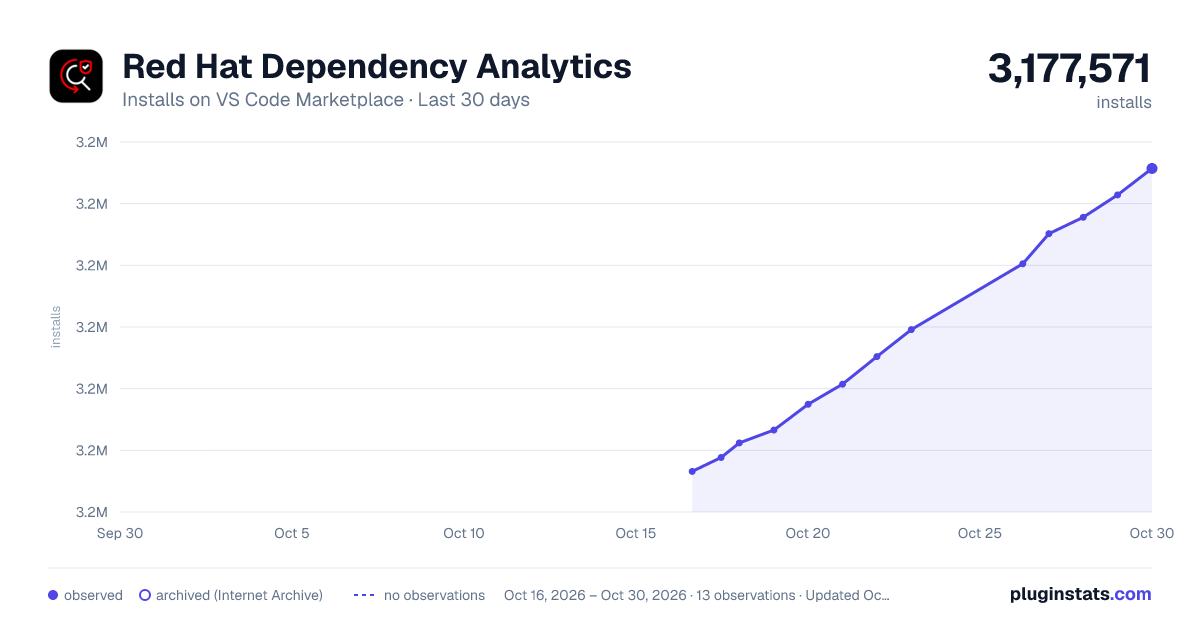
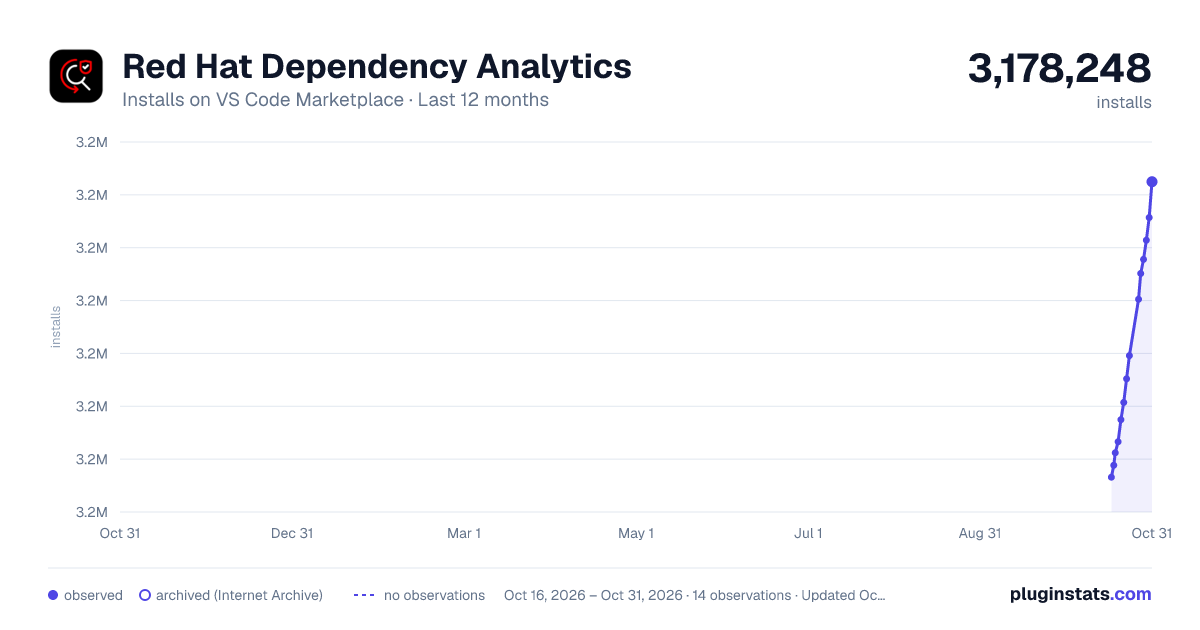
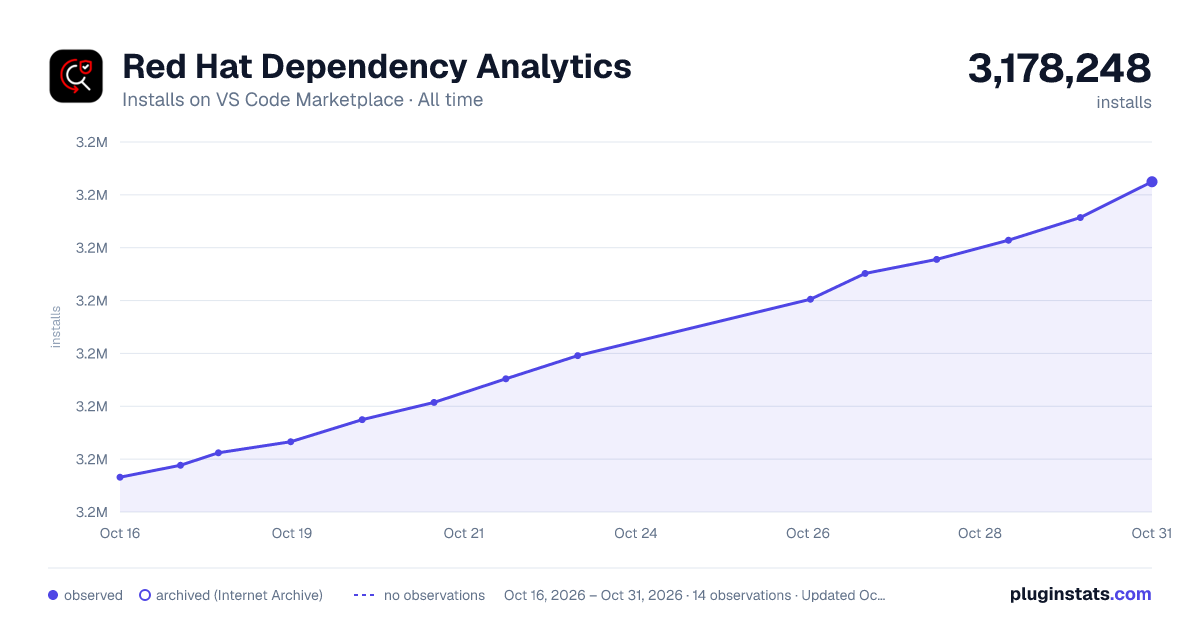

Adoption over time


7/30/90-day growth


Ranking history


Filled points are observed values; hollow points come from Internet Archive snapshots of the listing page. Dashed segments span periods with no observations — values between points are not interpolated.
Recent observations
Full history (3)Similar VS Code Marketplace Other plugins
Data source
Install counts, average rating, and rating counts come from the public Visual Studio Marketplace gallery API. Installs are cumulative and exclude updates.
Listing: https://marketplace.visualstudio.com/items?itemName=redhat.fabric8-analytics. First seen Oct 16, 2026; last successful collection Oct 18, 2026. See the methodology.