 PluginStats
ShellCheck installs statistics
By Timon Wong · VS Code Marketplace · Programming Languages
Integrates ShellCheck into VS Code, a linter for Shell scripts.
ShellCheck has 2,365,004 recorded installs on VS Code Marketplace.
It ranks #306 of 2,501 tracked VS Code Marketplace listings by installs.
It is rated 5.0 out of 5 from 45 ratings.
PluginStats has 4 daily observations since Oct 16, 2026; the latest is from Oct 19, 2026.
Rating: 4.96 / 5 from 45 ratings
About ShellCheck
ShellCheck for Visual Studio Code
Lint shell scripts as you type with [ShellCheck], with quick fixes and nothing else to install.
• Reports ShellCheck's warnings in the editor and the Problems view, as you type or on save. • Quick fixes for single warnings, and _Fix All_ for the whole file. • Bundles ShellCheck, so there is no binary to install on common platforms. • Works on vscode.dev and github.dev through a bundled WebAssembly build. • Reads your .shellcheckrc, like the shellcheck command line does.
Usage
Open a shell script. ShellCheck checks it as you type, underlines each problem, and lists it in the Problems view. Hover a problem for its rule code and a link to the rule's documentation, or use the light bulb to apply a fix.
The ShellCheck icon on the right of the status bar opens a menu to lint the current document, change when ShellCheck runs, or turn it off for the workspace. The same actions are in the Command Palette:
| Command | What it does |
| _ShellCheck: Lint Current Document_ | Lints the active script now. | | _ShellCheck: Show Menu_ | Opens the status bar menu. | | _ShellCheck: Collect Diagnostics For Current Document_ | Opens a troubleshooting report for the active script. | | _ShellCheck: Use the Experimental WebAssembly Runtime_ | Switches to the WebAssembly runtime. |
To apply every automatic fix on save:
To do it on demand instead, run _Fix All_ from the Command Palette.
Installation
Install ShellCheck from the Visual Studio Marketplace, or from Open VSX in VSCodium and other editors that use it. From Quick Open (Ctrl+P, or Cmd+P on macOS):
Or from a terminal:
The extension bundles precompiled [ShellCheck] binaries for:
• Linux (x86_64, arm64, arm) • macOS (x86_64, arm64) • Windows (x86_64, arm64 with the x86_64 binary)
On other platforms, it runs the shellcheck found on your PATH. To use a different binary, set shellcheck.executablePath; it takes priority over the bundled one. In Restricted Mode, only the value from your user settings is used.
A WebAssembly build of ShellCheck is bundled for every platform as well; see Experimental WebAssembly runtime.
Settings
| Setting | Default | Description |
| shellcheck.enable | true | Turns ShellCheck on or off. | | shellcheck.run | "onType" | When to lint: "onType", "onSave", or "manual" (only the _Lint Current Document_ command). | | shellcheck.enableQuickFix | true | Offers quick fixes. | | shellcheck.exclude | [] | Rule codes to ignore, such as "1017". Prefer .shellcheckrc. | | shellcheck.customArgs | [] | Extra arguments for ShellCheck. Prefer .shellcheckrc. | | shellcheck.ignorePatterns | csh, fish, tcsh, xonsh, zsh files | Files not to lint. See below. | | shellcheck.ignoreFileSchemes | Git and pull request views | URI schemes not to lint, such as git and review. | | shellcheck.markdownDiagnostics | false | Experimental formatted hover. See below. | | shellcheck.watchConfigFiles.workspace | false | Lints open scripts again when a .shellcheckrc in the workspace changes. | | shellcheck.watchConfigFiles.user | false | The same, for config files outside the workspace, such as ~/.shellcheckrc. Native runtime only. | | shellcheck.runtime | "native" | "native" or the experimental "wasm". | | shellcheck.executablePath | bundled | Path to the shellcheck executable. | | shellcheck.useWorkspaceRootAsCwd | false | Runs ShellCheck from the workspace root instead of the script's directory. | | shellcheck.runTimeout | 0 | Seconds before a run is stopped; 0 for the default, 30. | | shellcheck.maxConcurrentRuns | 0 | Most runs at once; 0 for no limit on native and 2 on WebAssembly. | | shellcheck.disableVersionCheck | false | Stops prompting to update an outdated shellcheck binary. | | shellcheck.logLevel | "info" | Level of the extension's log. |
The Settings editor shows the full default lists.
Configuring ShellCheck
[ShellCheck] has a default set of checks, but it is also configurable using RC files. To configure your project, add a .shellcheckrc at the workspace root. If no .shellcheckrc is found in any of the parent directories, ShellCheck will look in ~/.shellcheckrc followed by the $XDG_CONFIG_HOME (usually ~/.config/shellcheckrc) on Unix, or %APPDATA%/shellcheckrc on Windows. Only the first file found will be used.
Here is an example .shellcheckrc:
By default, a changed .shellcheckrc applies to a script the next time it is linted. To lint open scripts again right away, turn on shellcheck.watchConfigFiles.workspace, and shellcheck.watchConfigFiles.user for config files outside the workspace.
As a last resort, you can also add rule codes to shellcheck.exclude. For example, to exclude SC1017:
shellcheck.ignorePatterns
Each key of shellcheck.ignorePatterns is a picomatch glob pattern, matched against the file's path relative to its workspace folder. Files outside every workspace folder are matched by their absolute path, so start patterns with **/. Wildcards also match dot files, and extglob patterns such as !(…) are supported.
For example:
To skip files without an extension (dot files such as .bashrc count as having one):
Your patterns are merged with the defaults, so list only the ones you add or change. Set a default pattern to false to lint those files again:
shellcheck.markdownDiagnostics
shellcheck.markdownDiagnostics is experimental. Enable it to show a formatted hover with a colored severity, a muted rule code, and a link to the rule documentation. Colors follow the active editor theme. Common ShellCheck code examples in diagnostic messages are rendered as Markdown code spans; messages remain plain text in the Problems view.
How to hide the original diagnostics
VS Code displays the original diagnostic alongside the formatted hover. To hide the original ShellCheck diagnostics and put the formatted hover first:
1. Install Custom CSS and JS Loader. 2. Follow the installation instructions provided by that extension. 3. Load doc/markdown-diagnostics.css.…
Description from the VS Code Marketplace listing.
- bash
- bats
- dash
- ksh
- lint
- linter
- posix
- sh
- shell
- shellcheck-output
- shellcheckrc
- shellscript
- snippet
Where ShellCheck sits in the listing
Each band is one page of 20. Installs on a log scale. Placement is projected from installs, so it can differ from the marketplace's own sort order. Hover a dot to see the listing.


Charts
Images: 30d · 1y · all time · 1600×900 dark
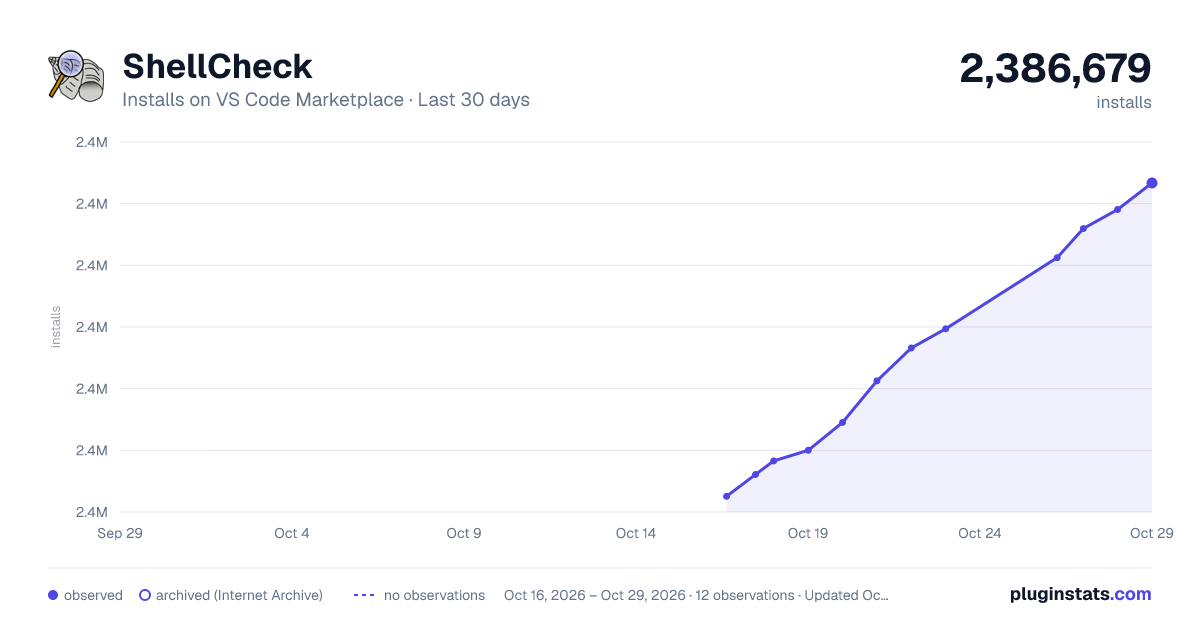
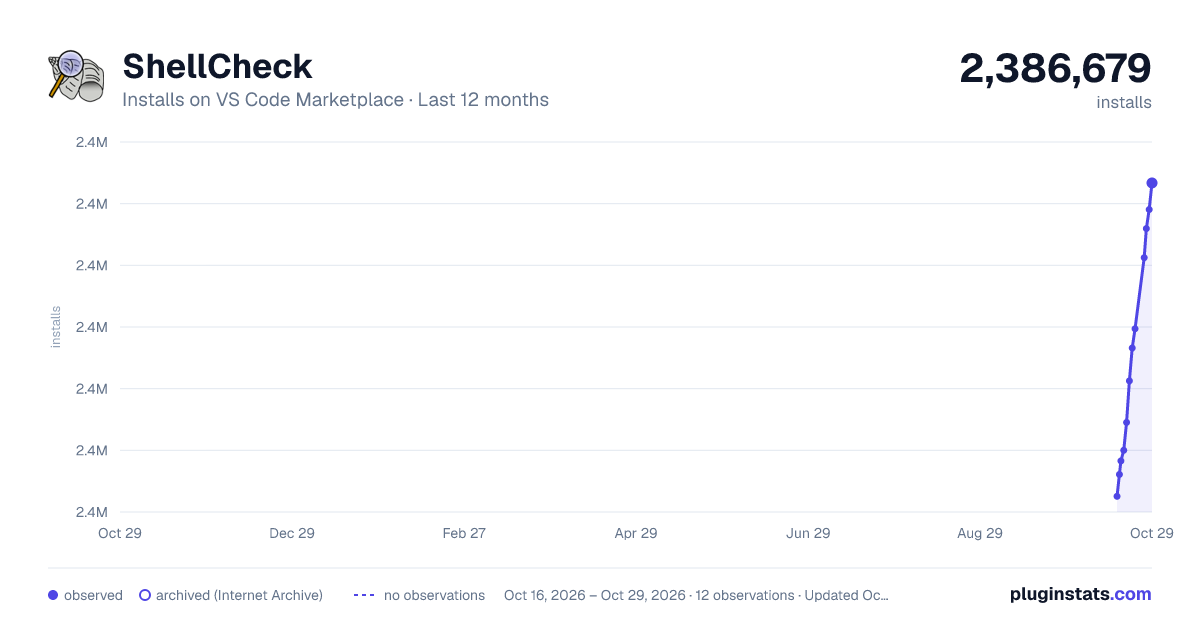
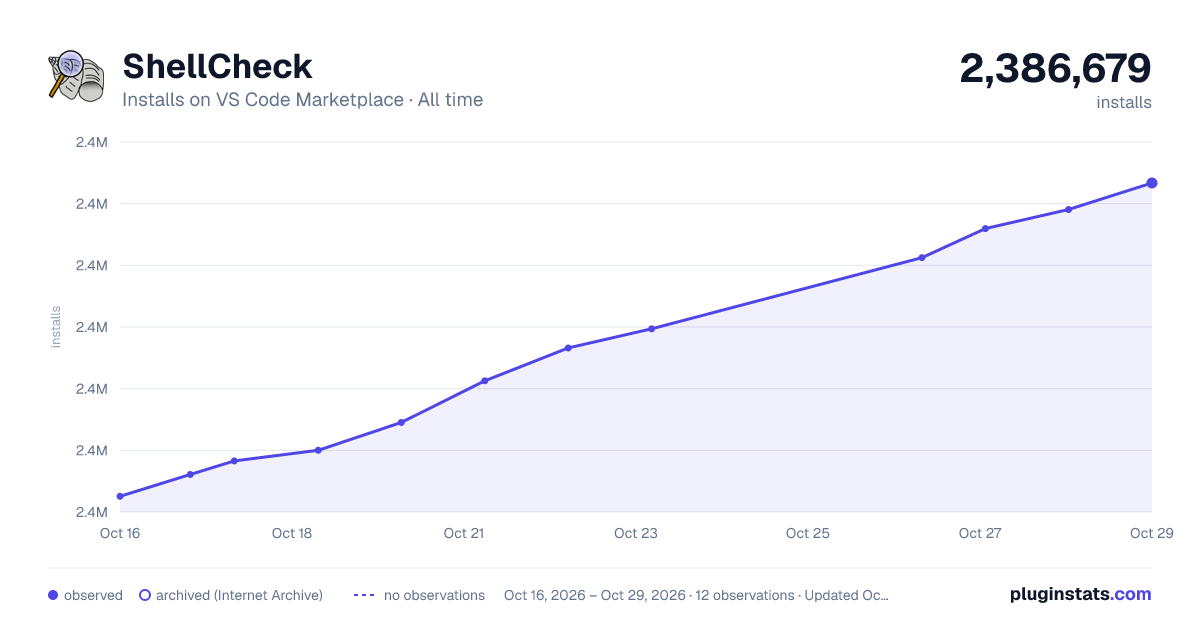

Adoption over time


7/30/90-day growth


Ranking history


Filled points are observed values; hollow points come from Internet Archive snapshots of the listing page. Dashed segments span periods with no observations — values between points are not interpolated.
Recent observations
Full history (4)Similar VS Code Marketplace Programming Languages plugins
Data source
Install counts, average rating, and rating counts come from the public Visual Studio Marketplace gallery API. Installs are cumulative and exclude updates.
Listing: https://marketplace.visualstudio.com/items?itemName=timonwong.shellcheck. First seen Oct 16, 2026; last successful collection Oct 19, 2026. See the methodology.