 PluginStats
Python Environments installs statistics
By Microsoft (223 listings) · VS Code Marketplace · Other
Provides a unified python environment experience
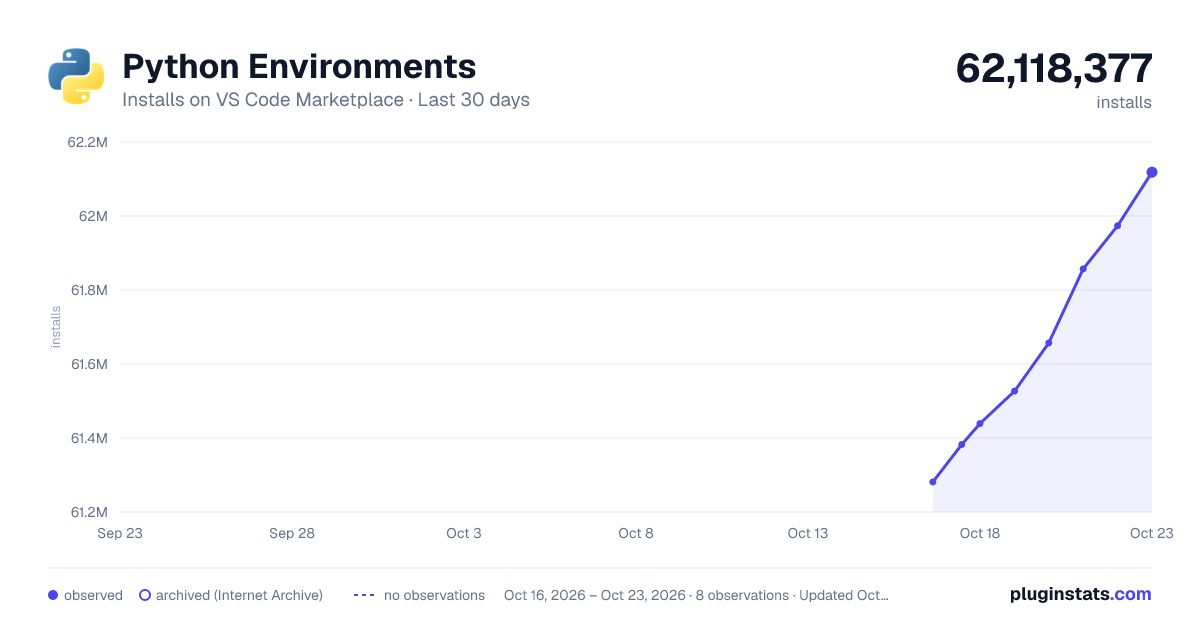
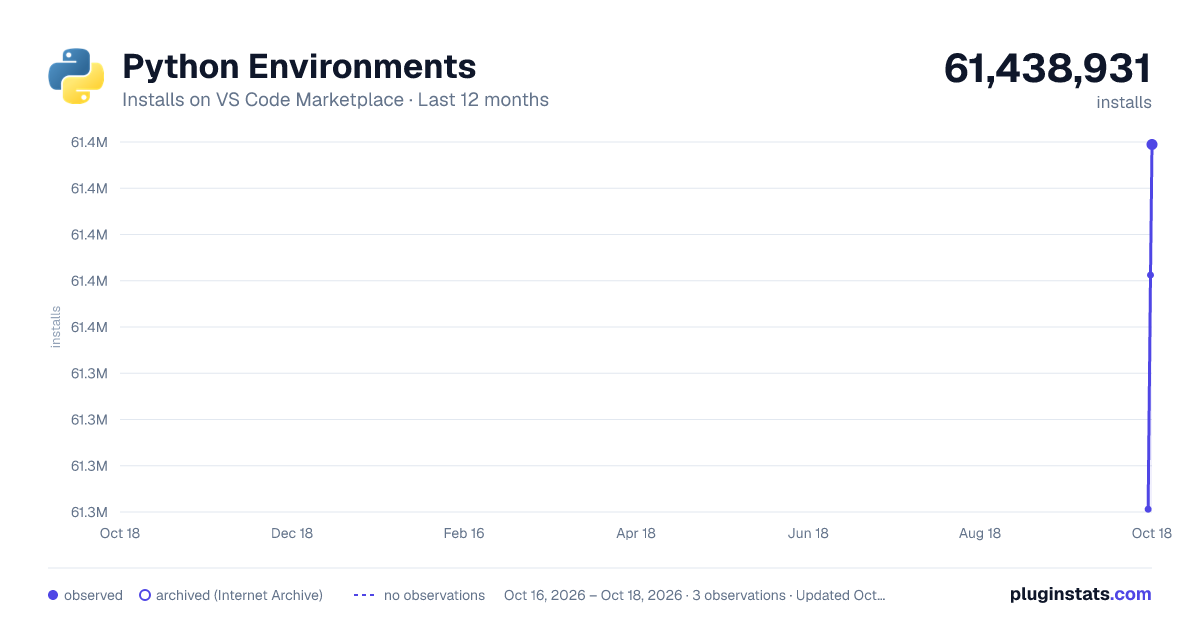
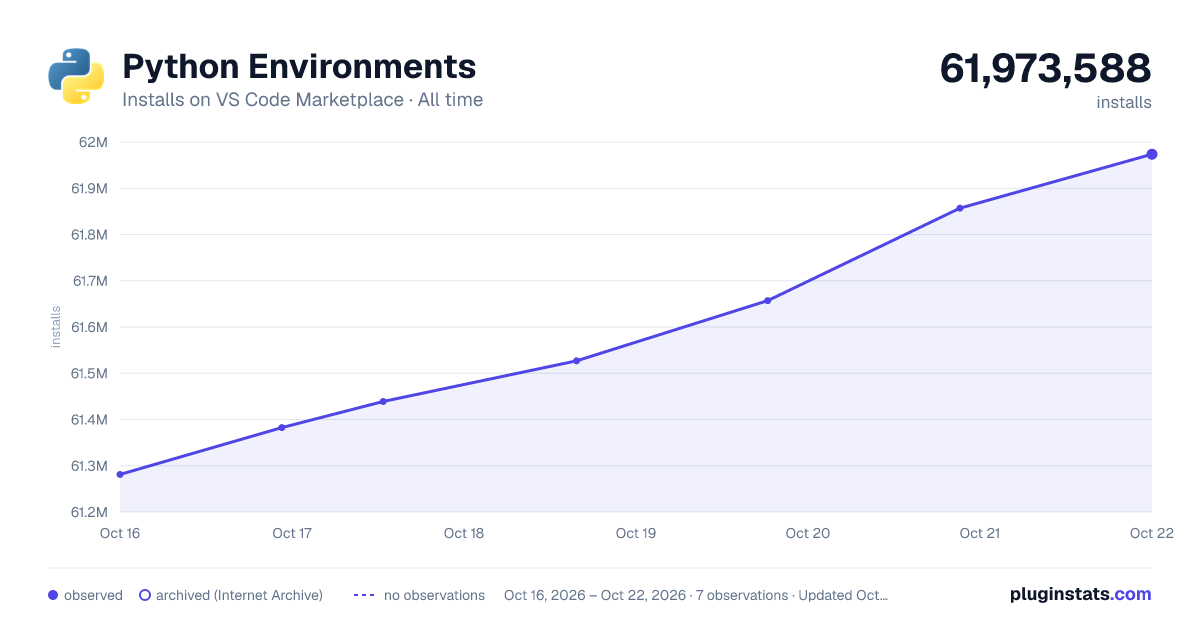
Python Environments has 61,438,931 recorded installs on VS Code Marketplace.
It ranks #16 of 2,500 tracked VS Code Marketplace listings by installs.
It is rated 1.3 out of 5 from 161 ratings.
PluginStats has 3 daily observations since Oct 16, 2026; the latest is from Oct 18, 2026.
Rating: 1.30 / 5 from 161 ratings
About Python Environments
Python Environments
Overview
The Python Environments extension for VS Code helps you manage Python environments and packages using your preferred environment manager, backed by its extensible APIs. This extension provides unique support for specifying environments for specific files, entire Python folders, or projects, including multi-root and mono-repo scenarios. The core feature set includes:
• 🌐 Create, delete, and manage environments • 📦 Install and uninstall packages within the selected environment • ✅ Create activated terminals • 🖌️ Add and create new Python projects
Important: This extension requires version 2024.23, or later, of the Python extension (ms-python.python).
Features
The "Python Projects" fold shows you all of the projects that are currently in your workspace and their selected environments. From this view you can add more files or folders as projects, select a new environment for your project, and manage your selected environments.
The "Environment Managers" fold shows you all of the environment managers that are available on your machine with all related environments nested below. From this view, you can create new environments, delete old environments, and manage packages.
Environment Management
The Python Environments panel provides an interface to create, delete and manage environments.
To simplify the environment creation process, you can use "Quick Create" to automatically create a new virtual environment using:
• Your default environment manager (e.g., venv) • The latest Python version • Workspace dependencies
For more control, you can create a custom environment where you can specify Python version, environment name, packages to be installed, and more!
The following environment managers are supported out of the box:
| Id | Name | Description |
| ms-python.python:venv | venv | Built-in environment manager provided by the Python standard library. Supports creating environments (interactive and quick create) and finding existing environments. | | ms-python.python:system | System Installed Python | Global Python installs on your system, typically installed with your OS, from python.org, or any other OS package manager. | | ms-python.python:conda | conda | The conda environment manager, as provided by conda distributions like Anaconda Distribution or conda-forge. Supports creating environments (interactive and quick create) and finding existing environments. | | ms-python.python:pyenv | pyenv | The pyenv environment manager, used to manage multiple Python versions. Supports finding existing environments. | | ms-python.python:poetry | poetry | The poetry environment manager, used for dependency management and packaging in Python projects. Supports finding existing environments. | | ms-python.python:pipenv | pipenv | The pipenv environment manager, used for managing Python dependencies and environments. Only supports finding existing environments. |
Supported Actions by Environment Manager
| Environment Manager | Find Environments | Create | Quick Create |
| venv | ✅ | ✅ | ✅ | | conda | ✅ | ✅ | ✅ | | pyenv | ✅ | | | | poetry | ✅ | | | | system | ✅ | | | | pipenv | ✅ | | |
Legend:
• Create: Ability to create new environments interactively. • Quick Create: Ability to create environments with minimal user input. • Find Environments: Ability to discover and list existing environments.
Environment managers are responsible for specifying which package manager will be used by default to install and manage Python packages within the environment (venv uses pip by default). This ensures that packages are managed consistently according to the preferred tools and settings of the chosen environment manager.
Package Management
The extension also provides an interface to install and uninstall Python packages, and provides APIs for extension developers to contribute package managers of their choice.
The extension uses pip as the default package manager, but you can use the package manager of your choice using the python-envs.defaultPackageManager setting. The following are package managers supported out of the box:
| Id | Name | Description |
| ms-python.python:pip | pip | Pip acts as the default package manager and it's typically built-in to Python. | | ms-python.python:conda | conda | The conda package manager, as provided by conda distributions like Anaconda Distribution or conda-forge. |
Default Package Manager by Environment Manager
| Environment Manager | Default Package Manager |
| venv | pip | | conda | conda | | pyenv | pip | | poetry | poetry | | system | pip | | pipenv | pip |
Project Management
A "Python Project" is any file or folder that contains runnable Python code and needs its own environment. With the Python Environments extension, you can add files and folders as projects in your workspace and assign individual environments to them allowing you to run various projects more seamlessly.
Projects can be added via the Python Environments pane or in the File Explorer by right-clicking on the folder/file and selecting the "Add as Python Project" menu item.
There are a few ways to add a Python Project from the Python Environments panel:
| Name | Description |
| Add Existing | Allows you to add an existing folder from the file explorer. | | Auto find | Searches for folders that contain pyproject.toml or setup.py files | | Create New | Creates a new project from a template. |
Create New Project from Template
The Python Envs: Create New Project from Template command simplifies the process of starting a new Python project by scaffolding it for you. Whether in a new workspace or an existing one, this command configures the environment and boilerplate file structure, so you don’t have to worry about the initial setup, and only the code you want to write. There are currently two project types supported:…
Description from the VS Code Marketplace listing.
- python
Where Python Environments sits in the listing
Each band is one page of 20. Installs on a log scale. Placement is projected from installs, so it can differ from the marketplace's own sort order. Hover a dot to see the listing.


Charts
Images: 30d · 1y · all time · 1600×900 dark

Adoption over time


7/30/90-day growth


Ranking history


Filled points are observed values; hollow points come from Internet Archive snapshots of the listing page. Dashed segments span periods with no observations — values between points are not interpolated.
Recent observations
Full history (3)Similar VS Code Marketplace Other plugins
Data source
Install counts, average rating, and rating counts come from the public Visual Studio Marketplace gallery API. Installs are cumulative and exclude updates.
Listing: https://marketplace.visualstudio.com/items?itemName=ms-python.vscode-python-envs. First seen Oct 16, 2026; last successful collection Oct 18, 2026. See the methodology.