 PluginStats
Astro installs statistics
By Astro (3 listings) · VS Code Marketplace · Programming Languages
Language support for Astro
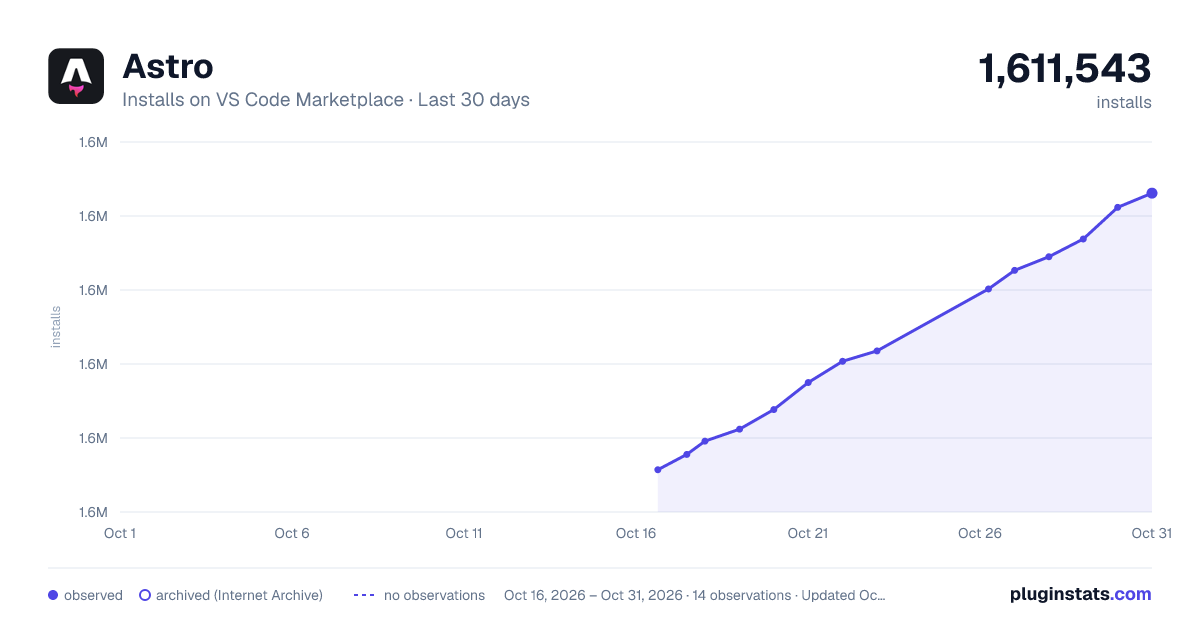
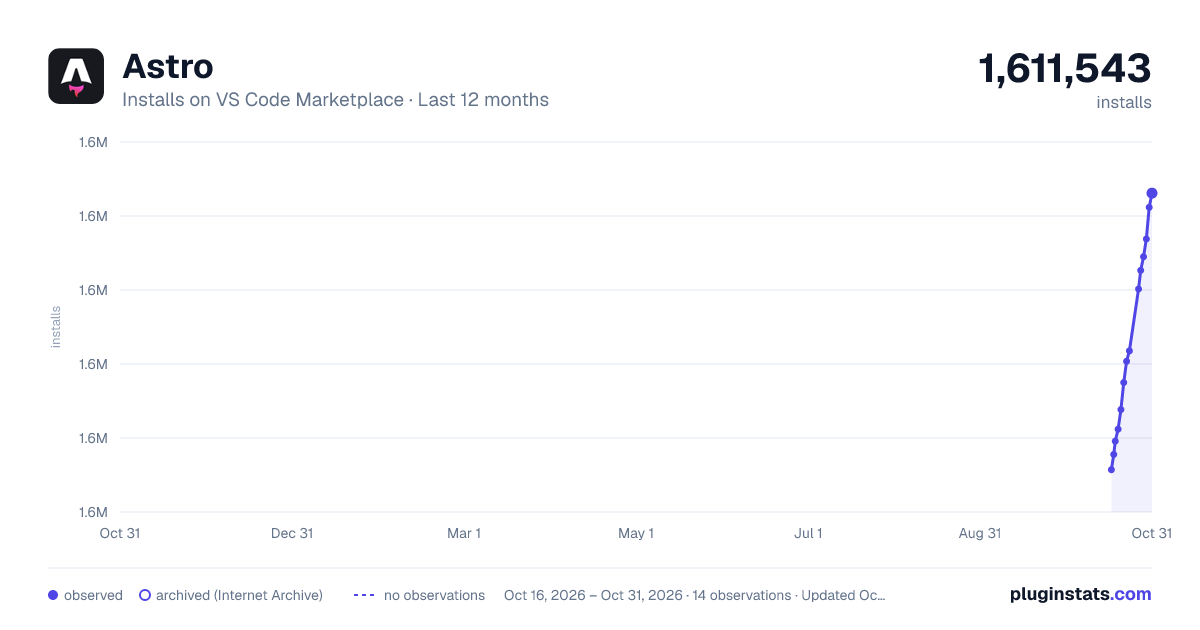
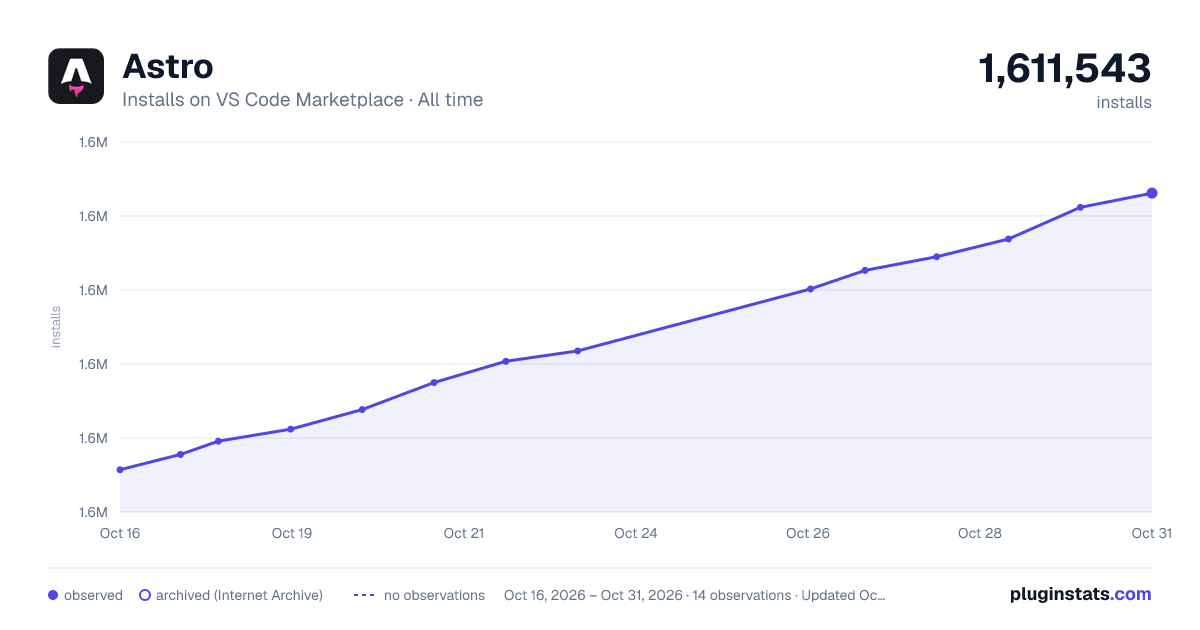
Astro has 1,594,787 recorded installs on VS Code Marketplace.
It ranks #398 of 2,500 tracked VS Code Marketplace listings by installs.
It is rated 4.9 out of 5 from 38 ratings.
PluginStats has 3 daily observations since Oct 16, 2026; the latest is from Oct 18, 2026.
Rating: 4.87 / 5 from 38 ratings
About Astro
Astro support for Visual Studio Code
🧑🚀 Not sure what Astro is? See our website at astro.build!
Provides language support for .astro files. This extension is powered by the Astro language server.
Features
• Syntax & semantic highlighting • Diagnostic messages • IntelliSense completions (w/ auto-imports) • Emmet completions in HTML & CSS • Props completions for JSX/TSX, Vue (Composition API only) and Svelte components • Code actions (quick fixes, sort imports etc) • Formatting (powered by Prettier and prettier-plugin-astro) • Symbols (outline view, breadcrumb navigation, Go to Symbol etc) • Hover information • Go to Definition, Go to Type Definition, Go to Implementation etc • Inlay hints • Code folding • Snippets & File Templates • and more!
A TypeScript plugin adding support for importing and exporting Astro components inside JavaScript and TypeScript files is also included.
Configuration
HTML and CSS settings can be configured through the html and css setting prefixes. TypeScript-related settings appear in the VS Code Settings UI under the JavaScript and TypeScript (js/ts) category in recent VS Code versions, but the actual JSON keys use the typescript.* namespace (for example, "typescript.preferences.importModuleSpecifier": "non-relative"). For example, HTML documentation on hover can be disabled using "html.hover.documentation": false. Formatting can be configured through Prettier's different configuration methods.
Troubleshooting
Inlay Hints don't work
Currently, only inlay hints provided by TypeScript are supported. TypeScript inlay hints are disabled by default and needs to be enabled using the settings under the typescript.inlayHints namespace, for example, to enable inlay hints for parameter names, you would do the following:
Alternatively, in the GUI this would be in TypeScript > Inlay Hints > Parameter Names. Make sure to update the TypeScript settings and not the JavaScript ones, as Astro is TypeScript-only
See this page for more information on the different settings available for inlay hints
Description from the VS Code Marketplace listing.
- astro
- javascript
- node
- react
- snippet
- Static site generator
- svelte
- typescript
- vue
Where Astro sits in the listing
Each band is one page of 20. Installs on a log scale. Placement is projected from installs, so it can differ from the marketplace's own sort order. Hover a dot to see the listing.


Charts
Images: 30d · 1y · all time · 1600×900 dark

Adoption over time


7/30/90-day growth


Filled points are observed values; hollow points come from Internet Archive snapshots of the listing page. Dashed segments span periods with no observations — values between points are not interpolated.
Recent observations
Full history (3)Similar VS Code Marketplace Programming Languages plugins
Data source
Install counts, average rating, and rating counts come from the public Visual Studio Marketplace gallery API. Installs are cumulative and exclude updates.
Listing: https://marketplace.visualstudio.com/items?itemName=astro-build.astro-vscode. First seen Oct 16, 2026; last successful collection Oct 18, 2026. See the methodology.