 PluginStats
Markdown Preview Github Styling installs statistics
By Matt Bierner (11 listings) · VS Code Marketplace · Other
Changes VS Code's built-in markdown preview to match Github's style
Markdown Preview Github Styling has 2,952,295 recorded installs on VS Code Marketplace.
It ranks #256 of 2,501 tracked VS Code Marketplace listings by installs.
It is rated 4.5 out of 5 from 40 ratings.
PluginStats has 4 daily observations since Oct 16, 2026; the latest is from Oct 19, 2026.
Rating: 4.45 / 5 from 40 ratings
About Markdown Preview Github Styling
Changes VS Code's built-in markdown preview to match GitHub's styling.
Includes support for both light and dark GitHub themes. By default, the theme type (light vs dark) is selected based on your VS Code theme.
❗️ Important: This extension only styles the Markdown preview. Use this extension pack to add support for other GitHub markdown features like :emoji: and - [ ] tasklists.
Features
• Preview what your markdown will look like on GitHub. • Extends VS Code's built-in markdown preview. • Includes Github's Dark and Light themes, along with Github's dark dimmed, high contrast, and color blind accessible themes. • Customize styling using your own markdown.styles css • Make sure you apply your styles to the .github-markdown-body instead of just body so they don't get overridden by this extension
Usage
Please see the VSCode Markdown Preview documentation for instructions on how to use this extension.
Configuration
By default, this extension uses the Github theme that matches VS Code's color theme (light/dark). These settings let you further customize which Github theme the Markdown preview uses.
• markdown-preview-github-styles.colorTheme
Sets the color theme mode for the styling of the Markdown preview. Default: auto.
• Auto (match editor): Automatically match the editor color theme (light/dark). • System: Sync to the system/OS color theme. • Single theme: Light: Always use the selected Light theme. See markdown-preview-github-styles.lightTheme • Single theme: Dark: Always use the selected Dark theme. See markdown-preview-github-styles.darkTheme • markdown-preview-github-styles.lightTheme and markdown-preview-github-styles.darkTheme.
Specify the theme used when in Light/Dark mode. Only the matching setting applies when colorTheme is in Single theme mode. Available themes:
• Light - light • Light high contrast - light_high_contrast • Light Protanopia & Deuteranopia - light_colorblind • Light Tritanopia - light_tritanopia • Dark - dark • Dark high contrast - dark_high_contrast • Dark Protanopia & Deuteranopia - dark_colorblind • Dark Tritanopia - dark_tritanopia • Dark dimmed - dark_dimmed
Description from the VS Code Marketplace listing.
- github
- github markdown
- markdown
- markdown style
- style
Charts
Images: 30d · 1y · all time · 1600×900 dark
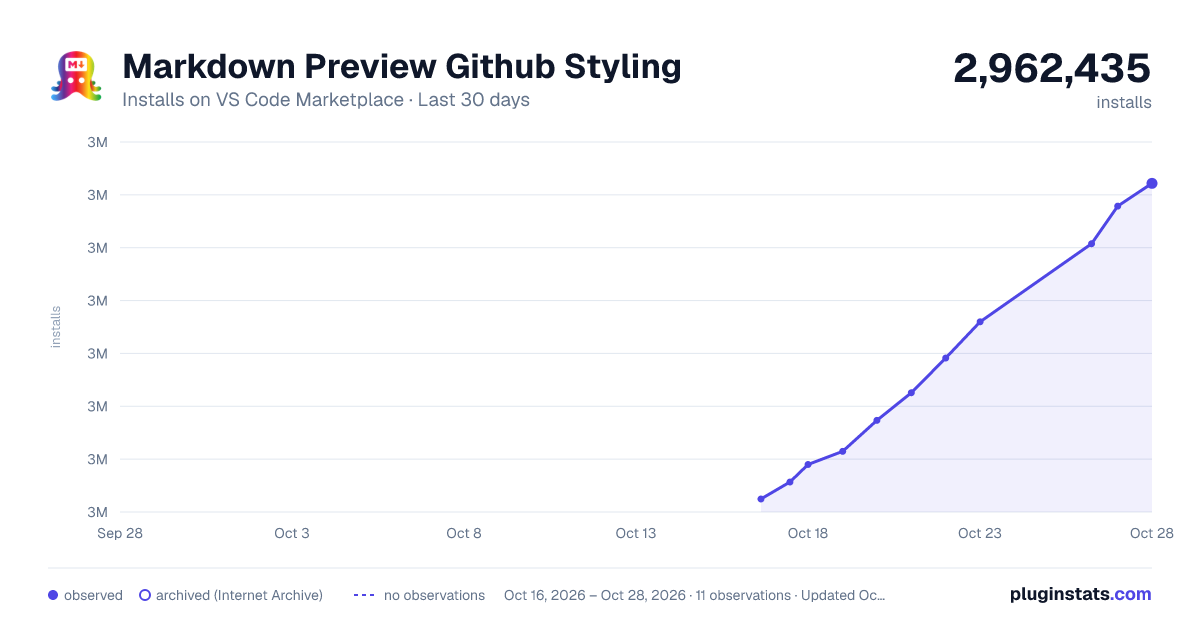
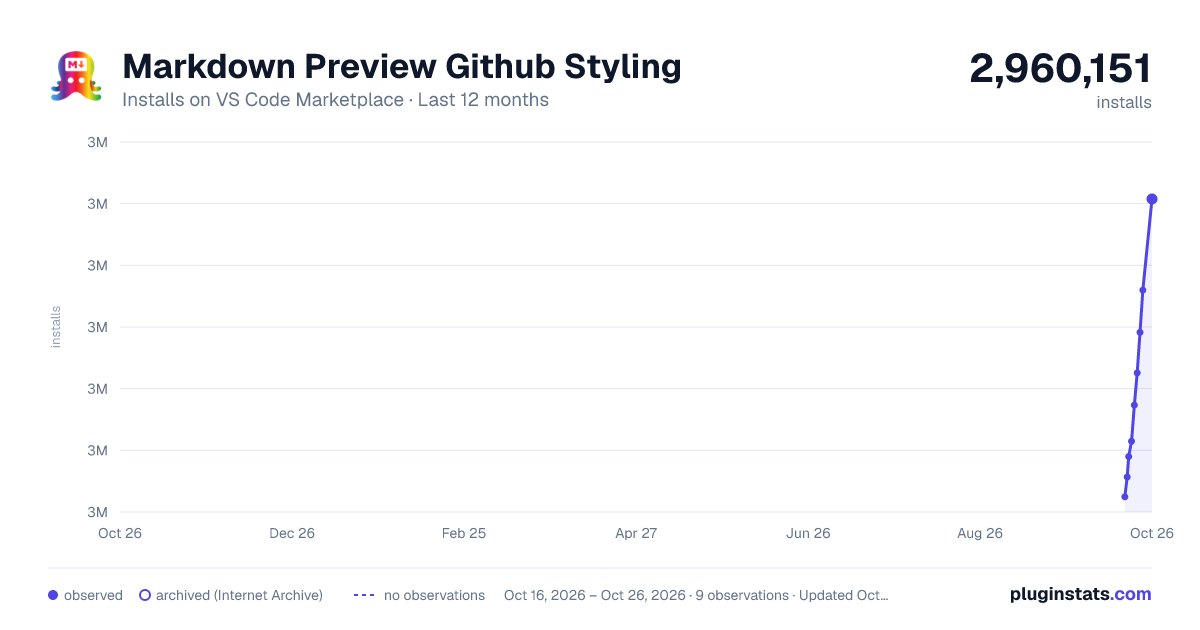
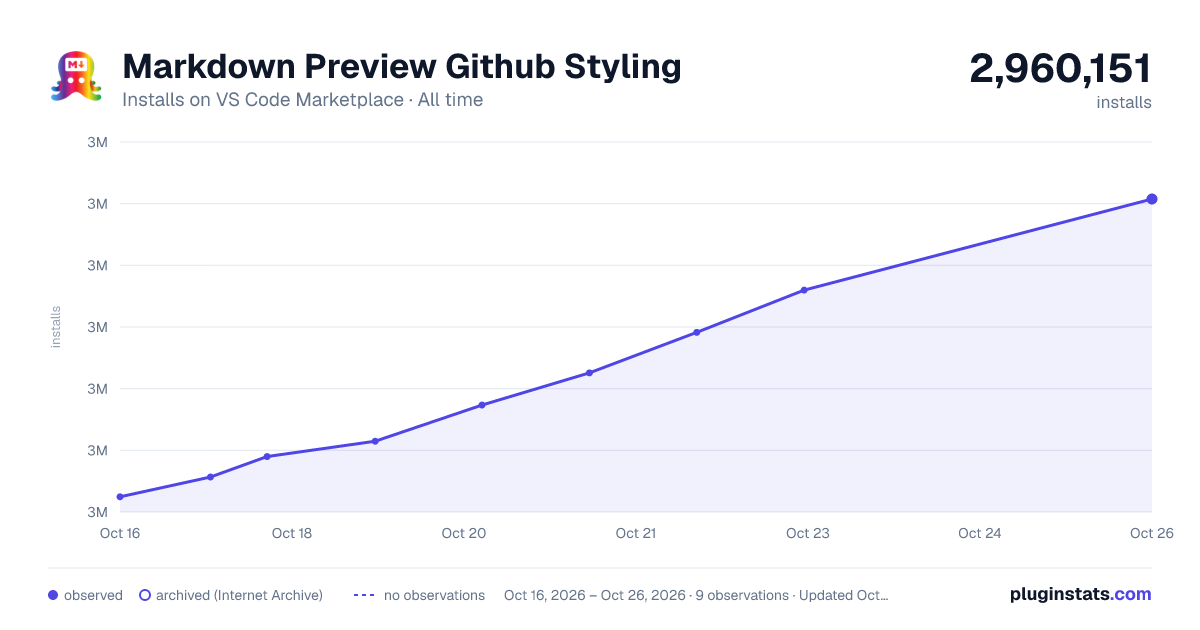

Adoption over time


7/30/90-day growth


Ranking history


Ratings over time


Listing placement


Filled points are observed values; hollow points come from Internet Archive snapshots of the listing page. Dashed segments span periods with no observations — values between points are not interpolated.
Each band is one page of 20. Installs on a log scale. Placement is projected from installs, so it can differ from the marketplace's own sort order. Hover a dot to see the listing.
Recent observations
Full history (4)Similar VS Code Marketplace Other plugins
All 20 Markdown Preview Github Styling alternativesData source
Install counts, average rating, and rating counts come from the public Visual Studio Marketplace gallery API. Installs are cumulative and exclude updates.
Listing: https://marketplace.visualstudio.com/items?itemName=bierner.markdown-preview-github-styles. First seen Oct 16, 2026; last successful collection Oct 19, 2026. See the methodology.