 PluginStats
REST API Client Code Generator for VS Code installs statistics
By Christian Resma Helle (2 listings) · VS Code Marketplace · Programming Languages
Generate REST API client code from OpenAPI/Swagger specifications
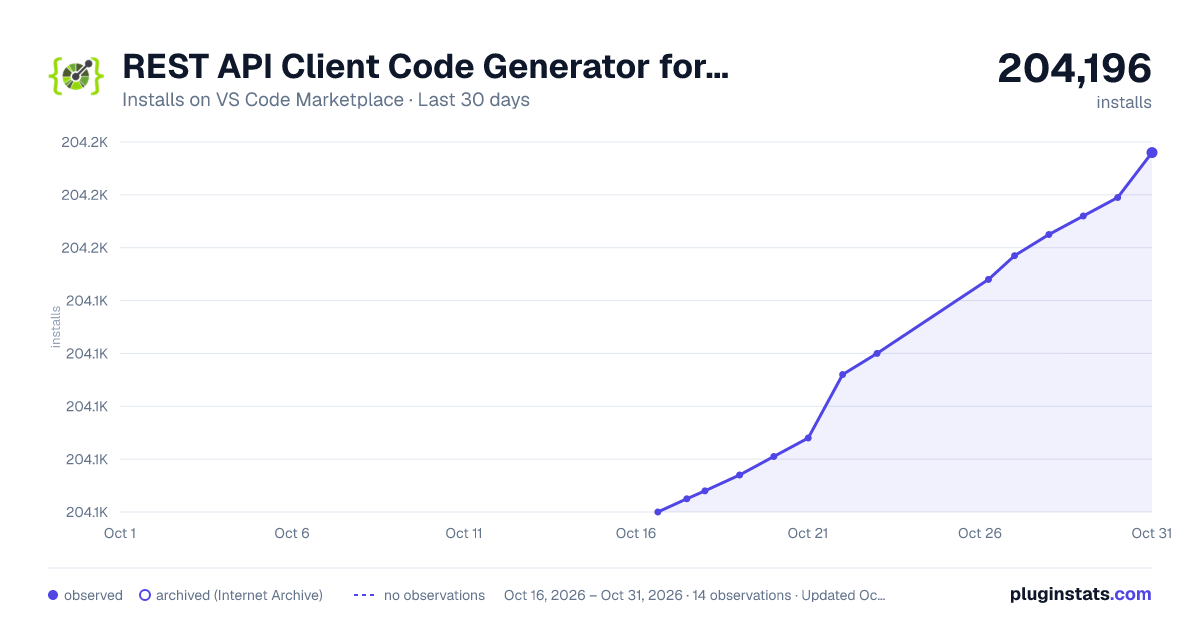
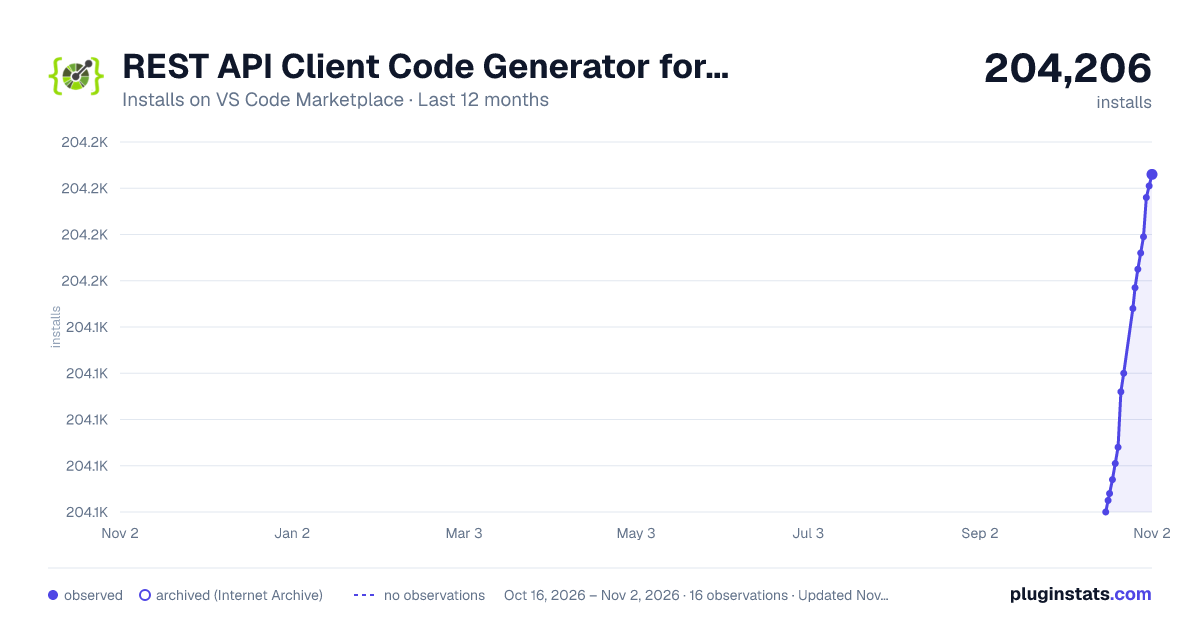
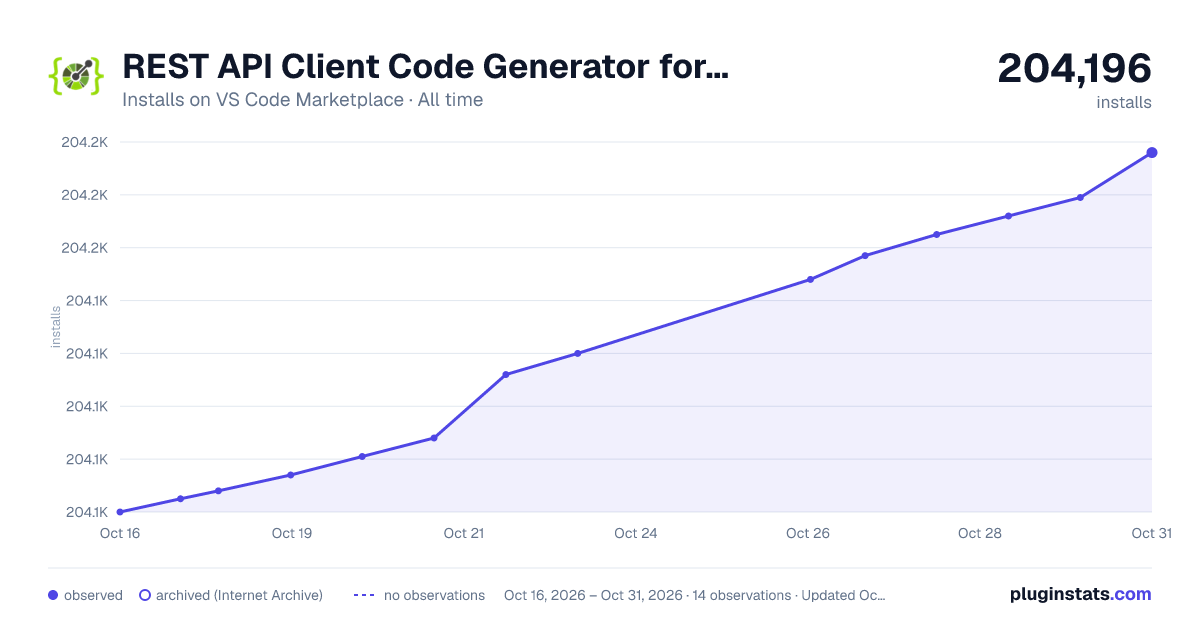
REST API Client Code Generator for VS Code has 204,068 recorded installs on VS Code Marketplace.
It ranks #1488 of 2,500 tracked VS Code Marketplace listings by installs.
PluginStats has 3 daily observations since Oct 16, 2026; the latest is from Oct 18, 2026.
About REST API Client Code Generator for VS Code
There is a separate VSIX installer available for Visual Studio 2022, Visual Studio 2019 and Visual Studio 2017
REST API Client Code Generator
A VS Code extension for generating C# and TypeScript REST API clients from OpenAPI/Swagger specifications.
Installation
You can install this extension in several ways:
1. VS Code Marketplace: Search for "REST API Client Code Generator" in the VS Code Extensions view.
2. Manual Installation: • Download the .vsix file from the GitHub releases page • In VS Code, go to Extensions view • Click on "..." menu in the top right corner • Select "Install from VSIX..." • Locate and select the downloaded .vsix file
Features
This extension adds a context menu item REST API Client Code Generator when right-clicking on JSON or YAML files in the VS Code explorer. Additionally, it provides a Generate Refitter Output command when right-clicking on .refitter settings files. The context menu provides the following code generation options:
C# Generators
• NSwag: Generates a C# REST API Client using NSwag • Refitter: Generates a C# Refit interface using Refitter • OpenAPI Generator: Generates a C# REST API Client using OpenAPI Generator • Microsoft Kiota: Generates a C# REST API Client using Microsoft Kiota • Swagger Codegen CLI: Generates a C# REST API Client using Swagger Codegen CLI • AutoREST: Generates a C# REST API Client using AutoREST
⚠️ Note: AutoRest is deprecated by Microsoft and will be retired on July 1, 2026. AutoRest support will be removed from this tool in a future major version. For migration guidance, see AutoRest Migration Guide. Use NSwag, Refitter, or Kiota instead.
TypeScript Generators
• Angular: Generates a TypeScript REST API Client for Angular • Aurelia: Generates a TypeScript REST API Client for Aurelia • Axios: Generates a TypeScript REST API Client for Axios • Fetch: Generates a TypeScript REST API Client for Fetch • Inversify: Generates a TypeScript REST API Client for Inversify • jQuery: Generates a TypeScript REST API Client for jQuery • NestJS: Generates a TypeScript REST API Client for NestJS • Node: Generates a TypeScript REST API Client for Node • Redux Query: Generates a TypeScript REST API Client for Redux Query • RxJS: Generates a TypeScript REST API Client for RxJS
Refitter Settings Support
• Generate Refitter Output: When right-clicking on a .refitter settings file, you can generate C# Refit interfaces using Refitter with custom configuration. This allows for advanced Refitter configurations including custom settings for authentication, serialization, and other Refitter-specific options.
Screenshot
Requirements
For C# code generation
• .NET SDK 6.0 or higher • Java Runtime Environment (for OpenAPI Generator and Swagger Codegen CLI) • NPM (for AutoREST and NSwag)
For TypeScript code generation
• Node.js and NPM • OpenAPI Generator
The extension uses the rapicgen .NET tool to generate the code. If not already installed, you will be prompted to install it when first attempting to generate code.
Settings and Configuration
The extension includes configurable settings:
• restApiClientCodeGenerator.namespace: Default namespace to use in generated code (default: "GeneratedCode") • restApiClientCodeGenerator.outputDirectory: Output directory relative to workspace folder (default: same directory as the specification file)
How to Use
For OpenAPI/Swagger Specifications
1. Right-click on a Swagger/OpenAPI specification file (JSON or YAML) in the VS Code explorer 2. Select "REST API Client Generator" in the context menu 3. Choose your desired language (C# or TypeScript) 4. Select one of the available generators for that language 5. The generated code will be saved in the configured output directory and opened in the editor
For Refitter Settings Files
1. Create a .refitter settings file with your Refitter configuration 2. Right-click on the .refitter file in the VS Code explorer 3. Select "Generate Refitter Output" from the context menu 4. The generated C# Refit interfaces will be created according to your settings file configuration
Refitter Settings Files
The extension supports Refitter settings files (.refitter) which allow you to configure advanced options for generating C# Refit interfaces. A typical .refitter settings file includes:
• OpenAPI specification URL or file path • Namespace configuration • Output file paths • Authentication settings • Serialization options • Custom type mappings • And many other Refitter-specific options
Example .refitter file:
For more information about Refitter settings, visit the Refitter documentation.
Dependencies
C# Dependencies
The C# code generated by each generator depends on different NuGet packages:
• NSwag: Depends on Newtonsoft.Json • Refitter: Depends on Refit • OpenAPI Generator: Depends on RestSharp, JsonSubTypes, Polly, Newtonsoft.Json • Microsoft Kiota: Depends on Microsoft.Kiota.* packages and Azure.Identity • Swagger Codegen CLI: Depends on RestSharp and JsonSubTypes • AutoREST: Depends on Microsoft.Rest.ClientRuntime and Newtonsoft.Json
TypeScript Dependencies
The TypeScript code generated depends on the framework chosen:
• Angular: Depends on @angular/core, rxjs • Axios: Depends on axios • Fetch: Uses the browser's native fetch API • jQuery: Depends on jquery • RxJS: Depends on rxjs • For other frameworks, please refer to their official documentation or the OpenAPI Generator documentation for detailed dependency information.
Related
• This extension is the VS Code equivalent of the REST API Client Code Generator extension for Visual Studio.
Description from the VS Code Marketplace listing.
- api client
- code generator
- openapi
- swagger
Where REST API Client Code Generator for VS Code sits in the listing
Each band is one page of 20. Installs on a log scale. Placement is projected from installs, so it can differ from the marketplace's own sort order. Hover a dot to see the listing.


Charts
Images: 30d · 1y · all time · 1600×900 dark

Adoption over time


7/30/90-day growth


Ranking history


Filled points are observed values; hollow points come from Internet Archive snapshots of the listing page. Dashed segments span periods with no observations — values between points are not interpolated.
Recent observations
Full history (3)Similar VS Code Marketplace Programming Languages plugins
Data source
Install counts, average rating, and rating counts come from the public Visual Studio Marketplace gallery API. Installs are cumulative and exclude updates.
Listing: https://marketplace.visualstudio.com/items?itemName=ChristianResmaHelle.apiclientcodegen. First seen Oct 16, 2026; last successful collection Oct 18, 2026. See the methodology.