 PluginStats
filesize installs statistics
By Matheus Kautzmann · VS Code Marketplace · Other
Show the current file size in the status bar
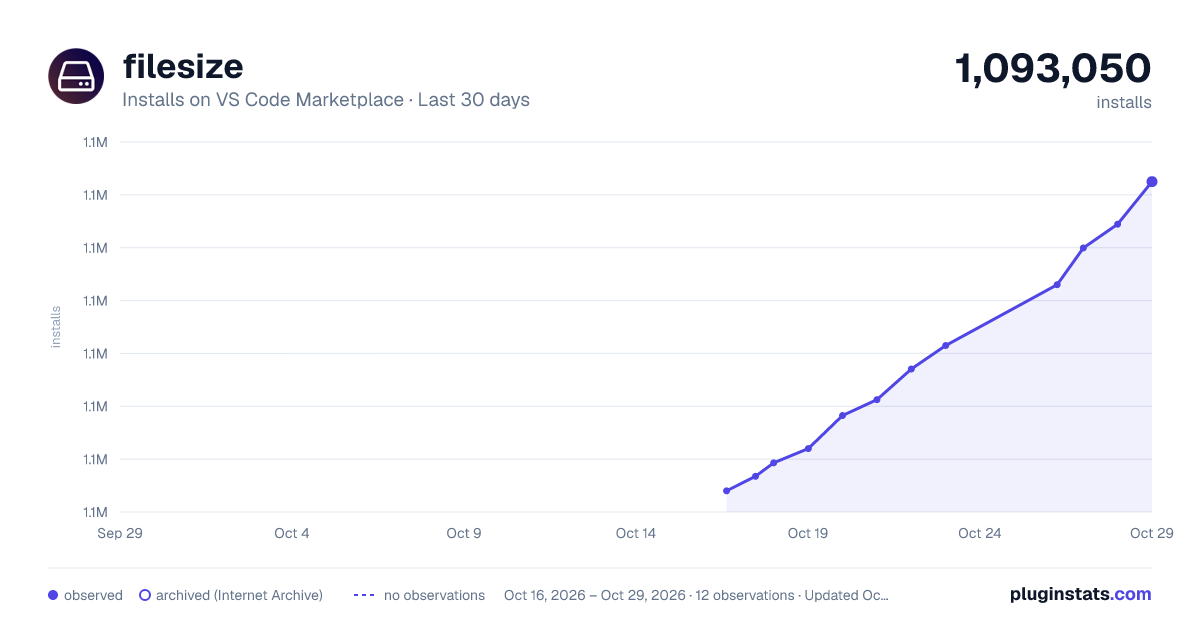
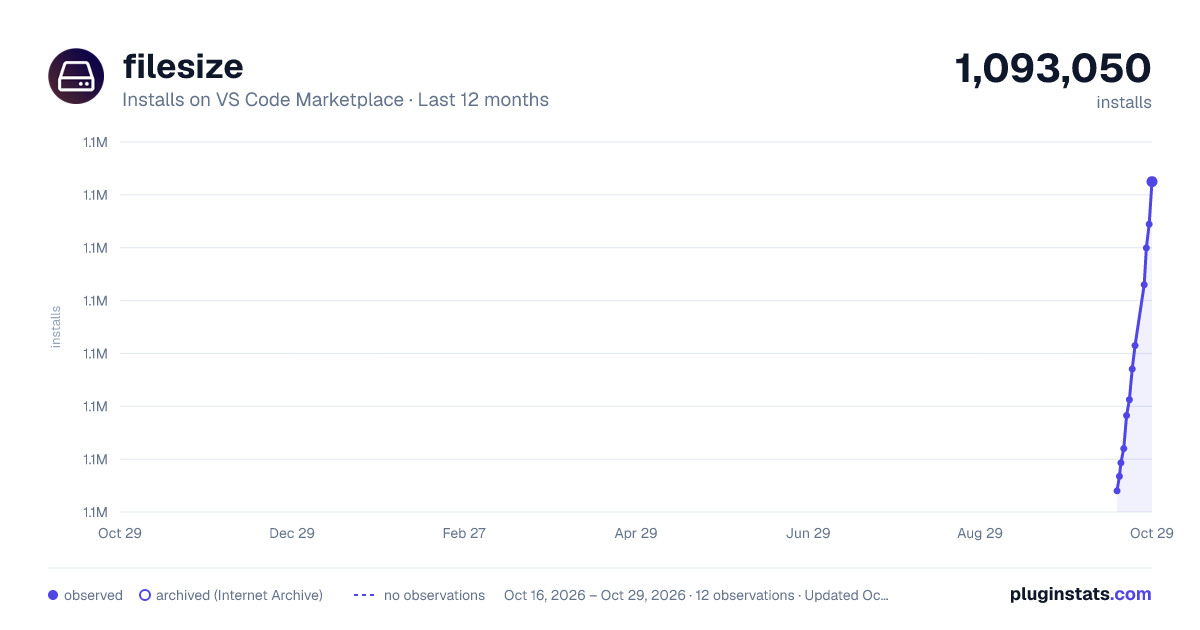
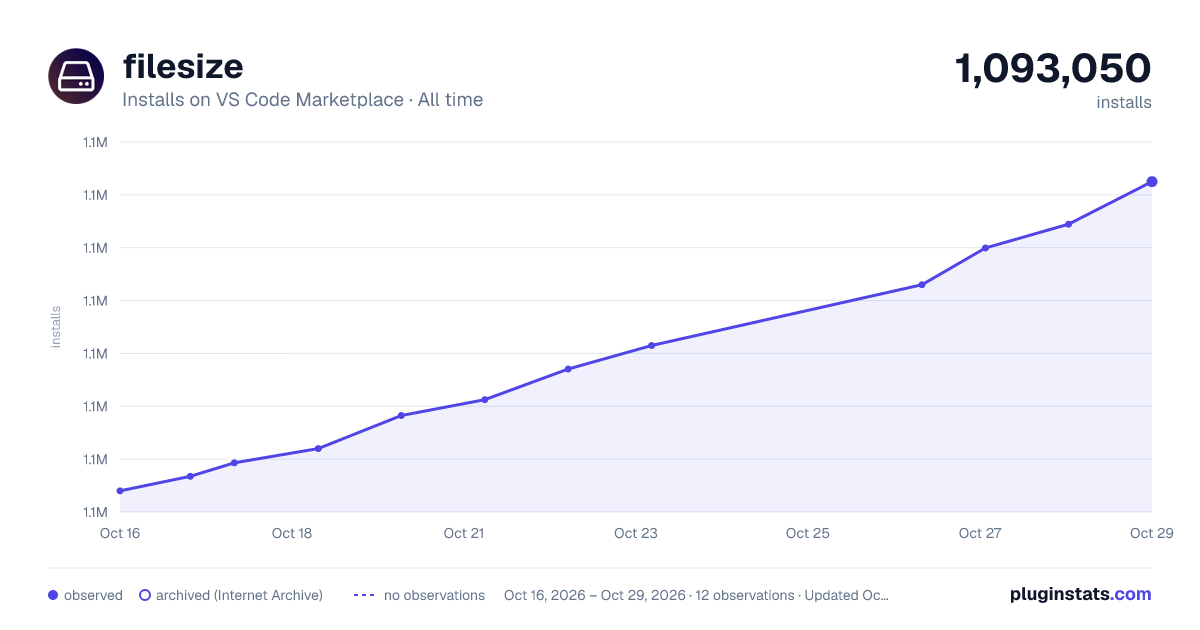
filesize has 1,091,986 recorded installs on VS Code Marketplace.
It ranks #514 of 2,500 tracked VS Code Marketplace listings by installs.
It is rated 4.0 out of 5 from 24 ratings.
PluginStats has 3 daily observations since Oct 16, 2026; the latest is from Oct 18, 2026.
Rating: 4.00 / 5 from 24 ratings
About filesize
filesize package for Visual Studio Code
This package is intended for use with the Visual Studio Code editor and it displays the size of the focused file in the status bar of the editor.
Bonus: If you click on the status bar component it will display more information about the file!
Installation
In VS Code, press Ctrl-P or Cmd-P (Mac) and type in ext install vscode-filesize. Click install in the left bar. Once the extension is installed you will be prompted to restart Visual Studio Code.
Or you can just search for filesize in the extension search bar inside the editor.
Screenshots
filesize with the status bar component active in simple view:
NEW! Expanded view
filesize with the status bar component active in expanded view (with gzip enabled):
Detailed view
To open the detailed view for the current file in focus you can just click at the size in the status bar or use Crtl-shift-' or Cmd-shift-' if you are on a Mac.
filesize with the detailed info panel open:
Settings
This package has two user configurable settings:
• useDecimal: set to true if you want your size data to be displayed according to the SI unit system or leave it at false to use IEC's format (default). • use24HourFormat: set to true to use the 24-hour clock, set to false to use the 12-hour clock. Default is true. • showGzip: set to true to show calculated gzip size in the detailed info view. Default is true. • showGzipInStatusBar: set to true to show calculated gzip size in the status bar. Default is false. • showBrotli: set to true to show calculated brotli compressed size in the detailed info view. Default is false. • displayInfoOnTheRightSideOfStatusBar: set to true to show the status bar info on the right side. Default is false (left side).
Contributing
You are welcome to send any issues or pull requests.
Please run eslint in the code and test it with Visual Studio Code before sending changes.
Any bugs? Please file an issue.
Did something nice with the code? Please send a pull request.
Authors
• Matheus Kautzmann
License
MIT
Description from the VS Code Marketplace listing.
- file
- filesize
- info
- keybindings
- size
- status bar
Where filesize sits in the listing
Each band is one page of 20. Installs on a log scale. Placement is projected from installs, so it can differ from the marketplace's own sort order. Hover a dot to see the listing.


Charts
Images: 30d · 1y · all time · 1600×900 dark

Adoption over time


7/30/90-day growth


Filled points are observed values; hollow points come from Internet Archive snapshots of the listing page. Dashed segments span periods with no observations — values between points are not interpolated.
Recent observations
Full history (3)Similar VS Code Marketplace Other plugins
Data source
Install counts, average rating, and rating counts come from the public Visual Studio Marketplace gallery API. Installs are cumulative and exclude updates.
Listing: https://marketplace.visualstudio.com/items?itemName=mkxml.vscode-filesize. First seen Oct 16, 2026; last successful collection Oct 18, 2026. See the methodology.