 PluginStats
Ollama Autocoder installs statistics
By 10nates · VS Code Marketplace · Programming Languages
A simple to use Ollama autocompletion engine with options exposed and streaming functionality
Ollama Autocoder has 104,880 recorded installs on VS Code Marketplace.
It ranks #2296 of 2,500 tracked VS Code Marketplace listings by installs.
It is rated 5.0 out of 5 from 5 ratings.
PluginStats has 3 daily observations since Oct 16, 2026; the latest is from Oct 18, 2026.
Rating: 5.00 / 5 from 5 ratings
About Ollama Autocoder
Ollama Autocoder
A simple to use Ollama autocompletion engine with options exposed and streaming functionality
Requirements
• Ollama must be serving on the API endpoint applied in settings • For installation of Ollama, visit ollama.ai • Ollama must have the model applied in settings installed. The current default is qwen2.5-coder:latest. • The prompt window size should align with the maximum context window of the model.
How to Use
1. In a text document, press space *(or any character in the completion keys setting)*. The option Autocomplete with Ollama or a preview of the first line of autocompletion will appear. Press enter to start generation. • Alternatively, you can run the Autocomplete with Ollama command from the command palette (or set a keybind). 2. After startup, the tokens will be streamed to your cursor. 3. To stop the generation early, press the "Cancel" button on the "Ollama Autocoder" notification or type something. 4. Once generation stops, the notification will disappear.
Notes
• For fastest results, an Nvidia GPU or Apple Silicon is recommended. CPU still works on small models. • The prompt only sees behind the cursor. The model is unaware of text in front of its position. • For CPU-only, low end, or battery powered devices, it is highly recommended to disable the response preview option, as it automatically triggers the model. *This will cause continue inline to be always on.* You can also increase the preview delay time. • If you don't want inline generation to continue beyond the response preview, change the continue inline option in settings to false. *This doesn't apply to the command palette.*
Description from the VS Code Marketplace listing.
- ai
- assistant
- autocomplete
- coding
- gpt
- llama
- llm
- ollama
- open source
Where Ollama Autocoder sits in the listing
Each band is one page of 20. Installs on a log scale. Placement is projected from installs, so it can differ from the marketplace's own sort order. Hover a dot to see the listing.


Charts
Images: 30d · 1y · all time · 1600×900 dark
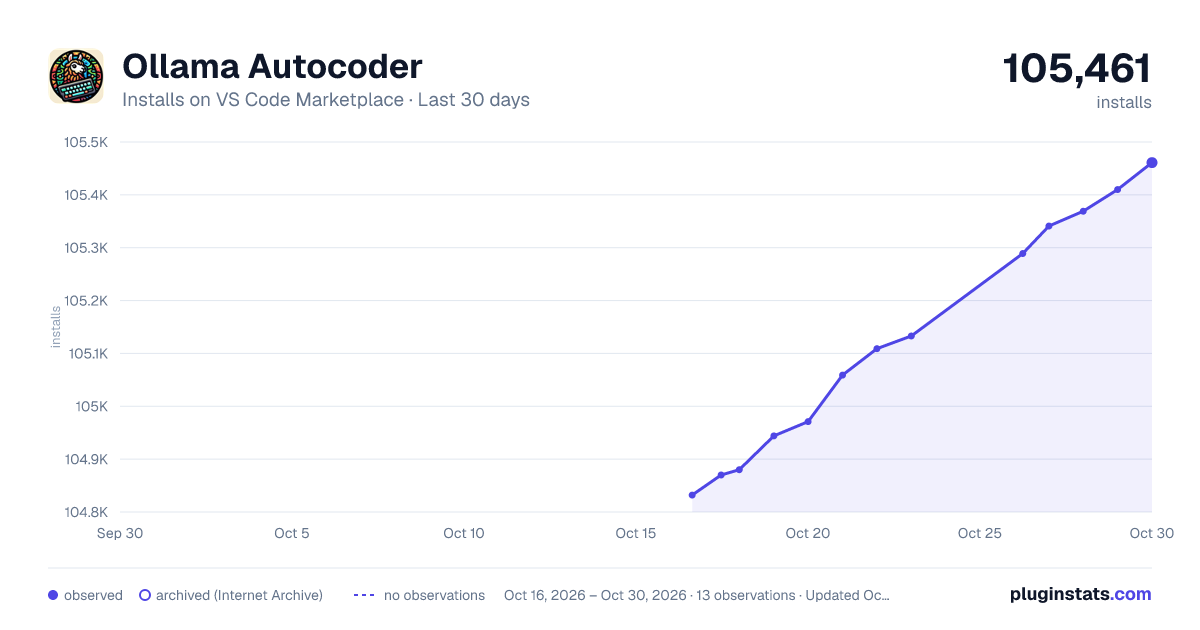
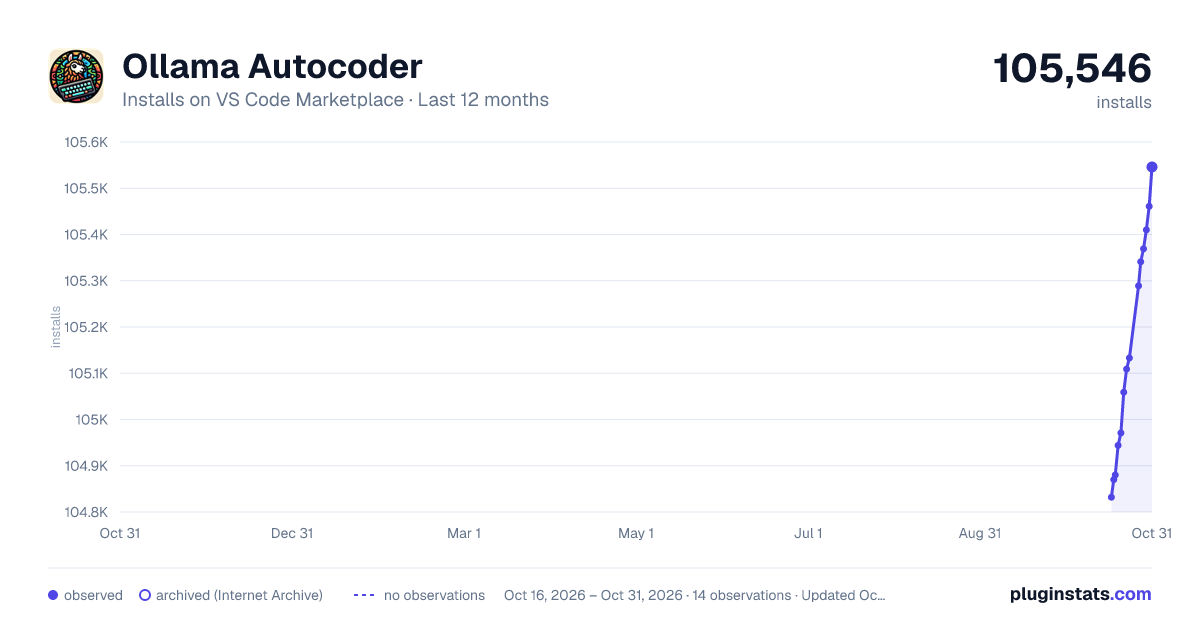
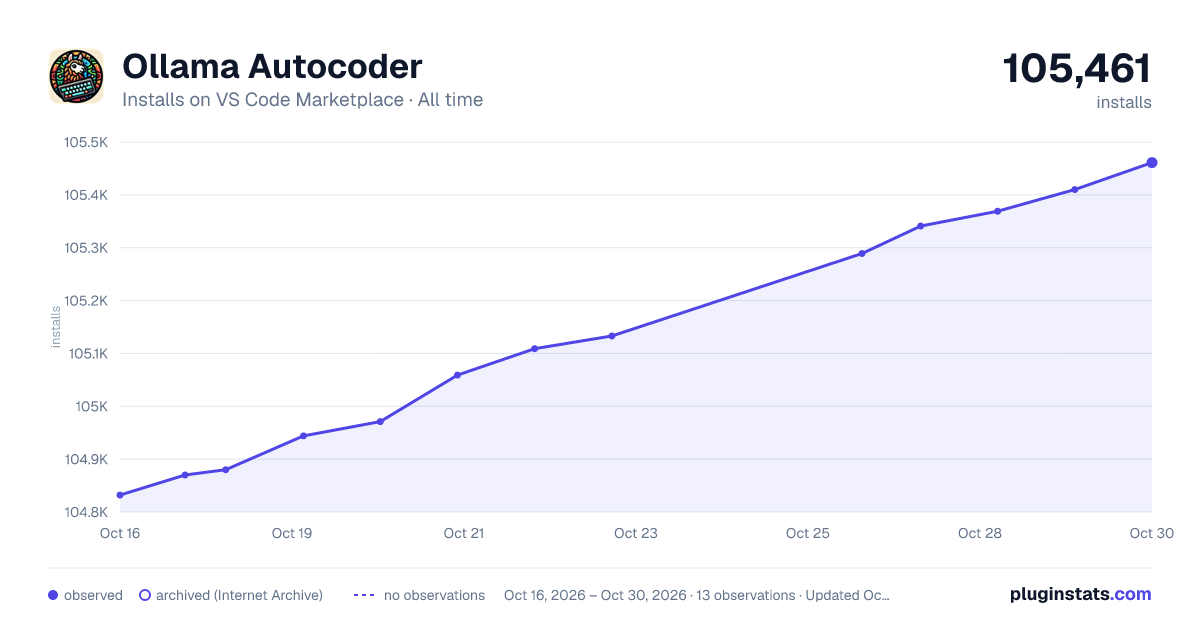

Adoption over time


7/30/90-day growth


Ranking history


Filled points are observed values; hollow points come from Internet Archive snapshots of the listing page. Dashed segments span periods with no observations — values between points are not interpolated.
Recent observations
Full history (3)Similar VS Code Marketplace Programming Languages plugins
Data source
Install counts, average rating, and rating counts come from the public Visual Studio Marketplace gallery API. Installs are cumulative and exclude updates.
Listing: https://marketplace.visualstudio.com/items?itemName=10nates.ollama-autocoder. First seen Oct 16, 2026; last successful collection Oct 18, 2026. See the methodology.