 PluginStats
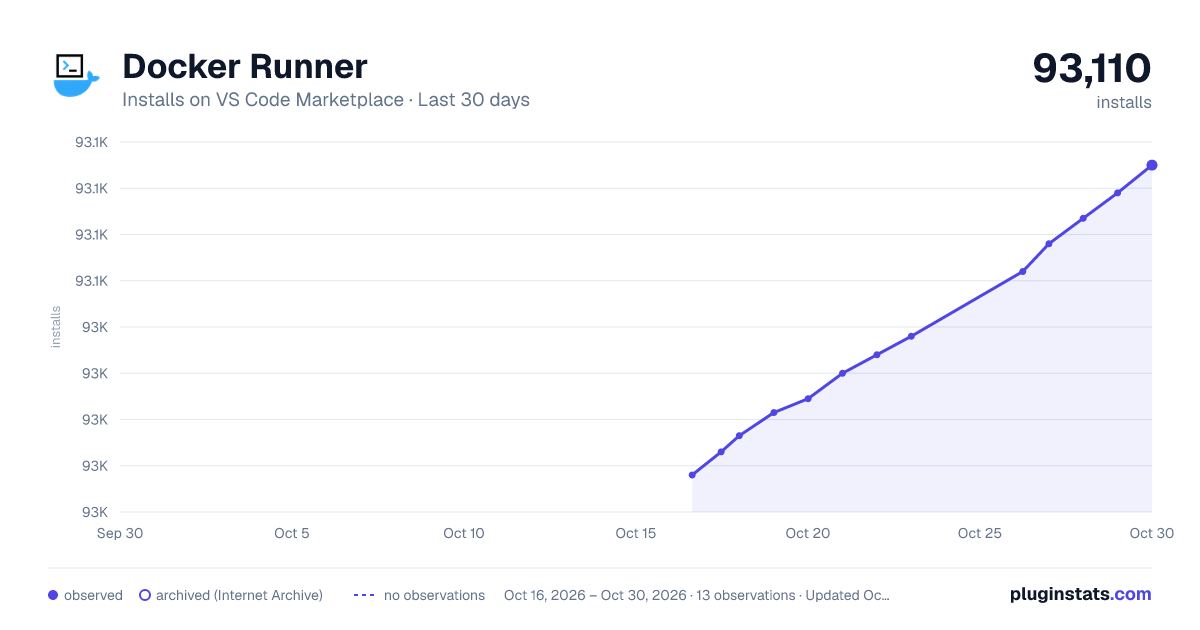
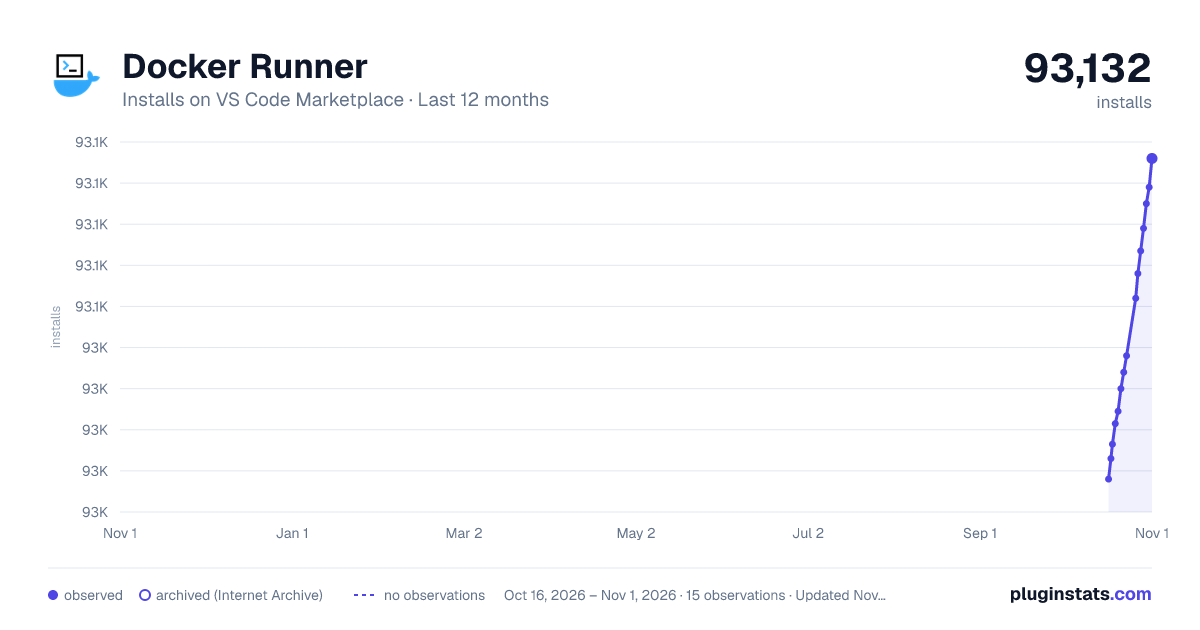
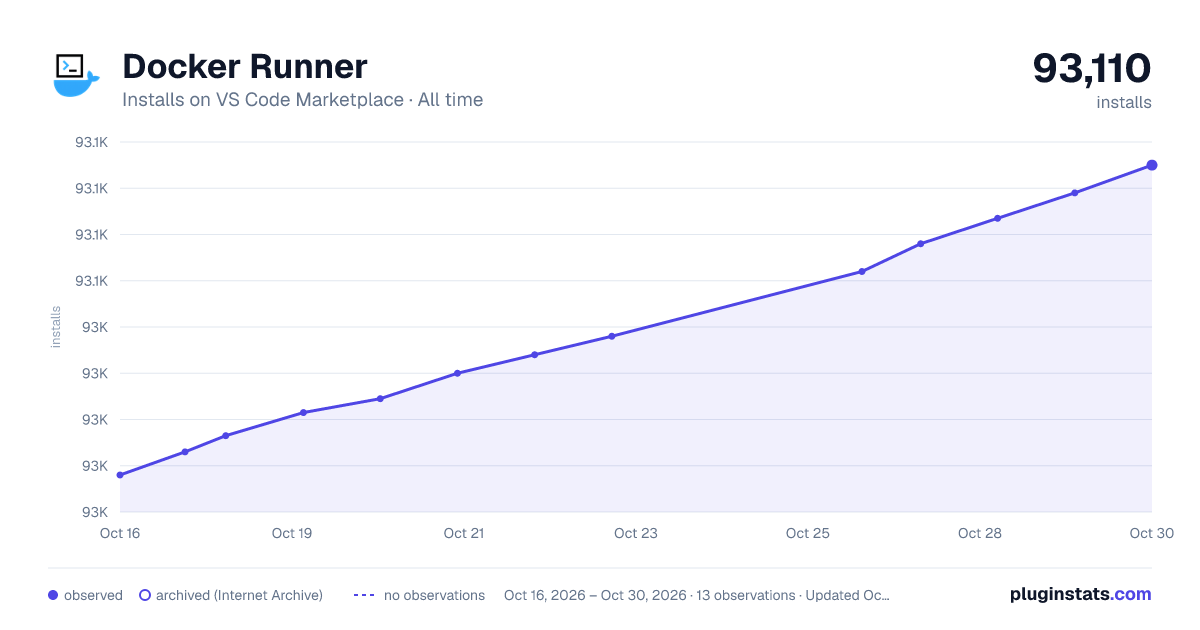
Docker Runner has 93,003 recorded installs on VS Code Marketplace.
It ranks #2474 of 2,501 tracked VS Code Marketplace listings by installs.
It is rated 3.0 out of 5 from 2 ratings.
PluginStats has 4 daily observations since Oct 16, 2026; the latest is from Oct 19, 2026.
Rating: 3.00 / 5 from 2 ratings
About Docker Runner
Docker Runner
Manage Docker containers and images directly from VS Code — side by side with your code.
Features
📦 Image Browser
• Browse local images in a sidebar tree or a full table view • Inspect image details (history, config, environment) • Pull, push, save, and delete images • Generate Dockerfiles from existing images — reconstruct a Dockerfile from an image's history and inspect data
🚢 Container Manager
• List all containers (running + stopped) in tree or table view • Start, stop, restart, pause, and unpause containers • Detail view with tabs: Summary, Inspect (raw JSON), Ports, Environment, Mounts, History • History tab shows: • Recent logs (docker logs --tail 50) • Filesystem changes (docker diff) • Shell command history from inside the container • Attach terminal, execute commands, commit changes to new images • Create Dockerfile from Changes — snapshots a container, extracts its configuration, and generates a Dockerfile
📁 Container Filesystem Explorer
• Browse a container's filesystem with a familiar directory-tree UI • Navigate with breadcrumbs, Back/Home buttons • Click directories to drill down, double-click files to view content • Filter files with the built-in search bar
🔍 Docker Hub Search
• Search Docker Hub from within VS Code • Results displayed in a managed table (Name, Description, Stars, Official badge) • Pull individual images or batch-pull selected/all results • Supports multi-select with checkbox column
🔧 Flexible Execution Model
Configure how Docker commands are executed via Docker Runner: Terminal (Command Palette):
| Mode | Behavior |
| None | All commands run silently in the background (fastest) | | Some (default) | User-facing operations (pull, push, start, stop, ...) execute in the visible *Docker Runner* terminal | | All | Every operation runs through the terminal for full transparency |
No command runs without your knowledge — choose the level of visibility you're comfortable with.
Getting Started
1. Install Docker — you need the Docker CLI (docker) available on your system PATH. 2. Click the Docker icon in the VS Code activity bar to open the Docker Explorer. 3. Browse images and containers, or use the Command Palette (Ctrl+Shift+P) to run specific commands.
Quick Reference
| Action | How |
| Browse images / containers | Click the activity bar Docker icon | | View item details | Click any image or container in the tree | | Open table view | Click Images or Containers in the tree | | Context menu (…) | Hover over an item and click the … button | | Browse container filesystem | Click … on a container → Browse Filesystem | | Search Docker Hub | F1 → Docker Runner: Search Images | | Configure terminal mode | F1 → Docker Runner: Terminal |
Extension Map
Everything in Docker Runner is organized around a sidebar tree view and several webview panels. The same commands are surfaced through multiple entry points (tree, menus, palette, table views, detail panels).
🧭 Views
| View | ID | Type | Location |
| Docker Explorer | dockerRunnerExplorer | Tree view | Activity bar (Docker icon) | | Image Detail | dockerRunnerDetail | Webview panel | Active editor tab (on item click) | | Images Table | dockerRunnerImages | Webview panel | Active editor tab | | Containers Table | dockerRunnerContainers | Webview panel | Active editor tab | | Filesystem Explorer | dockerFsExplorer | Webview panel | Active editor tab | | Hub Search | dockerRunnerHubSearch | Webview panel | Active editor tab | | Workflow panel | — | Webview panel | Active editor tab (create/commit/load/import) |
🌳 Tree Item Types (contextValue)
Each item in the tree has a contextValue that controls which inline ... menu is shown:
| Type | Represents | Icon |
| docker | Root node | $(server-environment) | | docker-image-list | Images folder | $(package) | | docker-image | Single image | $(package) | | docker-container-list | Containers folder | $(symbol-structure) | | docker-container | Single container | $(debug-start) / $(debug-stop) / $(debug-pause) | | docker-registry-list | Registries folder | $(database) | | docker-registry | Single registry | $(database) |
⌨️ All Commands
| Command ID | F1 Palette | Where Available | What It Does |…
Description from the VS Code Marketplace listing.
- azure
- cli
- docker
Where Docker Runner sits in the listing
Each band is one page of 20. Installs on a log scale. Placement is projected from installs, so it can differ from the marketplace's own sort order. Hover a dot to see the listing.


Charts
Images: 30d · 1y · all time · 1600×900 dark

Adoption over time


7/30/90-day growth


Ranking history


Filled points are observed values; hollow points come from Internet Archive snapshots of the listing page. Dashed segments span periods with no observations — values between points are not interpolated.
Recent observations
Full history (4)Similar VS Code Marketplace Other plugins
Data source
Install counts, average rating, and rating counts come from the public Visual Studio Marketplace gallery API. Installs are cumulative and exclude updates.
Listing: https://marketplace.visualstudio.com/items?itemName=Zim.vsc-docker. First seen Oct 16, 2026; last successful collection Oct 19, 2026. See the methodology.