 PluginStats
Console Ninja installs statistics
By Wallaby.js (3 listings) · VS Code Marketplace · Debuggers
JavaScript console.log output and runtime errors right next to your code.
Console Ninja has 1,500,103 recorded installs on VS Code Marketplace, ranking #420 of 2,501 tracked listings.
Rating: 2.90 / 5 from 93 ratings
About Console Ninja
Console Ninja
Console Ninja is a VS Code extension that displays console.log output and runtime errors directly in your editor from your running browser or node application. It's like your browser dev tools console tab or terminal output from your node app, but instead of having to context switch, values are connected to your code and displayed ergonomically in your editor.
Table of contents
- Current status
- Supported technologies
- Get started
- Community Edition Features
- PRO Edition Features
- Troubleshooting
- How does it work?
- Differences between Console Ninja and other tools
Current status
Console Ninja extension comes with 2 feature sets: Community and PRO.
Console Ninja Community feature set includes many fundamental features such as displaying console.log output and runtime errors directly in your editor, showing all recorded logs and errors in the log viewer, etc. Console Ninja Community feature set is free to use, and will always be free to use.
Console Ninja PRO (paid) feature set includes everything from the Community feature set as well as many additional advanced features that can be explored on our website Pro page and are documented in a separate doc section. Unless the feature is documented as being available in the PRO edition, it will always be available in the Community edition for free.
Console Ninja feature sets are designed and will be extended in future with the goal of providing you the best tool in the world for debugging your applications. Whether you are using the free or paid version - we will do our best to make you as productive as possible. With the PRO feature set, we are aiming to 10x your productivity, especially in more advanced debugging scenarios:
- with larger number of logs,
- medium and large company projects,
- realtime value watching and diff-ing,
- zero config code coverage powered analysis,
- and much more.
You may easily switch between feature sets in the extension settings, request a trial period for Console Ninja PRO feature set by using the "Console Ninja: Manage License" command in VS Code, and unlock the full Console Ninja PRO feature set by purchasing a subscription.
Supported technologies
Console Ninja currently supports the following tools:…
Description from the VS Code Marketplace listing.
- chat-participant
- debugger
- javascript
- keybindings
- language-model-tools
- typescript
README badge
Show your rank in a README or on your website. The badge updates automatically.
Charts
Images: 30d · 1y · all time · 1600×900 dark
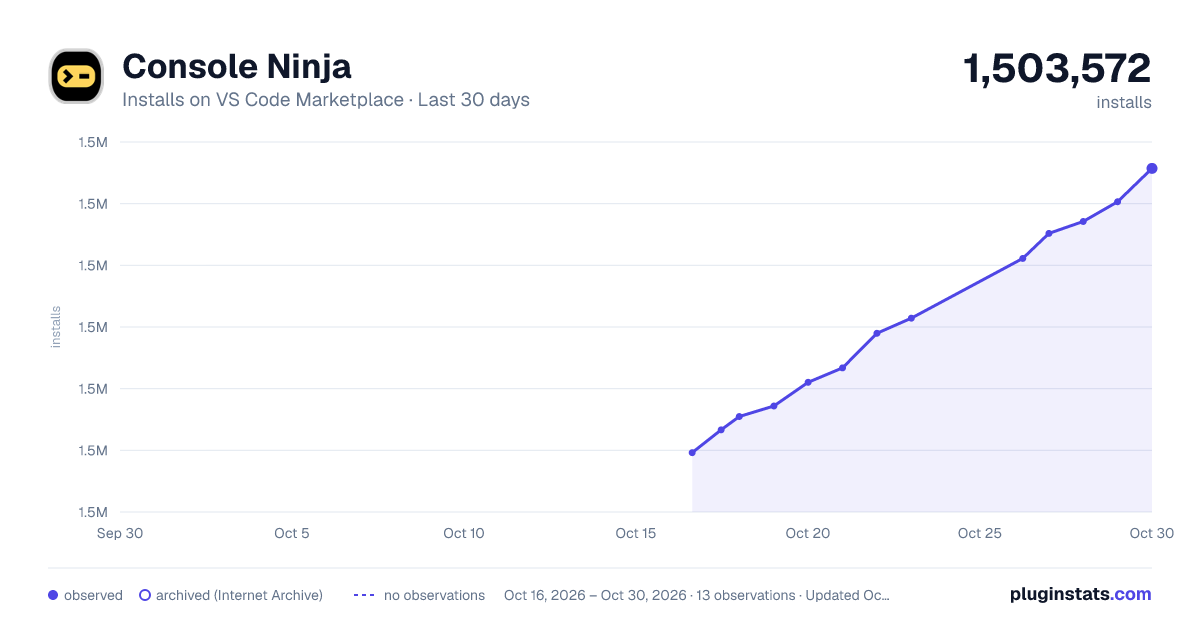
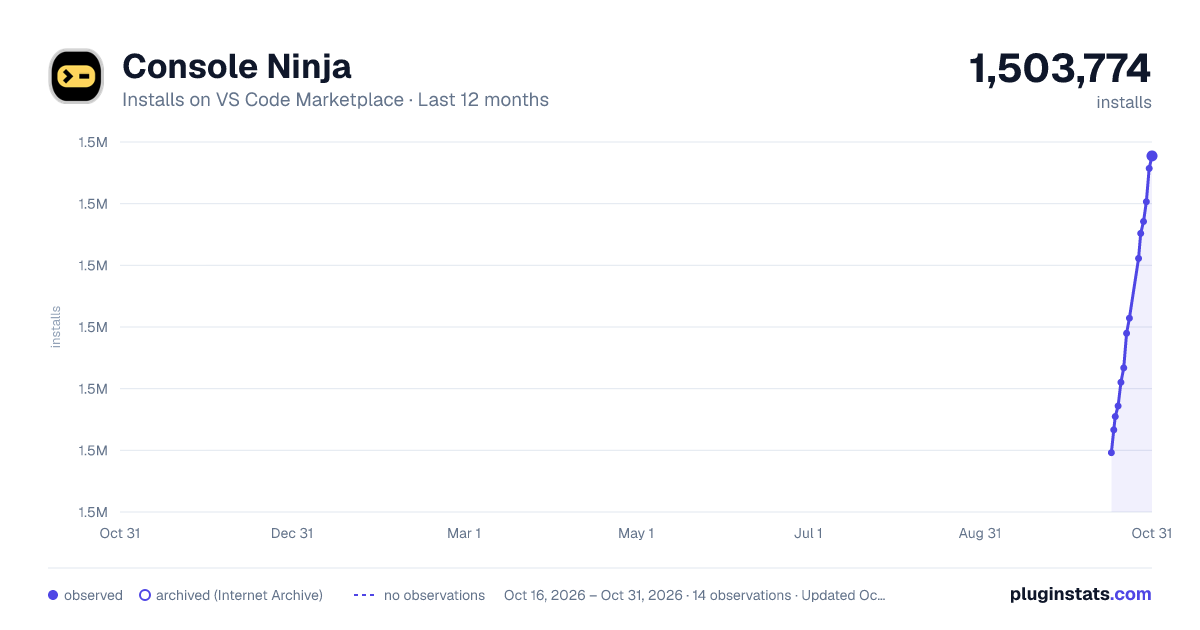


Adoption over time
7/30/90-day growth
Ranking history
Ratings over time
Listing placement
Listing placement
Listing placement
Listing placement
Filled points are observed values; hollow points come from Internet Archive snapshots of the listing page. Dashed segments span periods with no observations — values between points are not interpolated.
Each band is one page of 20. Installs on a linear scale. Placement is projected from installs, so it can differ from the marketplace's own sort order. Hover a dot to see the listing.
Recent observations
Full history (5)Similar VS Code Marketplace Debuggers plugins
All 20 Console Ninja alternativesData source
Install counts, average rating, and rating counts come from the public Visual Studio Marketplace gallery API. Installs are cumulative and exclude updates.
Listing: https://marketplace.visualstudio.com/items?itemName=WallabyJs.console-ninja. First seen Oct 16, 2026; last successful collection Oct 20, 2026. See the methodology.