 PluginStats
Docker DX installs statistics
By Docker · VS Code Marketplace · Programming Languages
Edit smarter, ship faster with an enhanced Docker-development experience
Docker DX has 2,820,751 recorded installs on VS Code Marketplace.
It ranks #260 of 2,500 tracked VS Code Marketplace listings by installs.
It is rated 2.9 out of 5 from 8 ratings.
PluginStats has 3 daily observations since Oct 16, 2026; the latest is from Oct 18, 2026.
Rating: 2.88 / 5 from 8 ratings
About Docker DX
Docker DX
The Docker DX (Developer Experience) Visual Studio Code extension enhances your Visual Studio Code experience with Docker-related development by adding rich editing features and vulnerability scanning.
Key features
• Dockerfile editing features: Code completion and syntax highlighting as well as build warnings and best-practice suggestions via BuildKit and Buildx. • Dockerfile debugging features: Debug and step through a Dockerfile build with Buildx • Compose editing features: Provides contextual code completion, reference navigation, and schema descriptions in hovers. • Bake editing features: Includes code completion, variable navigation, and inline suggestions for generating targets based on your Dockerfile stages. • Image vulnerability scanning (experimental): Flags references to container images with known vulnerabilities directly within Dockerfiles.
Requirements
The extension requires Docker Engine to be running. Install Docker Desktop on your machine and make sure the docker CLI is available in your system PATH.
This extension currently supports the following operating systems and architectures:
| Operating system | Architectures |
| Windows | amd64, arm64 | | macOS | amd64, arm64 | | Linux | amd64, arm64 | | Alpine | amd64, arm64 |
If you are on an unsupported system, let us know of your interest in this extension so we can prioritize the work accordingly.
Feature overview
Editing Dockerfiles
You can get linting checks from BuildKit and BuildX when editing your Dockerfiles.
Any references to images with vulnerabilities are also flagged. This is an experimental feature and may change in the future. Refer to our FAQ.md to see how you can opt in or out of these warnings.
Errors are visible directly in your editor or you can look at them by opening up the Problems panel (Ctrl+Shift+M on Windows/Linux, Shift+Command+M on Mac).
Editing Compose files
Code completion support in the Docker DX extension goes beyond just the Compose schema. The Docker DX extension understands the contextual link between your Compose file and your Dockerfile.
Compose files can get pretty big and complicated when you start including other files. Docker DX lets you hover over a reference to quickly see how something is defined.
Editing Bake files
You can get code completion when editing your docker-bake.hcl file. You are also able to hover over variables and navigate around the file by jumping to a variable's definition or jumping to the build stage within a Dockerfile.
The extension provides inline suggestions to generate a Bake target to correspond to each build stage in your Dockerfile.
Build Debugging
Dockerfile builds can be stepped through in debug mode with the Debug Adapter Protocol implementation in Buildx. Open DEBUGGING.md to learn about this feature and what its requirements are.
For information about Buildx and the Debug Adapter Protocol, go here. If you have any bugs, feature requests, or feedback about Buildx's support for Debug Adapter Protocol, please report them here.
Builds
GitHub Actions builds eight .vsix files - one for each platform combination (Windows, macOS, Linux, Alpine Linux x amd64/arm64).
Note: The language server binary from these builds are not signed and/or notarized. You may encounter issues when using .vsix files from this repository as your operating system may refuse to open an unsigned binary.
Development
To develop this extension, you should first make sure you have the following extensions installed:
• Prettier - Code formatter • TypeScript + Webpack Problem Matchers
To debug the VS Code extension, clone this repository and then run npm install. This will download a binary of the Docker Language Server to the bin folder. If you would like to test your own custom build of the language server, simply replace the file in the bin folder with your own binary.
Debugging both the extension and language server
1. Clone the docker/docker-language-server repository 2. Start the language server in debug mode with the --address :49201 argument. 3. In VS Code, update the docker.lsp.debugServerPort setting to 49201. This is the default port that is used for any launch configurations saved in Git. 4. Launch the extension in debug mode. It will connect to the language server you started in debug mode instead of trying to execute a binary in bin/.
Testing
Run npm test to launch the UI tests.
Releasing
Follow the following steps to create a new release of the Docker DX Visual Studio Code extension:
1. Run the "prepare release" workflow with the desired bump in semantic versioning. This workflow will update CHANGELOG.md, package.json, and package-lock.json and create a pull request with the three files. 2. Review the generated pull request. 1. The pull request's description will describe the changes to the three files. Verify that the changes make sense. 2. If the changes look good and the builds and checks have completed and passed, approve the pull request and merge it manually. 3. Now that the pull request has been merged into the main branch, a build named "Build: Automatic" will be triggered. Wait for the automated build from the "build" workflow to complete. 4. If the build has completed successfully, use the "Run workflow" button to manually trigger the "build" workflow. 5. This manually triggered workflow will start a "Build: Release" which will run the tests, create the release, build the binaries, and attach the binaries to the release. 6. When the workflow has completed, open the releases page. It should have been automatically generated by the workflow and the resulting VSIX files should be attached to the release.
Telemetry…
Description from the VS Code Marketplace listing.
- debuggers
- dockerbake
- dockercompose
- dockerfile
Where Docker DX sits in the listing
Each band is one page of 20. Installs on a log scale. Placement is projected from installs, so it can differ from the marketplace's own sort order. Hover a dot to see the listing.


Charts
Images: 30d · 1y · all time · 1600×900 dark
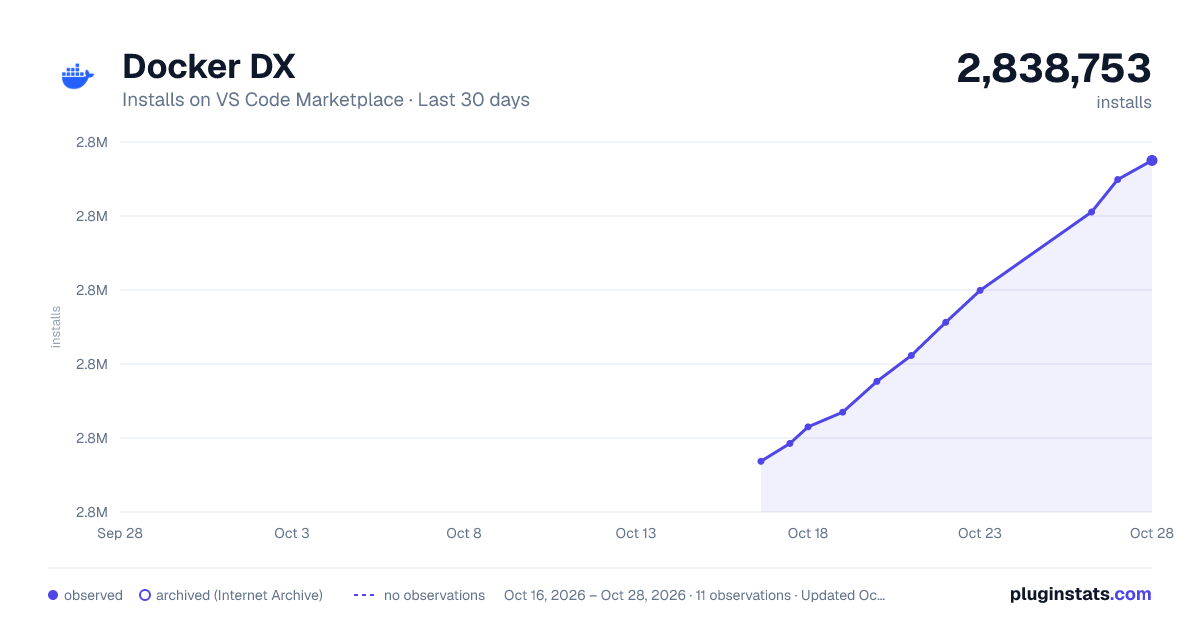
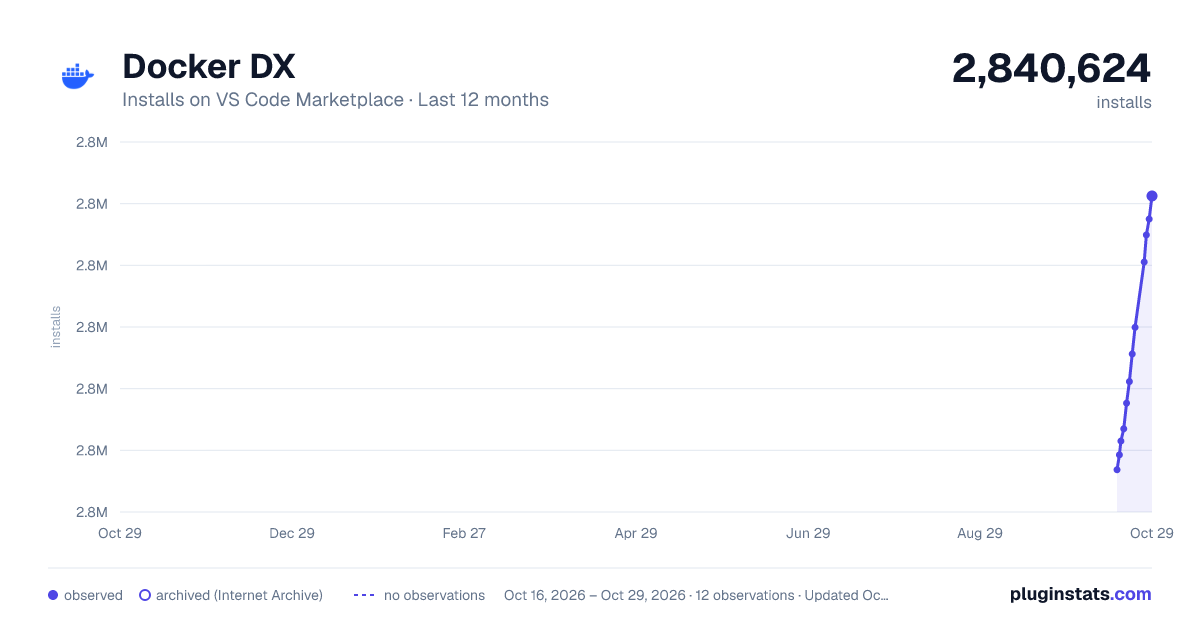
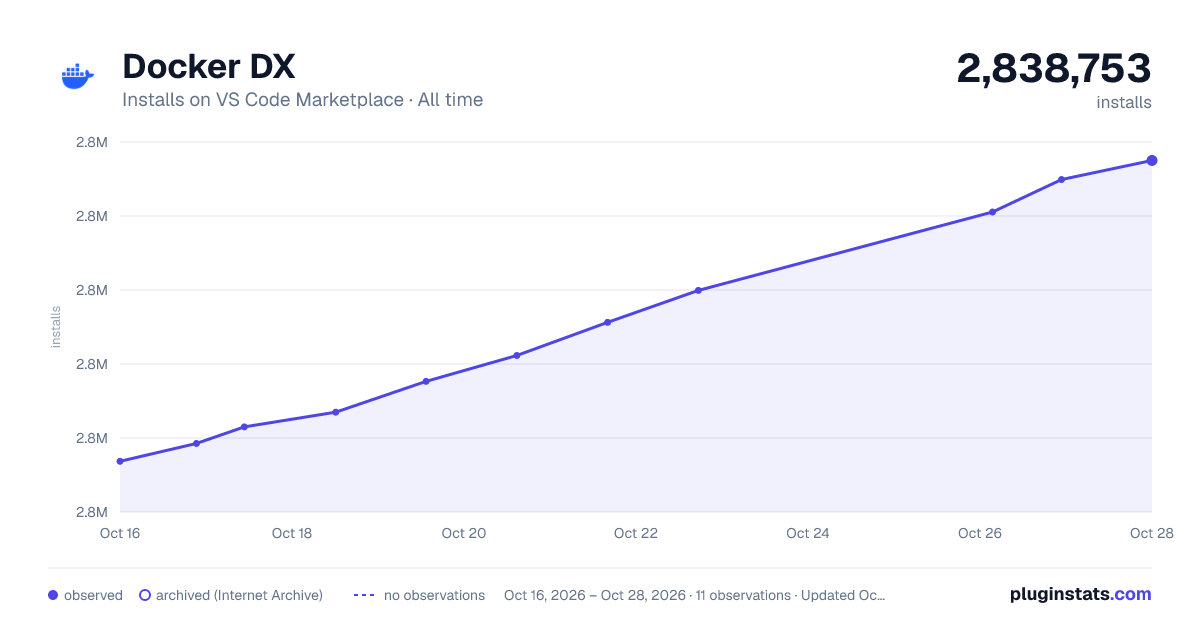

Adoption over time


7/30/90-day growth


Filled points are observed values; hollow points come from Internet Archive snapshots of the listing page. Dashed segments span periods with no observations — values between points are not interpolated.
Recent observations
Full history (3)Similar VS Code Marketplace Programming Languages plugins
Data source
Install counts, average rating, and rating counts come from the public Visual Studio Marketplace gallery API. Installs are cumulative and exclude updates.
Listing: https://marketplace.visualstudio.com/items?itemName=docker.docker. First seen Oct 16, 2026; last successful collection Oct 18, 2026. See the methodology.