 PluginStats
Instant Markdown installs statistics
By David Bankier (2 listings) · VS Code Marketplace · Other
Instant previews of your markdown files as you type.
Instant Markdown has 164,367 recorded installs on VS Code Marketplace, ranking #1754 of 2,501 tracked listings.
Rating: 3.46 / 5 from 39 ratings
About Instant Markdown
vscode-instant-markdown
Simply, edit markdown documents in vscode and instantly preview it in your browser.

Note Version 1.0 is a complete rewrite and no longer works using instant-markdown-d.
This extension is build on markdown-it and uses the following extensions:
- markdown-it-mathjax
- markdown-it-named-headers
- markdown-it-plantuml
- markdown-it-sup
- markdown-it-task-lists
Installation
Press <kbd>F1</kbd> and narrow down the list commands by typing extension. Pick Extensions: Install Extension.
Select the Instant Markdown extension from the list
Install Manual
Mac & Linux
cd $HOME/.vscode/extensions
git clone https://github.com/dbankier/vscode-instant-markdown.git
cd vscode-instant-markdown
npm install
Windows
cd %USERPROFILE%\.vscode\extensions
git clone https://github.com/dbankier/vscode-instant-markdown.git
cd vscode-instant-markdown
npm install
Usage
When you edit a markdown document it should instantly preview in your browser with changes applied as you type.
You browser should automatically open to http://localhost:8090
Configuration
You can turn off the automatic opening of the browser. Just change the default configuration of instantmarkdown.autoOpenBrowser from true to false.
You can then use > Instant Markdown: Open Browser to open the broswer or create a shortcut for the following command instantmarkdown.openBrowser.
You can turn off the automatic closing of the browser. Just change the default configuration of instantmarkdown.autoCloseServerAndBrowser from true to false.
You can also change the host and port that the server runs on by changing their respective default settings.
Finally you can increase the debounce value from 0 milliseconds to make the plugin less instant.
License
Description from the VS Code Marketplace listing.
- markdown
README badge
Show your rank in a README or on your website. The badge updates automatically.
Charts
Images: 30d · 1y · all time · 1600×900 dark
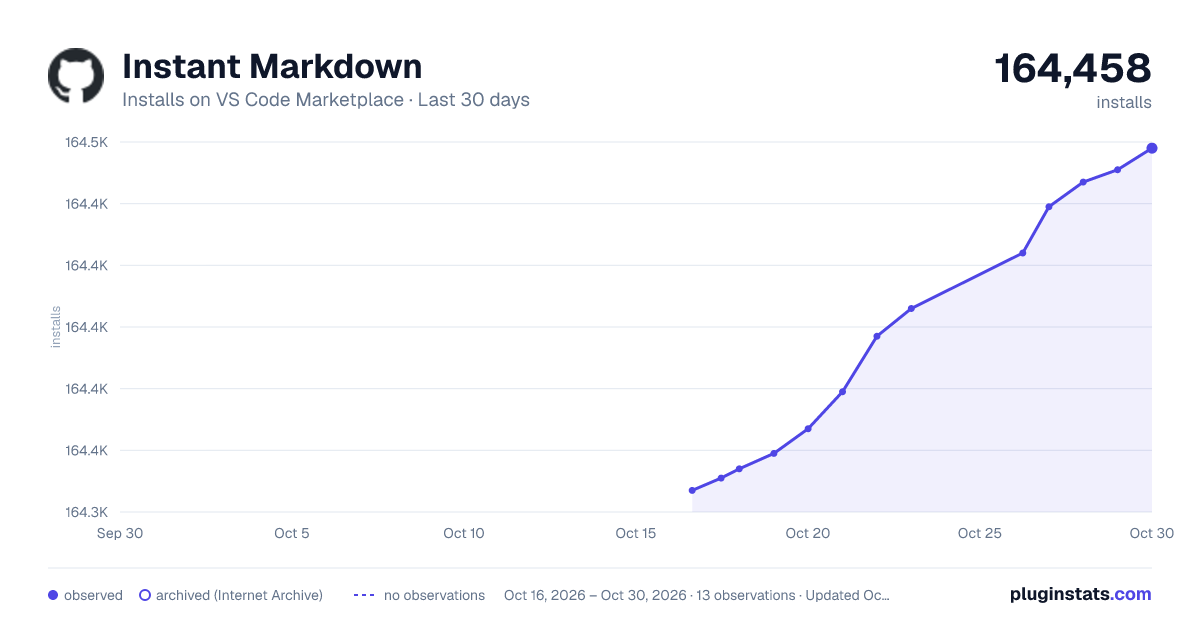
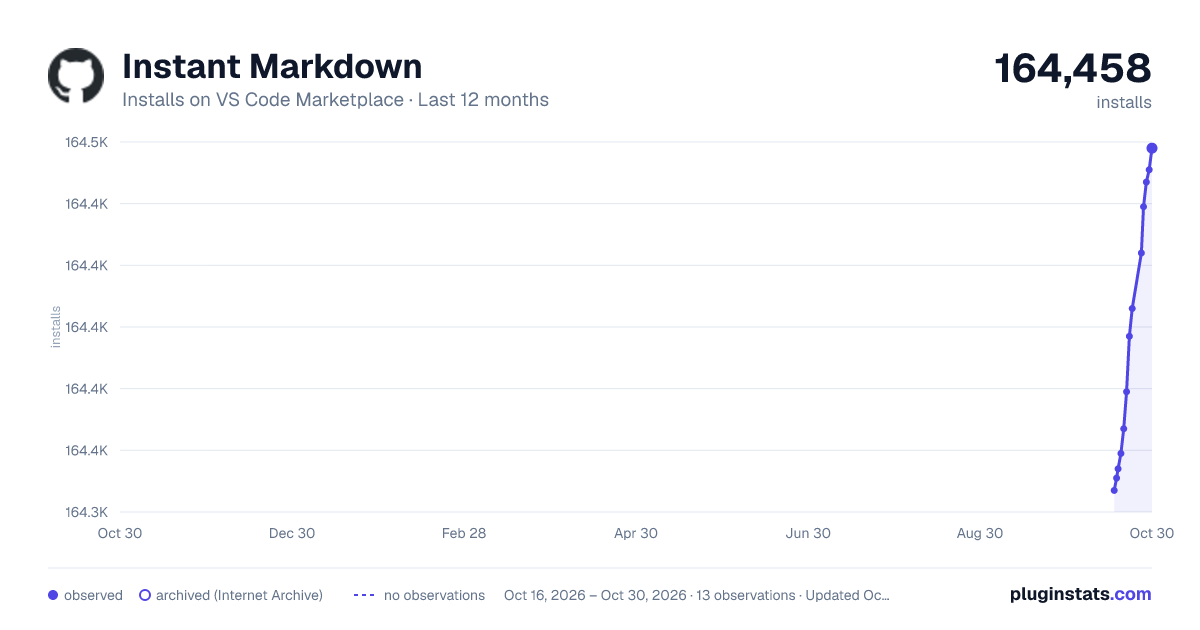
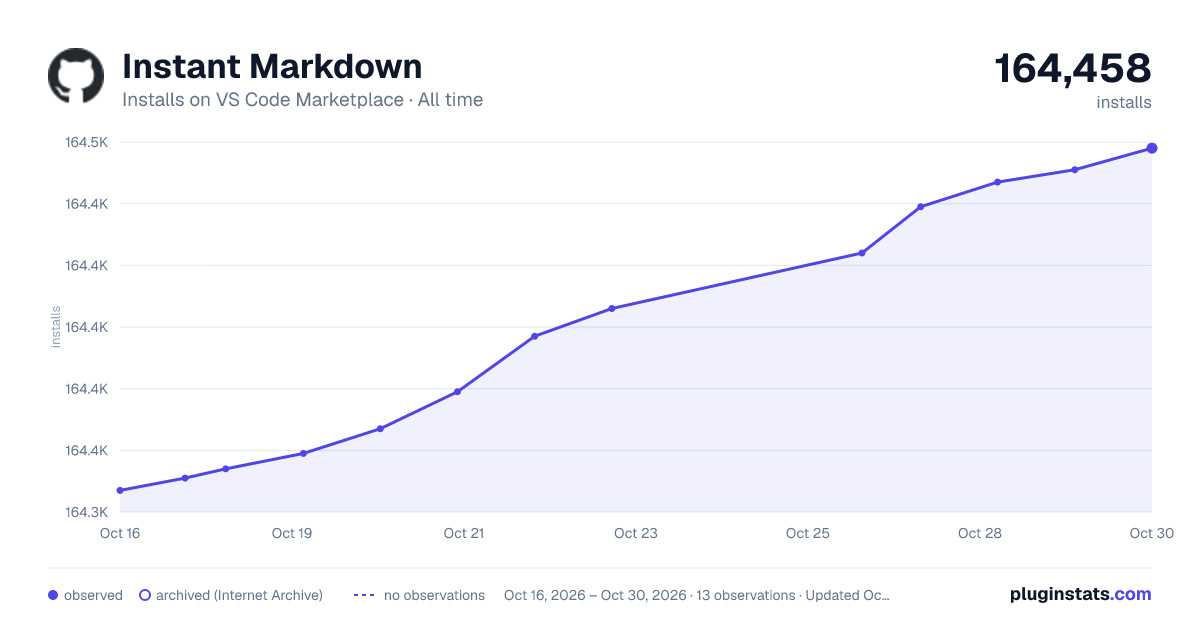

Adoption over time
7/30/90-day growth
Ranking history
Ratings over time
Listing placement
Listing placement
Filled points are observed values; hollow points come from Internet Archive snapshots of the listing page. Dashed segments span periods with no observations — values between points are not interpolated.
Each band is one page of 20. Installs on a linear scale. Placement is projected from installs, so it can differ from the marketplace's own sort order. Hover a dot to see the listing.
Recent observations
Full history (5)Similar VS Code Marketplace Other plugins
All 20 Instant Markdown alternativesData source
Install counts, average rating, and rating counts come from the public Visual Studio Marketplace gallery API. Installs are cumulative and exclude updates.
Listing: https://marketplace.visualstudio.com/items?itemName=dbankier.vscode-instant-markdown. First seen Oct 16, 2026; last successful collection Oct 20, 2026. See the methodology.