 PluginStats
GitHub Pull Requests installs statistics
By GitHub (16 listings) · VS Code Marketplace · AI
Pull Request and Issue Provider for GitHub
GitHub Pull Requests has 37,048,940 recorded installs on VS Code Marketplace.
It ranks #36 of 2,500 tracked VS Code Marketplace listings by installs.
It is rated 3.9 out of 5 from 148 ratings.
PluginStats has 3 daily observations since Oct 16, 2026; the latest is from Oct 18, 2026.
Rating: 3.93 / 5 from 148 ratings
About GitHub Pull Requests
Review and manage your GitHub pull requests and issues directly in VS Code
This extension allows you to review and manage GitHub pull requests and issues in Visual Studio Code. The support includes:
• Authenticating and connecting VS Code to GitHub and GitHub Enterprise. • Listing and browsing PRs from within VS Code. • Reviewing PRs from within VS Code with in-editor commenting. • Validating PRs from within VS Code with easy checkouts. • Terminal integration that enables UI and CLIs to co-exist. • Listing and browsing issues from within VS Code. • Hover cards for "@" mentioned users and for issues. • Completion suggestions for users and issues. • A "Start working on issue" action which can create a branch for you. • Code actions to create issues from "todo" comments.
Getting Started
It's easy to get started with GitHub Pull Requests for Visual Studio Code. Simply follow these steps to get started.
1. Install the extension from within VS Code or download it from the marketplace. 1. Open your desired GitHub repository in VS Code. 1. A new viewlet will appear on the activity bar which shows a list of pull requests and issues. 1. Use the button on the viewlet to sign in to GitHub. 1. You may need to configure the githubPullRequests.remotes setting, by default the extension will look for PRs for origin and upstream. If you have different remotes, add them to the remotes list. 1. You should be good to go!
Check out https://www.youtube.com/watch?v=LdSwWxVzUpo for additional getting started tips!
Configuring the extension
There are several settings that can be used to configure the extension.
GitHub Enterprise
VS Code 1.141 or later is required. If you use Insiders, keep it updated to the latest build.
Configure GHE.com and GitHub Enterprise Server instances using the built-in GitHub Authentication setting:
The list order does not select a default instance. An explicitly configured list takes precedence over the deprecated github-enterprise.uri setting, including an empty list ([]), which disables Enterprise instances. If the list is not configured, the legacy setting still applies. Workspace and folder instance settings only apply in trusted workspaces.
GitHub Pull Requests uses one selected Enterprise account at a time, alongside a separate GitHub.com account. When another instance is needed or no account is selected, use Select Account in the Pull Requests or Login view. This opens account preferences for this extension and GitHub Enterprise directly, or starts sign-in if you have no Enterprise accounts yet. You can also run GitHub Pull Requests: Select GitHub Enterprise Account... or use Accounts > Manage Extension Account Preferences.... To add another instance, edit github-enterprise.uris in Settings; ordinary sign-in does not replace your existing list.
Removing an instance from the list does not delete its saved sign-ins. GitHub.com accounts do not need either Enterprise setting.
Remotes and queries
As mentioned above, githubPullRequests.remotes is used to specify what remotes the extension should try to fetch pull requests from.
To customize the pull request tree, you can use the githubPullRequests.queries setting. This setting is a list of labels and search queries which populate the categories of the tree. By default, these queries are "Waiting For My Review", "Assigned To Me", and "Created By Me". An example of adding a "Mentioned Me" category is to change the setting to the following:
Similarly, there is a setting to configure your issues queries: githubIssues.queries.
Queries use GitHub search syntax.
To view additional settings for the extension, you can open VS Code settings and search for "github pull requests".
Issues
This extension is still in development, so please refer to our issue tracker for known issues, and please contribute with additional information if you encounter an issue yourself.
Questions? Authentication? GitHub Enterprise?
See our wiki for our FAQ.
Contributing
If you're interested in contributing, or want to explore the source code of this extension yourself, see our contributing guide, which includes:
• How to Build and Run • Architecture • Making Pull Requests • Code of Conduct
Description from the VS Code Marketplace listing.
- keybindings
- language-model-tools
- tools
Where GitHub Pull Requests sits in the listing
Each band is one page of 20. Installs on a log scale. Placement is projected from installs, so it can differ from the marketplace's own sort order. Hover a dot to see the listing.


Charts
Images: 30d · 1y · all time · 1600×900 dark
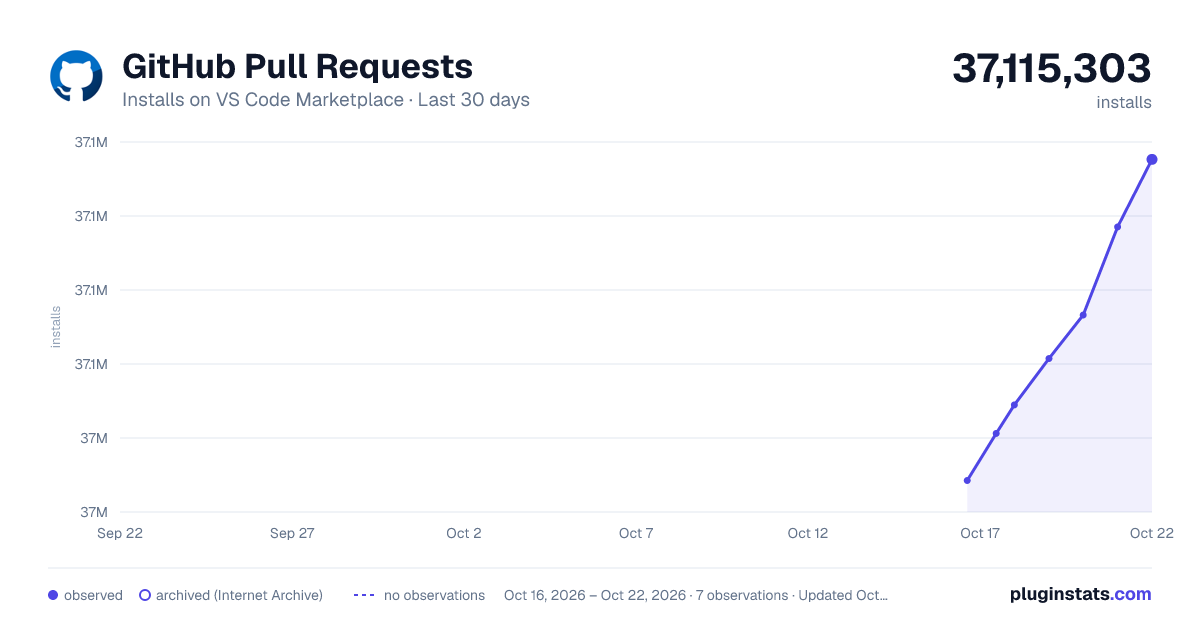
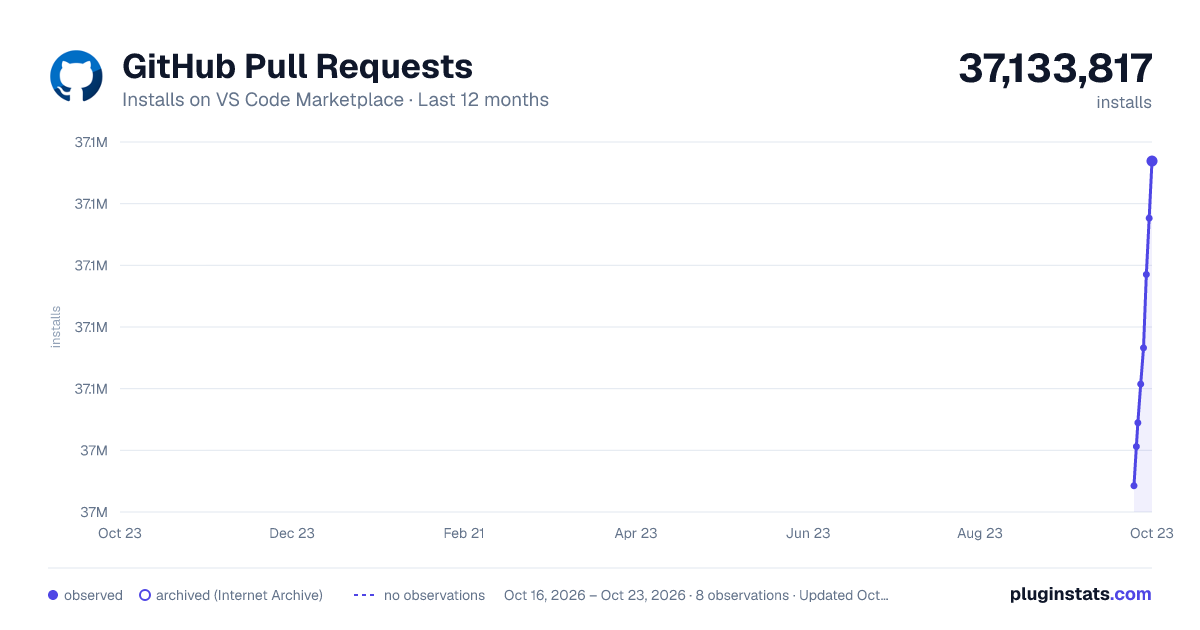
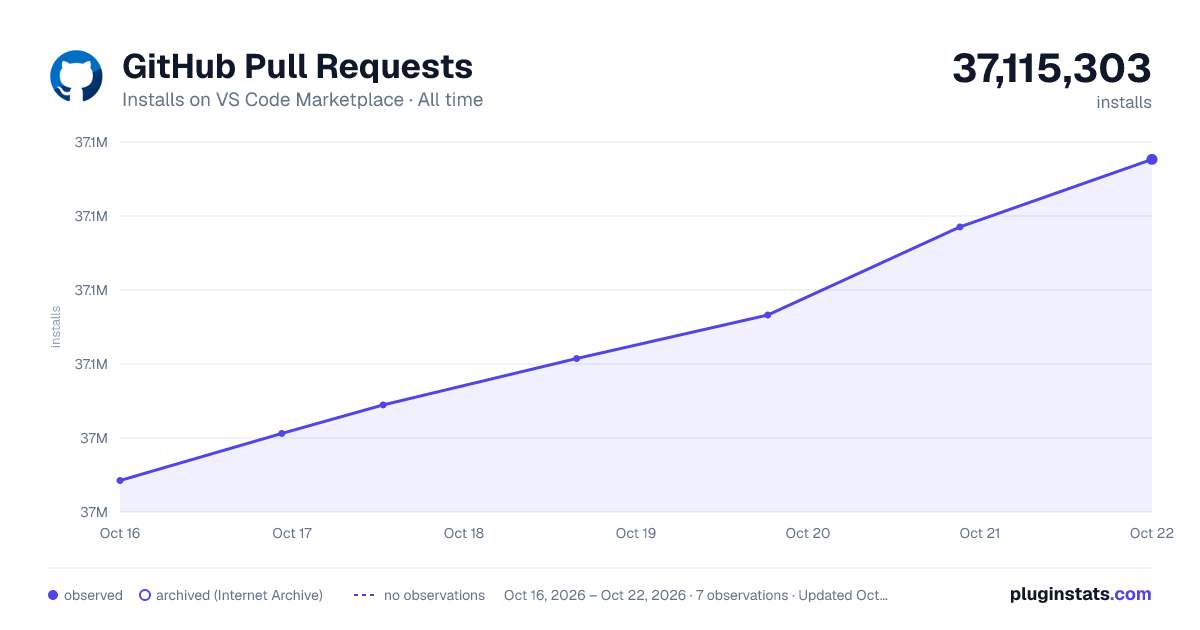

Adoption over time


7/30/90-day growth


Ranking history


Filled points are observed values; hollow points come from Internet Archive snapshots of the listing page. Dashed segments span periods with no observations — values between points are not interpolated.
Recent observations
Full history (3)Similar VS Code Marketplace AI plugins
Data source
Install counts, average rating, and rating counts come from the public Visual Studio Marketplace gallery API. Installs are cumulative and exclude updates.
Listing: https://marketplace.visualstudio.com/items?itemName=GitHub.vscode-pull-request-github. First seen Oct 16, 2026; last successful collection Oct 18, 2026. See the methodology.