 PluginStats
Guides installs statistics
By spywhere · VS Code Marketplace · Other
An extension for more guide lines
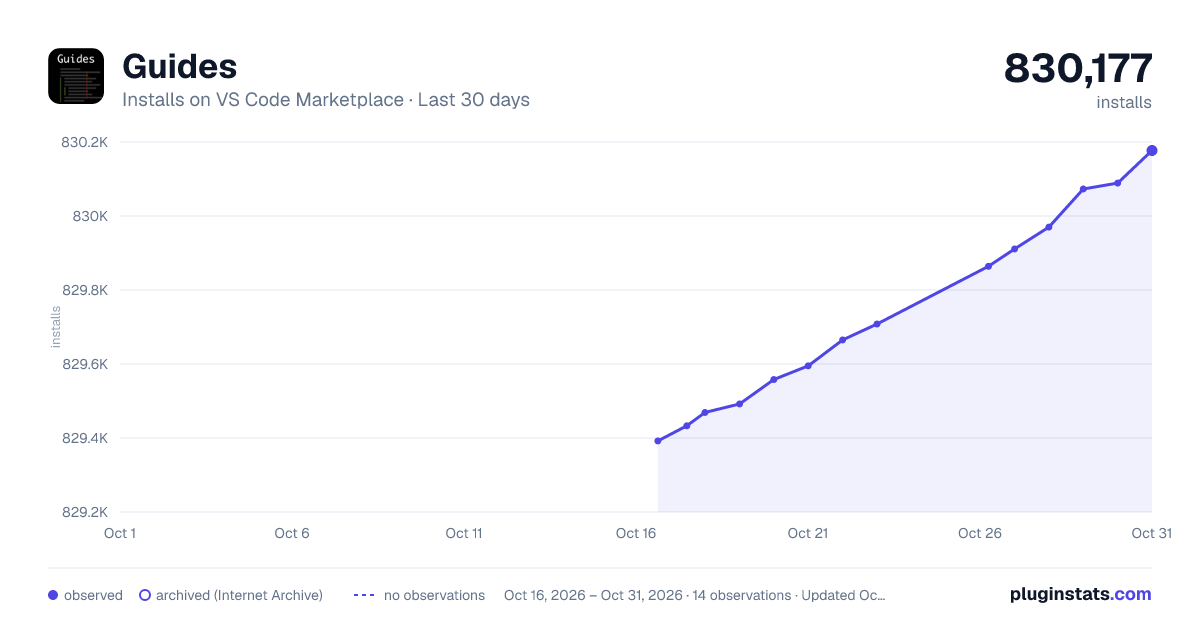
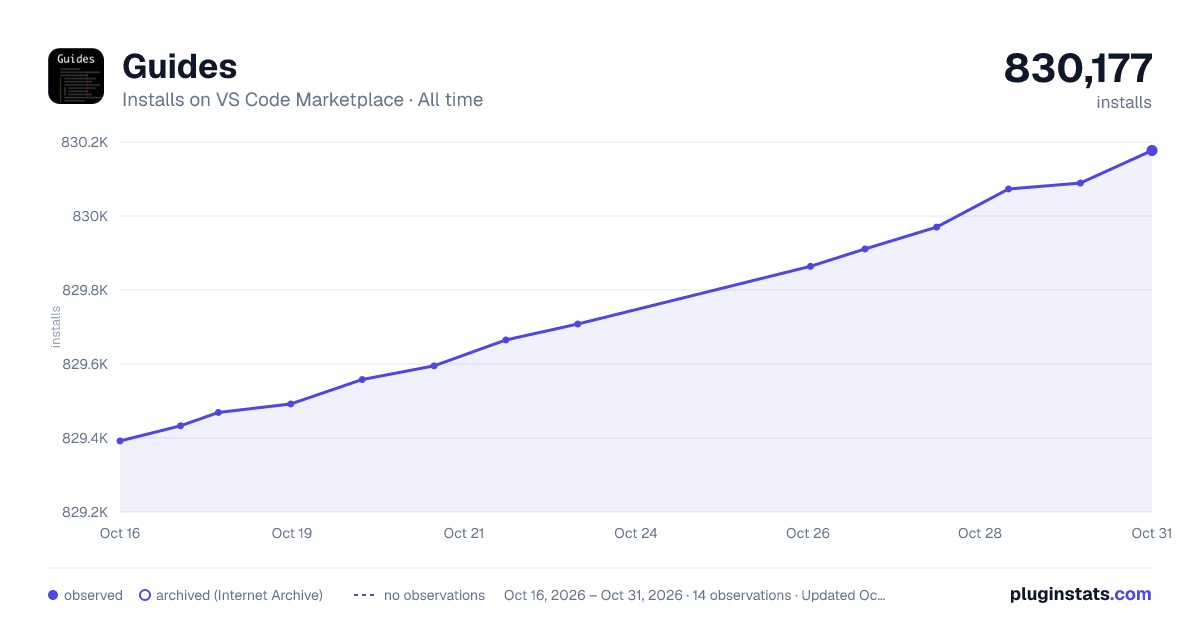
Guides has 829,492 recorded installs on VS Code Marketplace.
It ranks #600 of 2,501 tracked VS Code Marketplace listings by installs.
It is rated 4.8 out of 5 from 44 ratings.
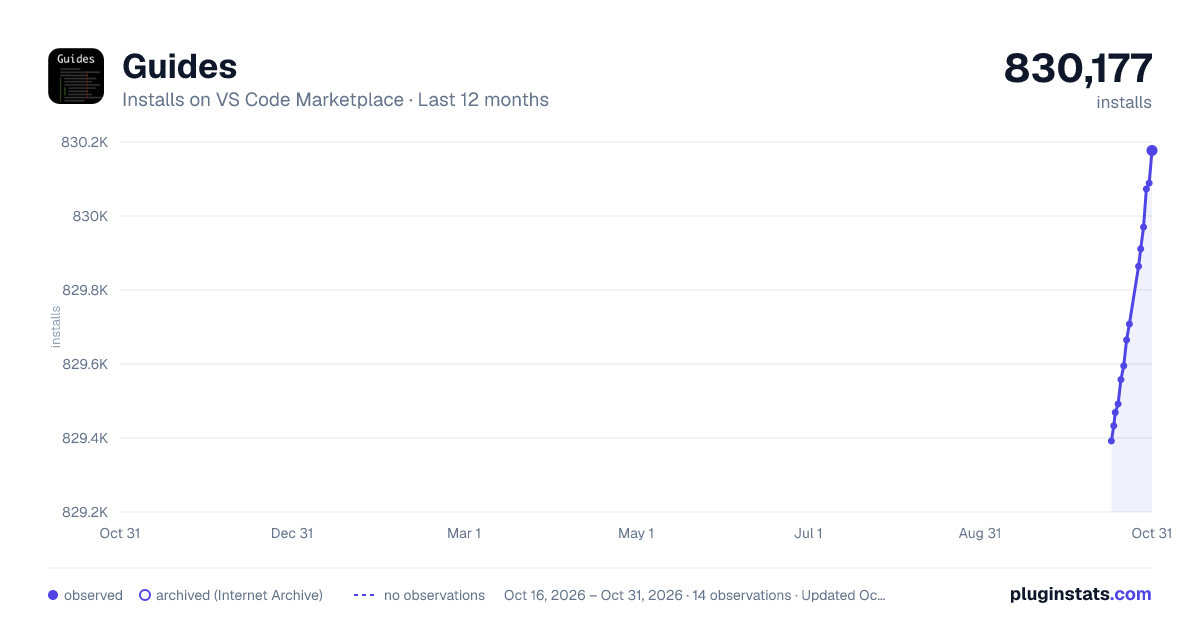
PluginStats has 4 daily observations since Oct 16, 2026; the latest is from Oct 19, 2026.
Rating: 4.82 / 5 from 44 ratings
About Guides
Guides
A Visual Studio Code extension for more guide lines
What is Guides?
Guides is simply an extension that add various indentation guide lines
How Guides different from built-in indentation guides?
• Stack and Active indentation guides • Indentation backgrounds • Color and style customizations • Hide on selection
If you just want simple indentation guides, Guides kindly recommended that you use built-in indentation guides instead.
How it works?
Simply install the extension, Guides should do it job right away (after restart)!
Note that all guide lines only show when the text is exceeding the limit due to the extension API limitation.
Customizations
Please take a look at preferences to see all available options. Possible values can be access via auto-completion dialog. The following options might affect how Guides performs...
• guides.indent.backgrounds: This settings may cause slow performances on multiple indentations. Each color will be used for each indentation level and will loop around itself. Value must be in rgba(red, green, blue, alpha) format • guides.limit.maximum: Set to -1 for unlimited maximum rendering boundary. Set to floating point between 0 and 1 will based the limit from document size. For example, 0.5 will render guides covered at maximum of 50% in current document. Set to 1 or more to render at maximum of specified number of lines. • guides.overrideDefault: Set to "true" to suppress any suggestion towards default Visual Studio Code behaviours.
FAQs
Q: Why guide lines show fragmented on empty lines? A: Guides use border to draw its guide lines which required the character to be there. Since Visual Studio Code API does not provide the API for drawing line on empty space, this can be expected.
Q: What is the different in each guide line type? A: • *Normal indentation guide* is a line that run down along each indentation level. • *Active indentation guide* is a line that run down along the last indentation level of the current line. • *Stack indentation guide* is a line that run down along each indentation level that comes before the active indentation level.
Q: License? A: MIT
Description from the VS Code Marketplace listing.
- guides
- indentation
- indentation guides
- multi-root ready
- ruler
Where Guides sits in the listing
Each band is one page of 20. Installs on a log scale. Placement is projected from installs, so it can differ from the marketplace's own sort order. Hover a dot to see the listing.


Charts
Images: 30d · 1y · all time · 1600×900 dark

Adoption over time


7/30/90-day growth


Filled points are observed values; hollow points come from Internet Archive snapshots of the listing page. Dashed segments span periods with no observations — values between points are not interpolated.
Recent observations
Full history (4)Similar VS Code Marketplace Other plugins
Data source
Install counts, average rating, and rating counts come from the public Visual Studio Marketplace gallery API. Installs are cumulative and exclude updates.
Listing: https://marketplace.visualstudio.com/items?itemName=spywhere.guides. First seen Oct 16, 2026; last successful collection Oct 19, 2026. See the methodology.