 PluginStats
Shell launcher installs statistics
By Daniel Imms (6 listings) · VS Code Marketplace · Other
Easily launch multiple shell configurations in the terminal
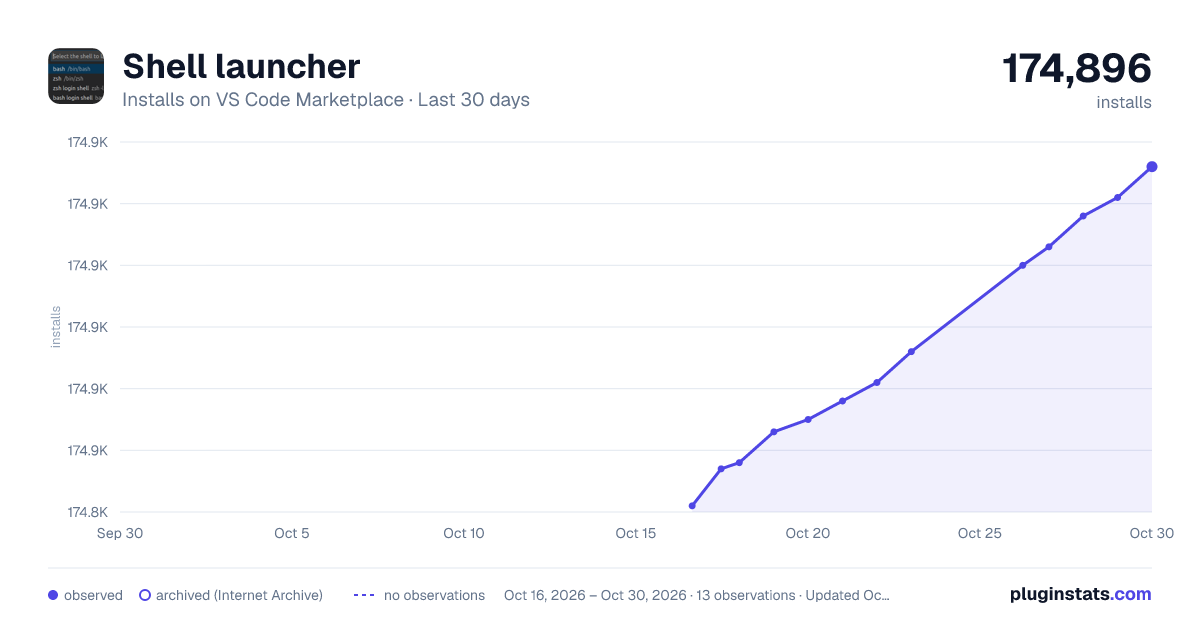
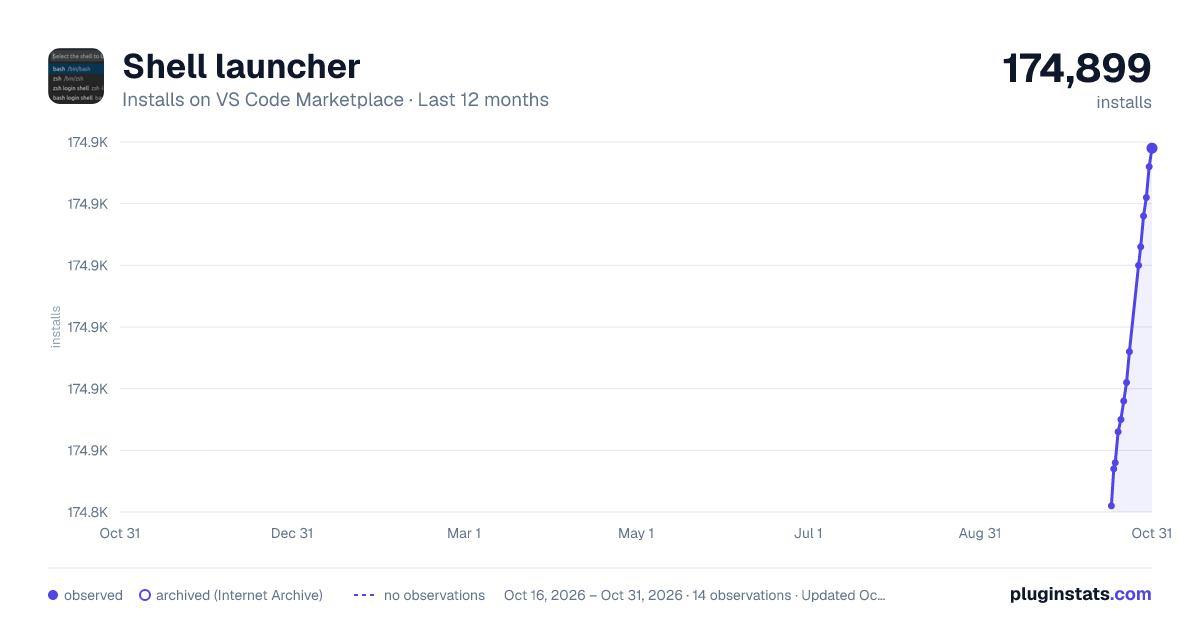
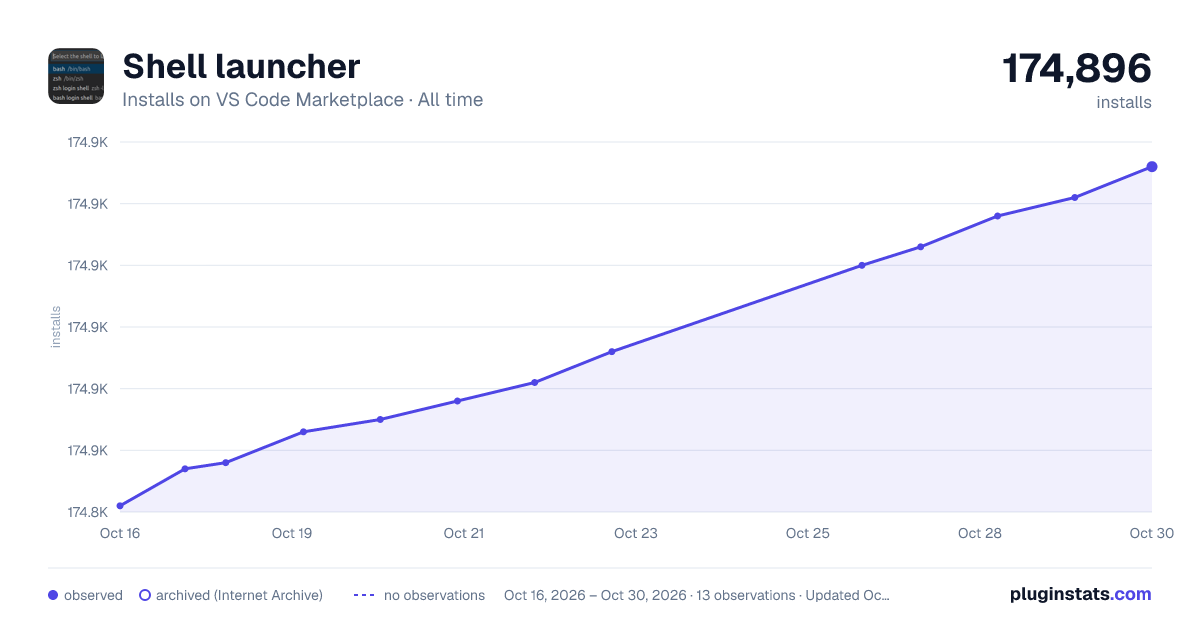
Shell launcher has 174,848 recorded installs on VS Code Marketplace.
It ranks #1678 of 2,500 tracked VS Code Marketplace listings by installs.
It is rated 4.9 out of 5 from 26 ratings.
PluginStats has 3 daily observations since Oct 16, 2026; the latest is from Oct 18, 2026.
Rating: 4.88 / 5 from 26 ratings
About Shell launcher
Shell Launcher
Easily launch multiple shell configurations in the terminal.
Commands
This extension exposes the following commands that can be keybound in your keybindings.json file:
• shellLauncher.launch: Display a quick pick that allows selecting of one of the configured terminal shells.
Configuration
Do the following to bind the Shell Launcher command to CTRL+SHIFT+T.
1\. Open VS Code and hit CTRL+SHIFT+T, that will open keybindings.json. You can choose another key combination if you have already assigned CTRL+SHIFT+T to another command.
2\. Enter the following code to they keybindings.json file.
3\. Save keybindings.json, hit CTRL+SHIFT+T and the Shell Launcher will open.
Settings
All shells can be user configured in your settings.json file, there is a different key for each platform:
• shellLauncher.shells.linux: For Linux • shellLauncher.shells.osx: For macOS • shellLauncher.shells.windows: For Window
When creating a shell configuration, the path to the executable must be defined. Other values are optional and will cause changes in the way the UI elements are presented.
• shell: Path to the executable that launches the shell • args: (Optional) An array of arguments to be passed to the shell on startup • label: (Optional) Displayed in the shellLauncher dropdown menu • launchName: (Optional) Displayed in the terminal dropdown menu, note that this is static and replaces the default terminal name that changes based on the program being run • cwd: (Optional) A path for the current working directory to be used for the terminal • env: (Optional) Environment variables to be set for the terminal
Here is an example shell which will launch bash as a login shell (bash -l) on Linux:
Description from the VS Code Marketplace listing.
- terminal
Where Shell launcher sits in the listing
Each band is one page of 20. Installs on a log scale. Placement is projected from installs, so it can differ from the marketplace's own sort order. Hover a dot to see the listing.


Charts
Images: 30d · 1y · all time · 1600×900 dark

Adoption over time


7/30/90-day growth


Ranking history


Filled points are observed values; hollow points come from Internet Archive snapshots of the listing page. Dashed segments span periods with no observations — values between points are not interpolated.
Recent observations
Full history (3)Similar VS Code Marketplace Other plugins
Data source
Install counts, average rating, and rating counts come from the public Visual Studio Marketplace gallery API. Installs are cumulative and exclude updates.
Listing: https://marketplace.visualstudio.com/items?itemName=Tyriar.shell-launcher. First seen Oct 16, 2026; last successful collection Oct 18, 2026. See the methodology.