 PluginStats
[Deprecated] Browser Preview installs statistics
By Kenneth Auchenberg · VS Code Marketplace · Other
This extension is deprecated in favor of the Live Preview extension.
[Deprecated] Browser Preview has 755,998 recorded installs on VS Code Marketplace.
It ranks #651 of 2,500 tracked VS Code Marketplace listings by installs.
It is rated 3.2 out of 5 from 61 ratings.
PluginStats has 3 daily observations since Oct 16, 2026; the latest is from Oct 18, 2026.
Rating: 3.20 / 5 from 61 ratings
About [Deprecated] Browser Preview
:rotating_light: Deprecation Notice
This extension has been deprecated in favor of the Live Preview extension.
The Live Preview extension is under active development and has much of the same functionality, including an embedded preview and external browser debugging. You can install the Live Preview extension and safely uninstall or disable this Browser Preview extension. Please file any issues you encounter in the Live Preview repository.
Browser Preview for VS Code
A real browser preview inside your editor that you can debug.
Browser Preview for VS Code enables you to open a real browser preview inside your editor that you can debug. Browser Preview is powered by headless Chromium, and works by starting a headless Chromium instance in a new process. This can either be Google Chrome or Microsoft Edge. This enables a secure way to render web content inside VS Code, and enables interesting features such as in-editor debugging and more!
Getting started
1. Grab extension from marketplace 2. Click the new "Browser Preview" button in the Side Bar to the left or run the command Browser View: Open Preview
Make sure you have Google Chrome installed on your computer.
Features
• Browser preview inside VS Code (Powered by headless Chromium). • Ability to have multiple previews open at the same time. • Debuggable. Launch urls and attach Debugger for Chrome to the browser view instance, and debug within VS Code. • Attach Chrome DevTools via chrome://inspect • Option to set the default startUrl via browser-preview.startUrl • Option to set the path to the chrome executable via browser-preview.chromeExecutable • Option to set the type of rendering via browser-preview.format with the support for jpeg (default one) and png formats
How to change the default start url / start page?
Go to your settings, search for "browser preview" and set browser-preview.startUrl to your desired url.
Launch and Debugging
You can enable in-editor debugging of Browser Preview by installing Debugger for Chrome, and configure VS Code's debugger to either attach or launch to the browser previews by using the following configuration:
The debug configuration also supports these additional properties: webRoot, pathMapping, trace, sourceMapPathOverrides and urlFilter. See for details on how to use.
Watch It
Watch an animated gif showing how to open the preview and debug a browser app.
Additional configuration
Browser Preview has the following settings:
Description from the VS Code Marketplace listing.
- debuggers
Where [Deprecated] Browser Preview sits in the listing
Each band is one page of 20. Installs on a log scale. Placement is projected from installs, so it can differ from the marketplace's own sort order. Hover a dot to see the listing.


Charts
Images: 30d · 1y · all time · 1600×900 dark
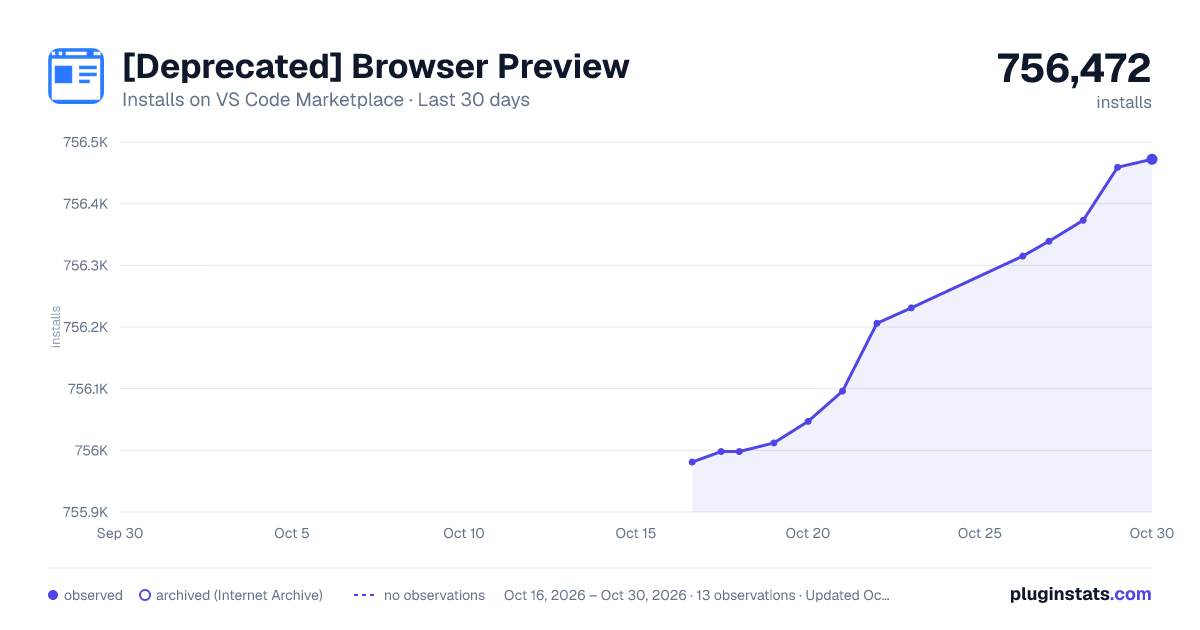
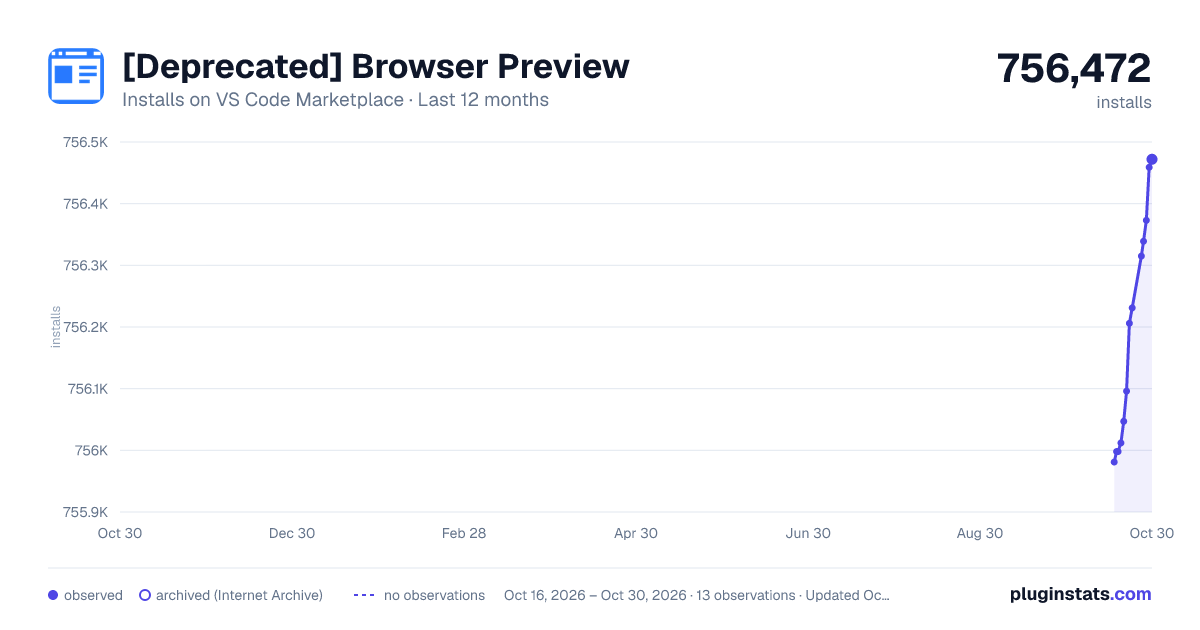
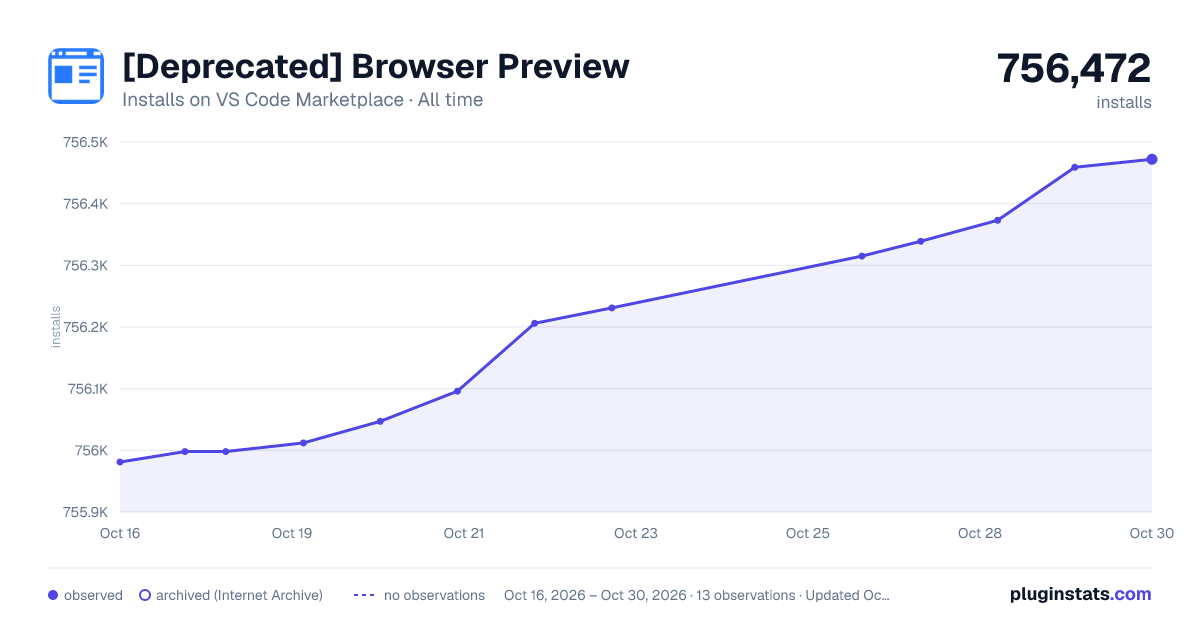

Adoption over time


7/30/90-day growth


Ranking history


Filled points are observed values; hollow points come from Internet Archive snapshots of the listing page. Dashed segments span periods with no observations — values between points are not interpolated.
Recent observations
Full history (3)Similar VS Code Marketplace Other plugins
Data source
Install counts, average rating, and rating counts come from the public Visual Studio Marketplace gallery API. Installs are cumulative and exclude updates.
Listing: https://marketplace.visualstudio.com/items?itemName=auchenberg.vscode-browser-preview. First seen Oct 16, 2026; last successful collection Oct 18, 2026. See the methodology.