 PluginStats
Beautify installs statistics
By HookyQR (2 listings) · VS Code Marketplace · Programming Languages
Beautify code in place for VS Code
Beautify has 10,678,885 recorded installs on VS Code Marketplace.
It ranks #96 of 2,500 tracked VS Code Marketplace listings by installs.
It is rated 4.2 out of 5 from 152 ratings.
PluginStats has 3 daily observations since Oct 16, 2026; the latest is from Oct 18, 2026.
Rating: 4.24 / 5 from 152 ratings
About Beautify
js-beautify for VS Code
Beautify javascript, JSON, CSS, Sass, and HTML in Visual Studio Code.
VS Code uses js-beautify internally, but it lacks the ability to modify the style you wish to use. This extension enables running js-beautify in VS Code, _AND_ honouring any .jsbeautifyrc file in the open file's path tree to load *your* code styling. Run with F1 Beautify (to beautify a selection) or F1 Beautify file.
For help on the settings in the .jsbeautifyrc see Settings.md
How we determine what settings to use
1. When not using a multi-root workspace: 1. If there is a valid .jsbeautifyrc in the file's path tree, up to project root, these will be the only settings used. 2. If an option is a file path or object of configuration specified in the user or workspace settings like this: "beautify.config" : "string|Object.", these will be the only settings used. The file path is interpreted relative to the workspace's root folder. 3. If there is a valid .jsbeautifyrc in the file's path tree, above project root, these will be the only settings used. 4. If there is a valid .jsbeautifyrc in your home directory, these will be the only settings used.
2. When using a multi-root workspace: Same as above, but the search ends at the nearest parent workspace root to the open file.
otherwise...
3. Settings are translated from your VS Code workspace/user settings. 4. Any open editor settings (indent spaces/tabs) for the specific file are merged in. 5. Editorconfig settings are searched for (See http://editorconfig.org/) and are merged in.
VS Code | .jsbeautifyrc settings map
.jsbeautifyrc setting | VS Code setting
eol | files.eol tab_size | editor.tabSize indent_with_tabs _(inverted)_ | editor.insertSpaces wrap_line_length | html.format.wrapLineLength wrap_attributes | html.format.wrapAttributes unformatted | html.format.unformatted indent_inner_html | html.format.indentInnerHtml preserve_newlines | html.format.preserveNewLines max_preserve_newlines | html.format.maxPreserveNewLines indent_handlebars | html.format.indentHandlebars end_with_newline | html.format.endWithNewline (html) end_with_newline | file.insertFinalNewLine (css, js) extra_liners | html.format.extraLiners space_after_anon_function | javascript.format .insertSpaceAfterFunctionKeywordForAnonymousFunctions space_in_paren | javascript.format .insertSpaceAfterOpeningAndBeforeClosingNonemptyParenthesis
Note that the html.format settings will ONLY be used when the document is html. javascript.format settings are included always.
Also runs html and css beautify from the same package, as determined by the file extension. The schema indicates which beautifier each of the settings pertains to.
The .jsbeautifyrc config parser accepts sub elements of html, js and css so that different settings can be used for each of the beautifiers (like sublime allows). Note that this will cause the config file to be incorrectly structured for running js-beautify from the command line.
Settings are inherited from the base of the file. Thus:
Will result in the indent_size being set to 4 for JavaScript and HTML, but set to 2 for CSS. All will get the same indent_char setting.
If the file is unsaved, or the type is undetermined, you'll be prompted for which beautifier to use.
You can control which file types, extensions, or specific file names should be beautified with the beautify.language setting.
Beautify on save will be enabled when "editor.formatOnSave" is true.
Beautification on particular files using the built in Format Document (which includes formatting on save) can be skipped with the beautify.ignore option. Using the Beautify file and Beautify selection will still work. For files opened from within the workspace directory, the glob patterns will match from the workspace folder root. For files opened from elsewhere, or when no workspace is open, the patterns will match from the system root.
Examples:
Note that the glob patterns are not used to test against the containing folder. You must match the filename as well.
Embedded version of js-beautify is v1.8.4
Keyboard Shortcut
Use the following to embed a beautify shortcut in keybindings.json. Replace with your preferred key bindings.
Contributing
For information on contributing see Contributing.md
Description from the VS Code Marketplace listing.
- json
Where Beautify sits in the listing
Each band is one page of 20. Installs on a log scale. Placement is projected from installs, so it can differ from the marketplace's own sort order. Hover a dot to see the listing.


Charts
Images: 30d · 1y · all time · 1600×900 dark
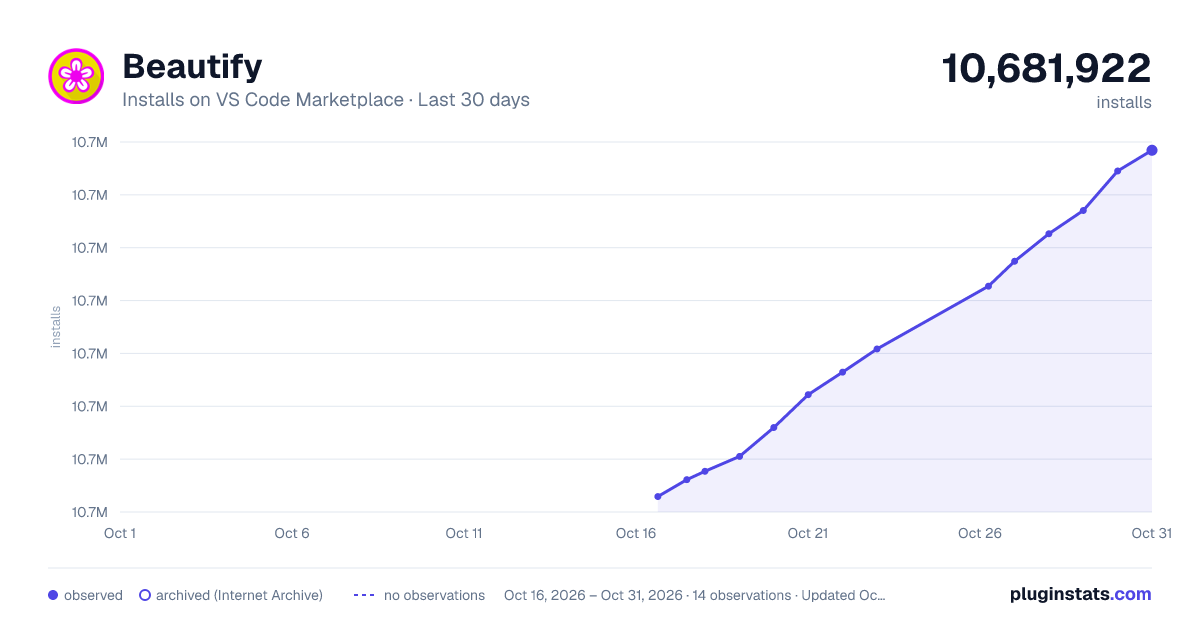
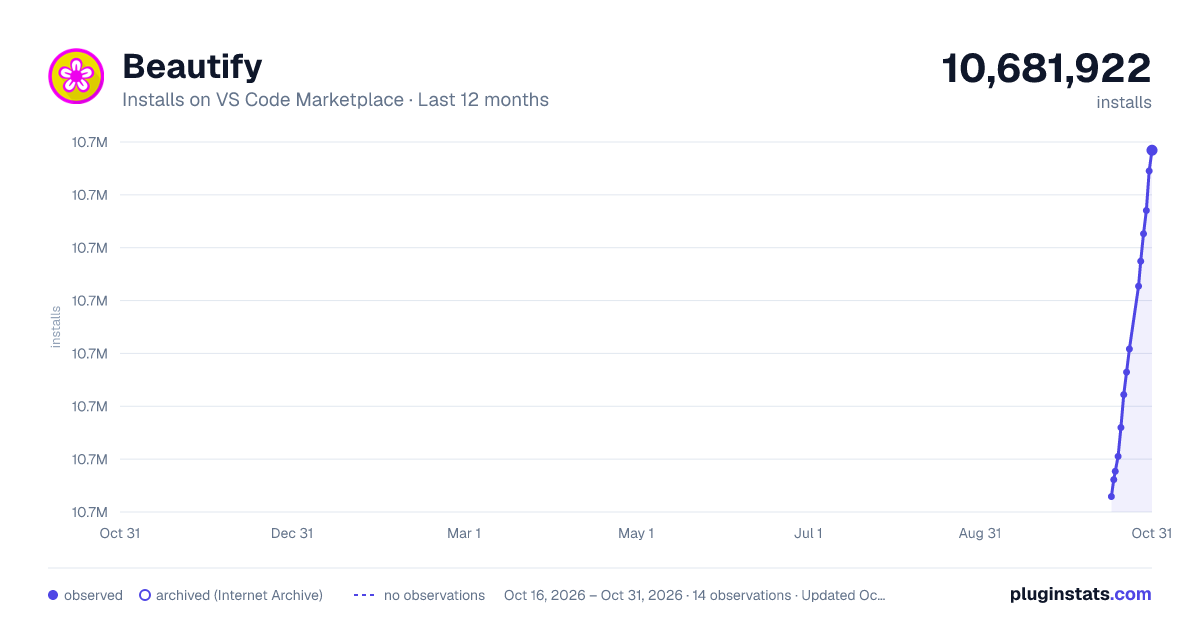
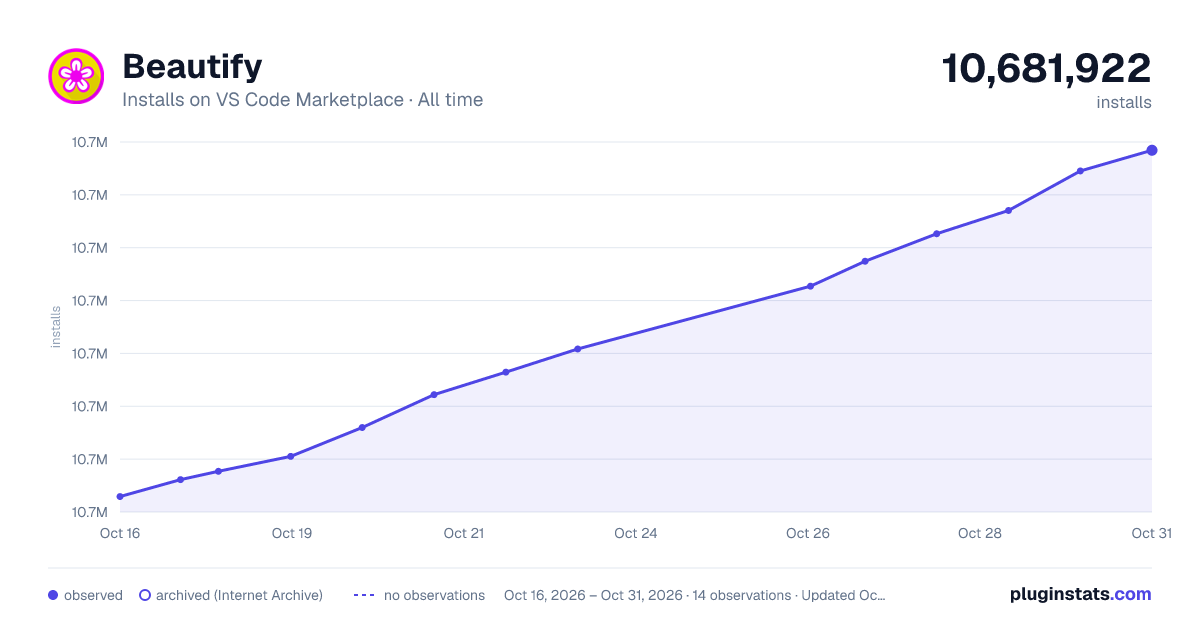

Adoption over time


7/30/90-day growth


Filled points are observed values; hollow points come from Internet Archive snapshots of the listing page. Dashed segments span periods with no observations — values between points are not interpolated.
Recent observations
Full history (3)Similar VS Code Marketplace Programming Languages plugins
Data source
Install counts, average rating, and rating counts come from the public Visual Studio Marketplace gallery API. Installs are cumulative and exclude updates.
Listing: https://marketplace.visualstudio.com/items?itemName=HookyQR.beautify. First seen Oct 16, 2026; last successful collection Oct 18, 2026. See the methodology.