 PluginStats
JS-CSS-HTML Formatter installs statistics
By lonefy · VS Code Marketplace · Programming Languages
Format ,prettify and beautify JS, CSS, HTML code by using shortcuts, context menu or CLI
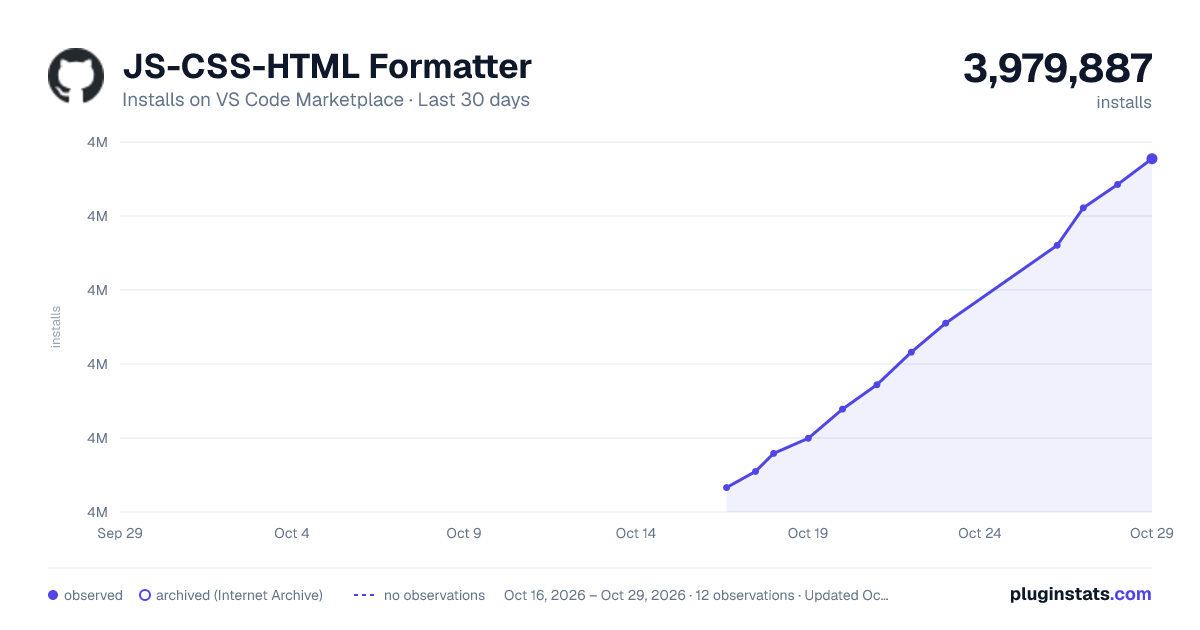
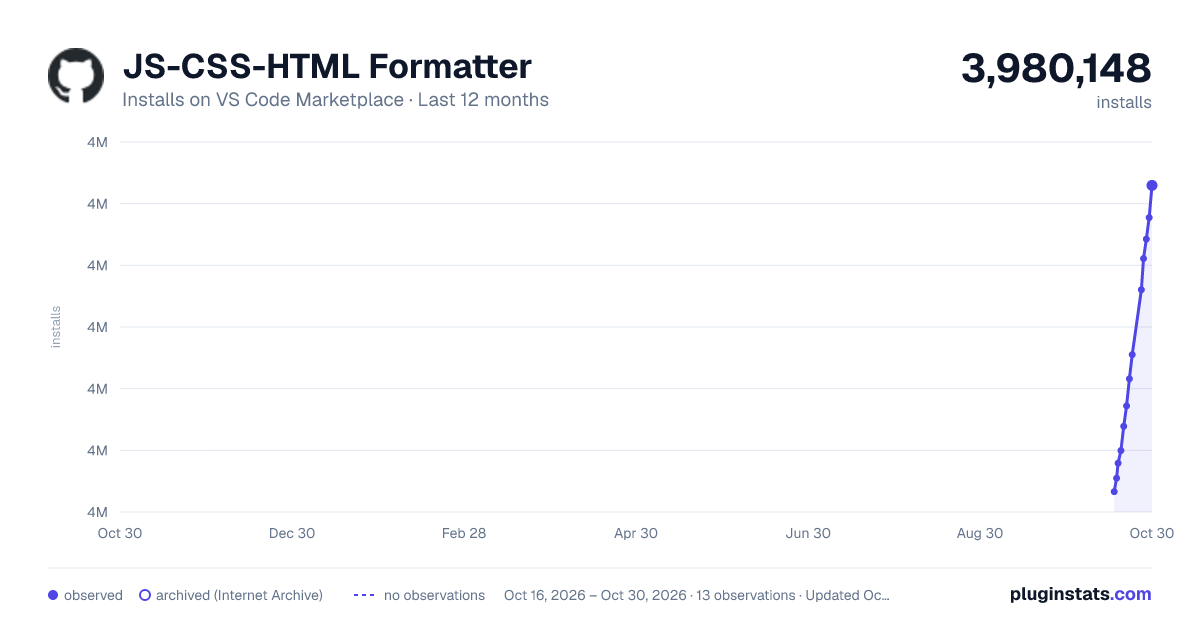
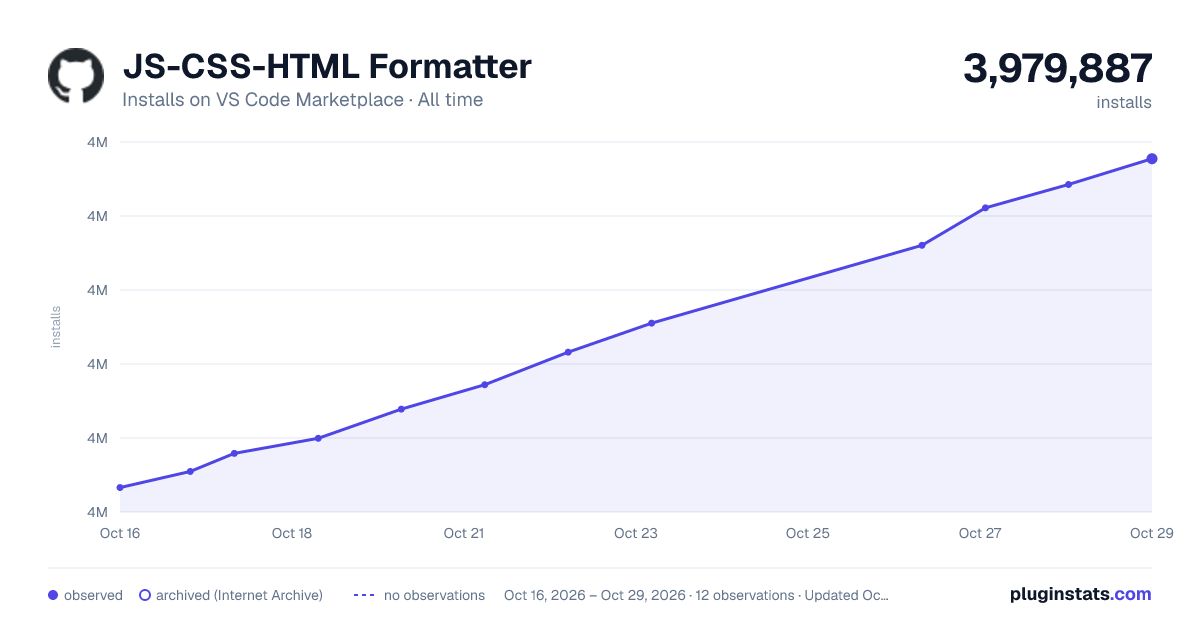
JS-CSS-HTML Formatter has 3,977,998 recorded installs on VS Code Marketplace.
It ranks #206 of 2,501 tracked VS Code Marketplace listings by installs.
It is rated 1.7 out of 5 from 241 ratings.
PluginStats has 4 daily observations since Oct 16, 2026; the latest is from Oct 19, 2026.
Rating: 1.69 / 5 from 241 ratings
About JS-CSS-HTML Formatter
VS Code JS, CSS, HTML Formatting
This extension wraps js-beautify to format your JS, CSS, HTML, JSON file.
##How To Use
• open Context Menu and choose Format Code • shortcuts: Alt+Shift+F • CLI: Press F1, enter Format Code
the upper 3 ways don't work for Javascript&JSON after vscode v0.10.10, but you can still format CSS and HTML.
###To format Javascript,CSS and HTML after vscode v0.10.10 • CLI: Press F1,enter Formatter
##Config
1. Press F1, enter Formatter Config, open the config file:
2. Edit the file as your needs. This extension uses js-beautify internally, so you can edit the parameters which js-beautify can use.
3. Restart vscode [!Important]
License
MIT
##Bug and Issue Issue
##Changes Log: ###0.2.3 31 Mar 2017 • (BUG FIX): Try to fix the saving problem
###0.2.2 23 Nov 2016 • (BUG FIX): onSave feature.Try to fix the Save loop problem.Issue #20 • New VSCode API changes:Issue #30;
###0.2.0 20 July 2016 • New Feature: SCSS supportIssue #14
###0.1.32 15 July 2016 • (BUG FIX) Path maybe undefined • ES6/7 Import Syntax Need to update your formatter.json file Issue #9 • Avoid line break to indent the CSS codeIssue #8
###0.1.3 06 May 2016 • New Feature: on save.Issue #4
Add a new field in config file onSave(default true);
• New Feature: local config file. Issue#3 Use F1-> Formatter Create Local Config to generate the local config file in .vscode folder of your project. Formatter will use the local config file first. • Support JSON file.
###0.1.0 26 Mar 2016 • add Config file ,you can format your code as your own settings.
##THANKS: rjmacarthy, zhaopengme, Arrow7000, bitwiseman
Description from the VS Code Marketplace listing.
- css
- html
- javascript
- javsacript
- json
- scss
Where JS-CSS-HTML Formatter sits in the listing
Each band is one page of 20. Installs on a log scale. Placement is projected from installs, so it can differ from the marketplace's own sort order. Hover a dot to see the listing.


Charts
Images: 30d · 1y · all time · 1600×900 dark

Adoption over time


7/30/90-day growth


Ranking history


Filled points are observed values; hollow points come from Internet Archive snapshots of the listing page. Dashed segments span periods with no observations — values between points are not interpolated.
Recent observations
Full history (4)Similar VS Code Marketplace Programming Languages plugins
Data source
Install counts, average rating, and rating counts come from the public Visual Studio Marketplace gallery API. Installs are cumulative and exclude updates.
Listing: https://marketplace.visualstudio.com/items?itemName=lonefy.vscode-JS-CSS-HTML-formatter. First seen Oct 16, 2026; last successful collection Oct 19, 2026. See the methodology.